2
Copy Operations
2-66 ineo+ 650/550/451
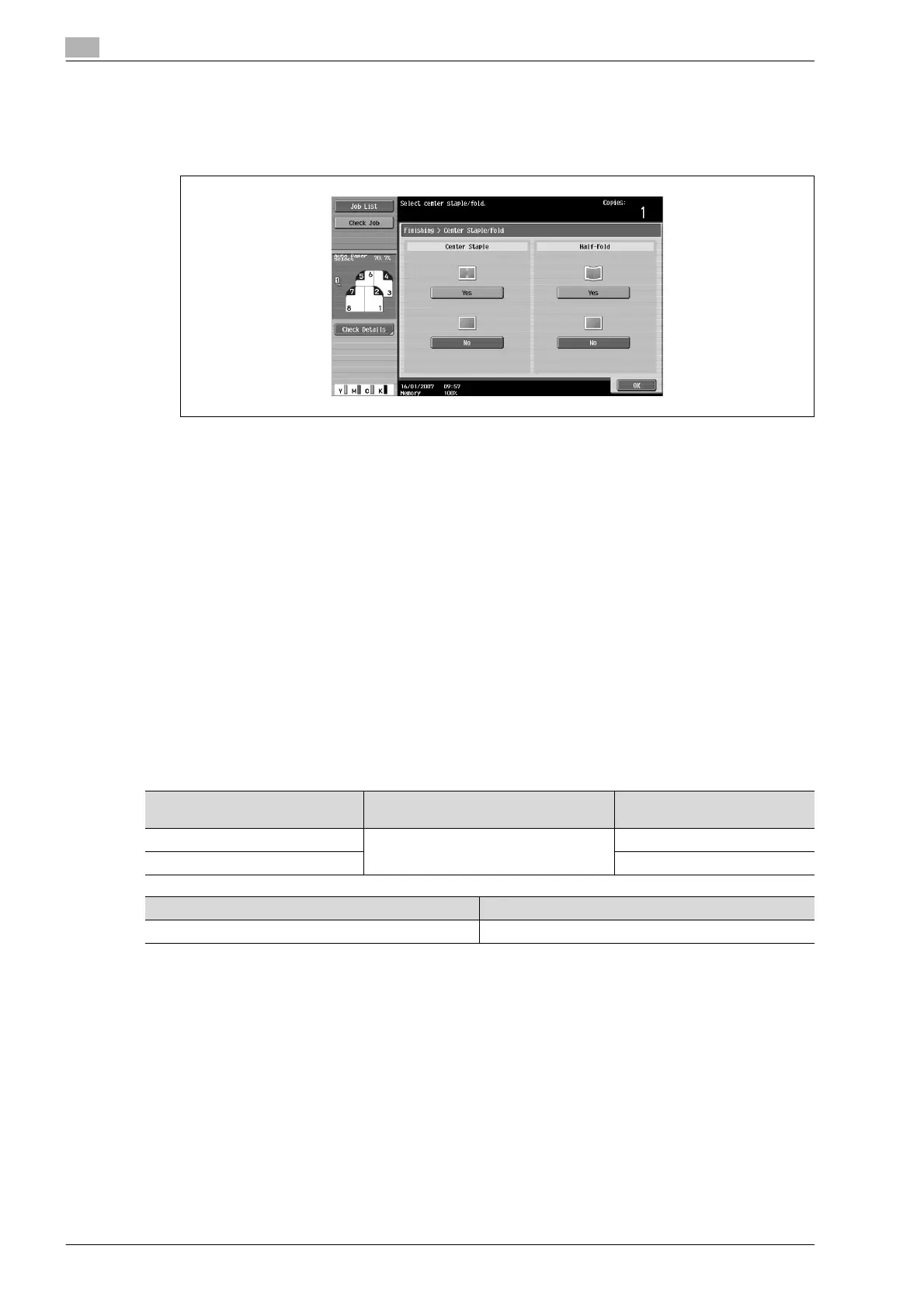
3 Specify the settings for binding pages.
– To staple copies at the center in two places, touch [Yes] below "Center Staple" and [No] below
"Half-Fold".
– To bind copies at the center, touch [Yes] below "Center Staple" and [Yes] below "Half-Fold".
– If a cover sheet is added with the "Cover Sheet" function, the cover sheet (200 g/m
2
) cannot be
stapled.
– When the "Center Staple & Fold" setting is selected, the following factory default settings are
automatically selected.
1-Sided > 2-Sided
Booklet
Recommended zoom ratio (70.7%) when the "Booklet" function is selected
– When the "Center Staple & Fold" setting is selected, the following Finishing settings are not
available.
Group
Offset
Staple
Punch
– To cancel the "Center Staple & Fold" setting, touch [No] or the button for a different setting.
4 Touch [OK], and then touch [OK] again.
To fold copies in three ("Tri-Fold" setting)
When Finisher FS-608 is installed
!
Detail
When copies are to be folded in three, settings can be specified to select whether the printed side is on
the inside or the outside.
Paper weight Paper size Maximum number of tri-folded
sheets
64 g/m
2
to 80 g/m
2
A4 w, 8-1/2 e 11 w, 16K w 3 sheets
81 g/m
2
to 90 g/m
2
1 sheet
Number of folded sheets Maximum number of sets
1 sheet 50 sets or more










 To Next Page