3
Print Operations
3-46 ineo+ 650/550/451
3.12 Setting options (PPD driver for Mac OS 9.2)
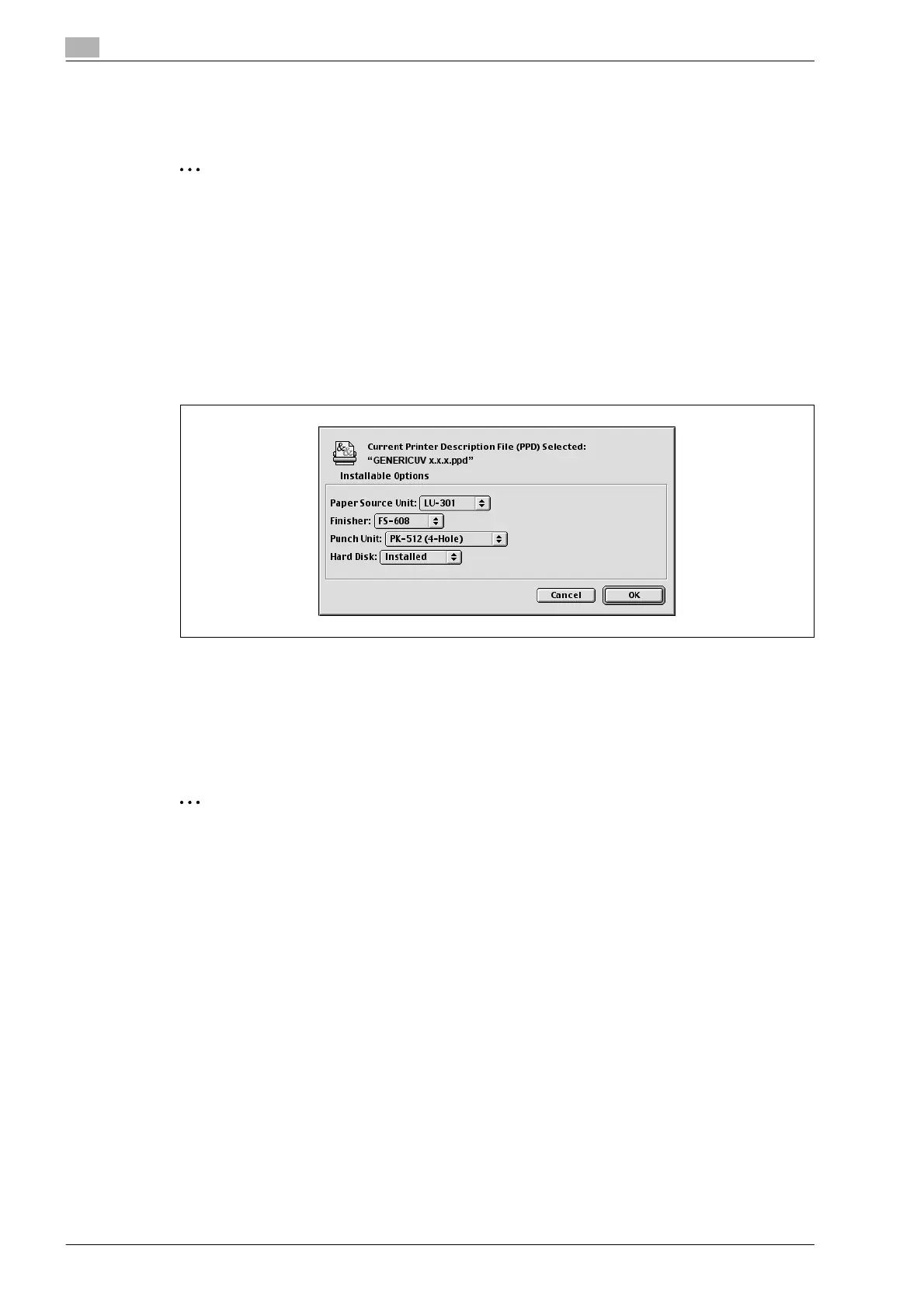
You can specify the options installed on this machine so that they can be used from the printer driver.
2
Reminder
If the installed options on this machine are not set from "Installable Options", the option function cannot
be used with the printer driver. When installing options, be sure to make the proper settings.
1 On the Apple menu, click "Chooser".
2 Select the printer name.
3 Click the [Create] button.
4 Click the [Configure] button.
The setting screen for adding options appears.
5 Select the option that is installed on this machine.
6 Click the [OK] button.
The Chooser window appears again.
7 Close the Chooser window.
2
Note
The option settings are displayed automatically the first time the printer driver is selected.










 To Next Page