8
Network Fax Operations (Option)
8-12 ineo+ 650/550/451
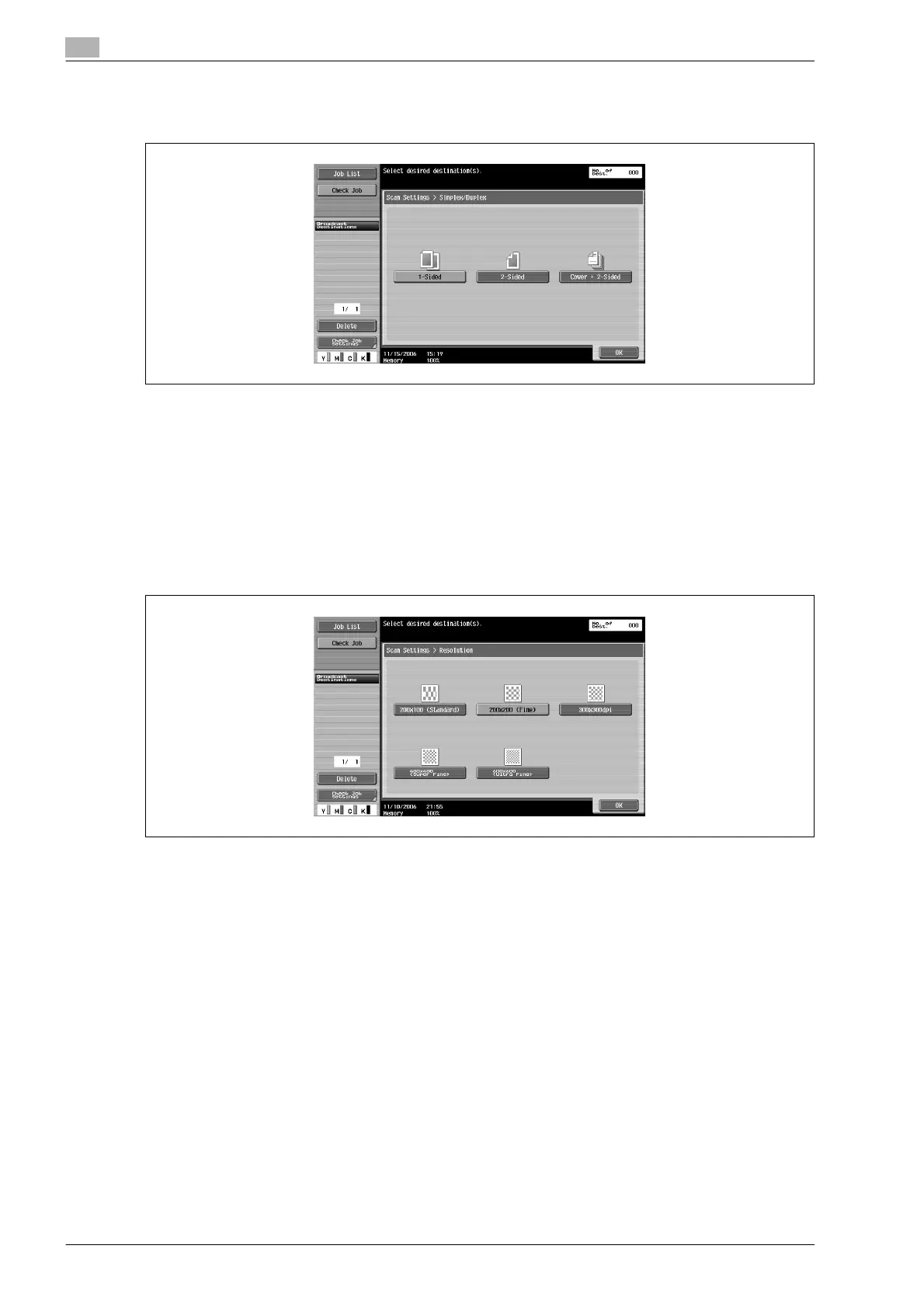
Simplex/Duplex
Set the scanning mode in ADF as per the original condition.
The 3 types of scanning modes are as follows.
At the time of purchase, mode is set to [1-Sided].
- [1-Sided]: Touch to scan 1-sided original.
- [2-Sided]: Touch to scan 2-sided original.
- [Cover + 2-Sided]: Touch to scan cover and 2-sided original. Only the front side is scanned for cover
page and the back side is also scanned from the second page onwards.
Resolution
Set the resolution to get a fine scanned original.
There are following 5 types for Resolution.
At the time of purchase, resolution is set to [Fine].
- [200e100 (Standard)]:
Touch when transmission time is to be shortened.
- [200e200 (Fine)]:
Touch to scan the normal original.
- [300e300dpi]:
Touch to scan the normal original of a higher resolution.
- [400e400 (Super Fine)]:
Touch to scan the original having small text and figures.
- [600e600 (Ultra Fine)]:
Touch to scan especially fine originals with fine drawings and text.










 To Next Page