ineo+ 650/550/451 2-31
Copy Operations
2
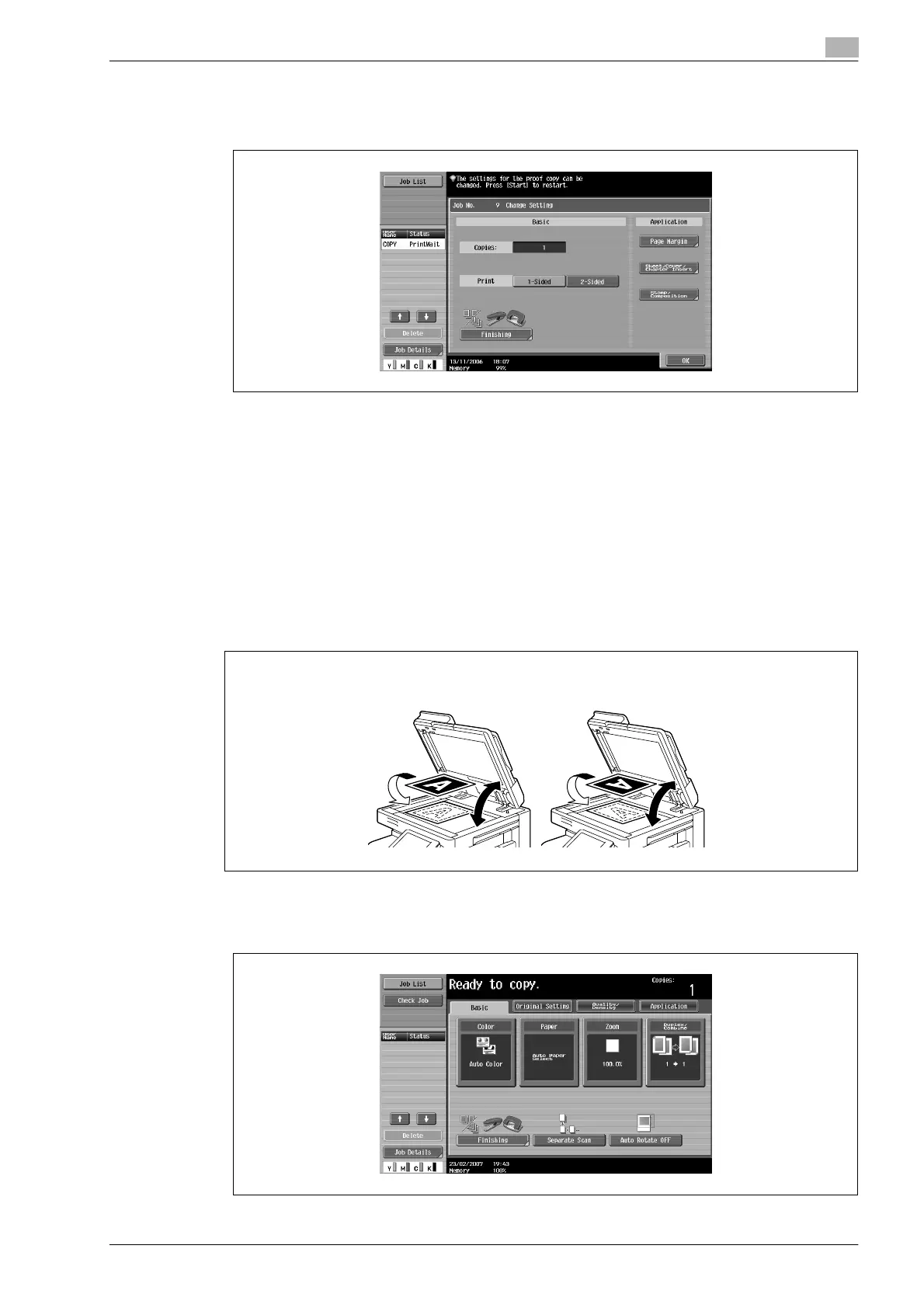
– If the "Separate Scan Output Method" parameter is set to "Batch Print", the copy settings can be
changed. To change the copy settings, touch [Change Setting], and then touch [OK] after changing
the settings as desired.
Scanning a multi-page document from the original glass
When making double-sided or combined copies using the original glass, place each page of a multi-page
document on the original glass to scan it. The following procedure describes how to place single-sided
document pages on the original glass to make double-sided copies.
0 The output method used with the "Separate Scan" setting can be set to "Page Print" or "Batch Print".
As a default, "Page Print" is selected.
1 Lift open the ADF.
2 Position the first page or the first side of the document face down onto the original glass.
– For details on positioning the document, refer to "Placing the document on the original glass" on
page 2-27.
3 Close the ADF if it is installed.
4 In the Basic screen, touch [Duplex/Combine].
When loaded in the v orientation
When loaded in the w orientation
20° 20°










 To Next Page