ineo+ 650/550/451 3-17
Print Operations
3
3.4 Specifying the finish tab settings (PCL driver for Windows)
Stapling
Multiple-page documents can be stapled.
2
Reminder
The staple function is available only when the optional finisher is installed.
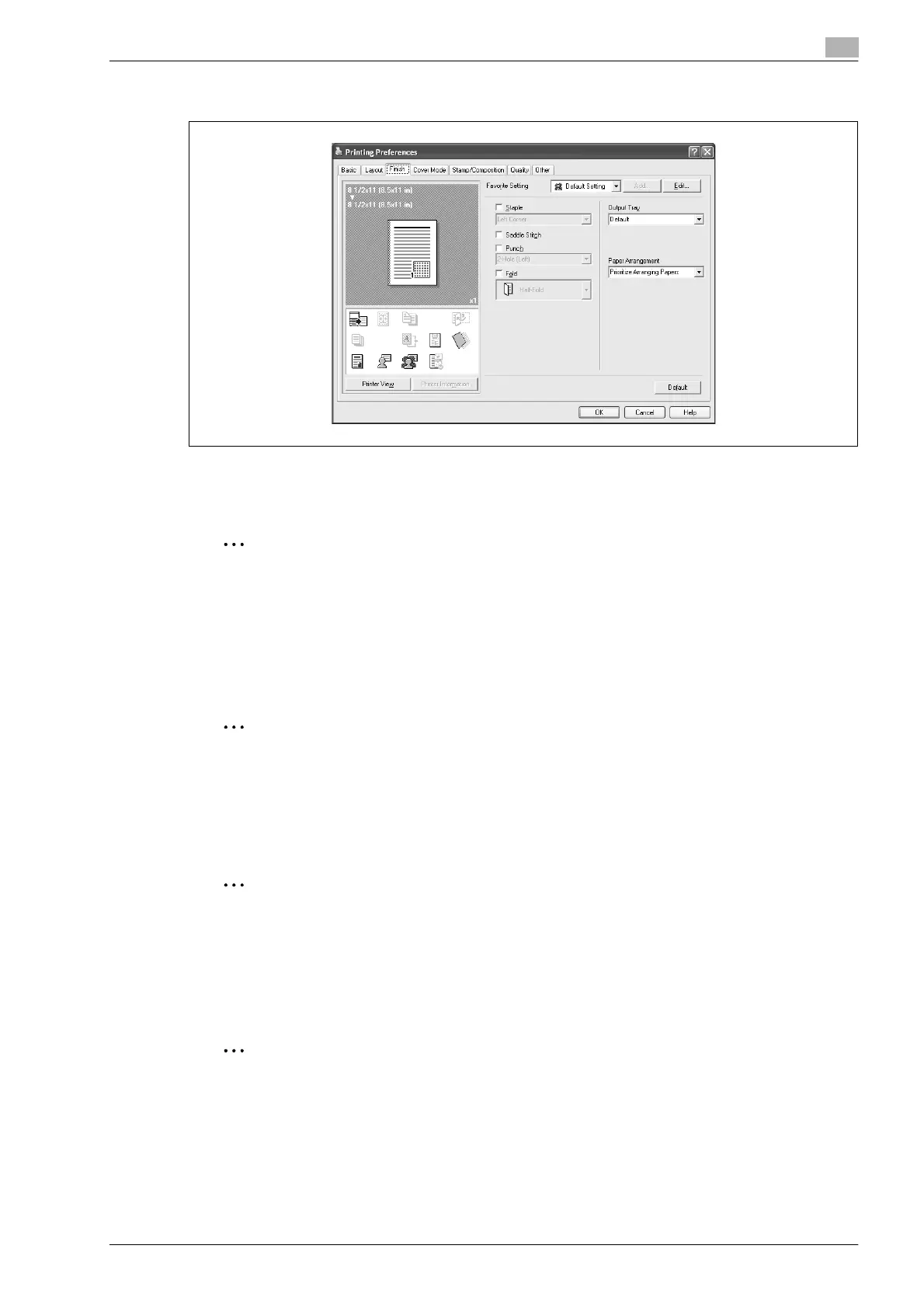
1 Click the Finish tab.
2 Select the "Staple" check box.
3 From the drop-down list, specify the number of staples and the stapling position.
2
Note
Specify the staple position noting the binding position specified in "Binding Direction".
Specifying the saddle stitch setting
You can specify to saddle stitch a printed document. By specifying the saddle stitch setting, printed
documents can be folded in half and stapled.
2
Reminder
The saddle stitch function is available only when the optional finisher or saddle stitcher on the finisher
is installed.
1 Click the Finish tab.
2 Select the "Saddle Stitch" check box.
2
Note
The saddle stitch function cannot be specified when the staple, punch, or fold function is specified.










 To Next Page