3
Print Operations
3-40 ineo+ 650/550/451
3.10 Page Setup (PPD driver for Mac OS 9.2)
Page attributes (basic settings)
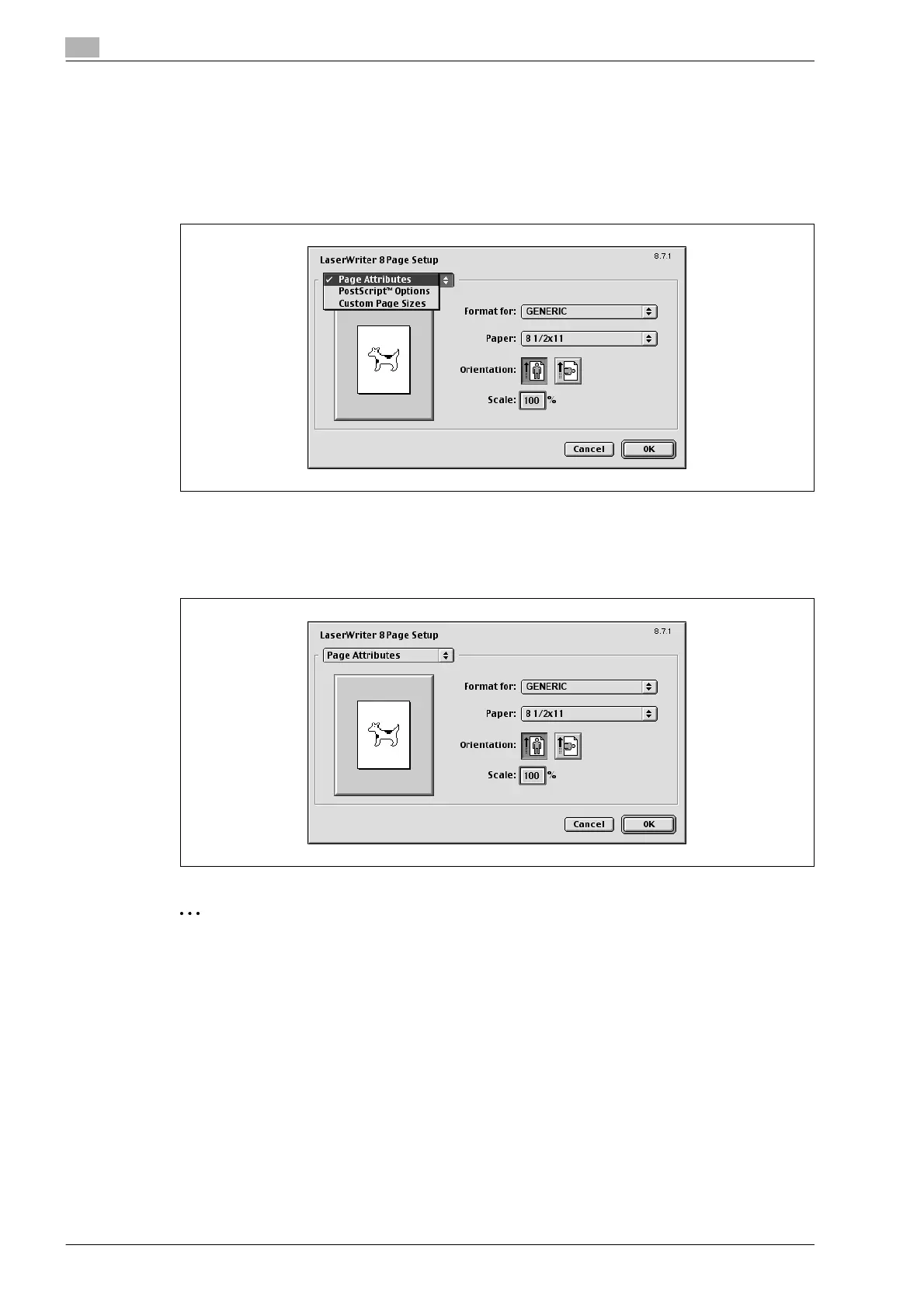
1 Select "Page Setup" or "Paper Setup" from the [File] menu.
2 Select "Page Attributes".
3 Specify settings for the following:
– Paper: Specifies the paper size.
– Orientation: Specifies the orientation.
– Scale: Specifies the enlargement and reduction ratio.
2
Note
The folding function can be selected from the screen that is displayed when "Layout" is selected in the
Print dialog box.










 To Next Page