5
Network Scanner Operations
5-6 ineo+ 650/550/451
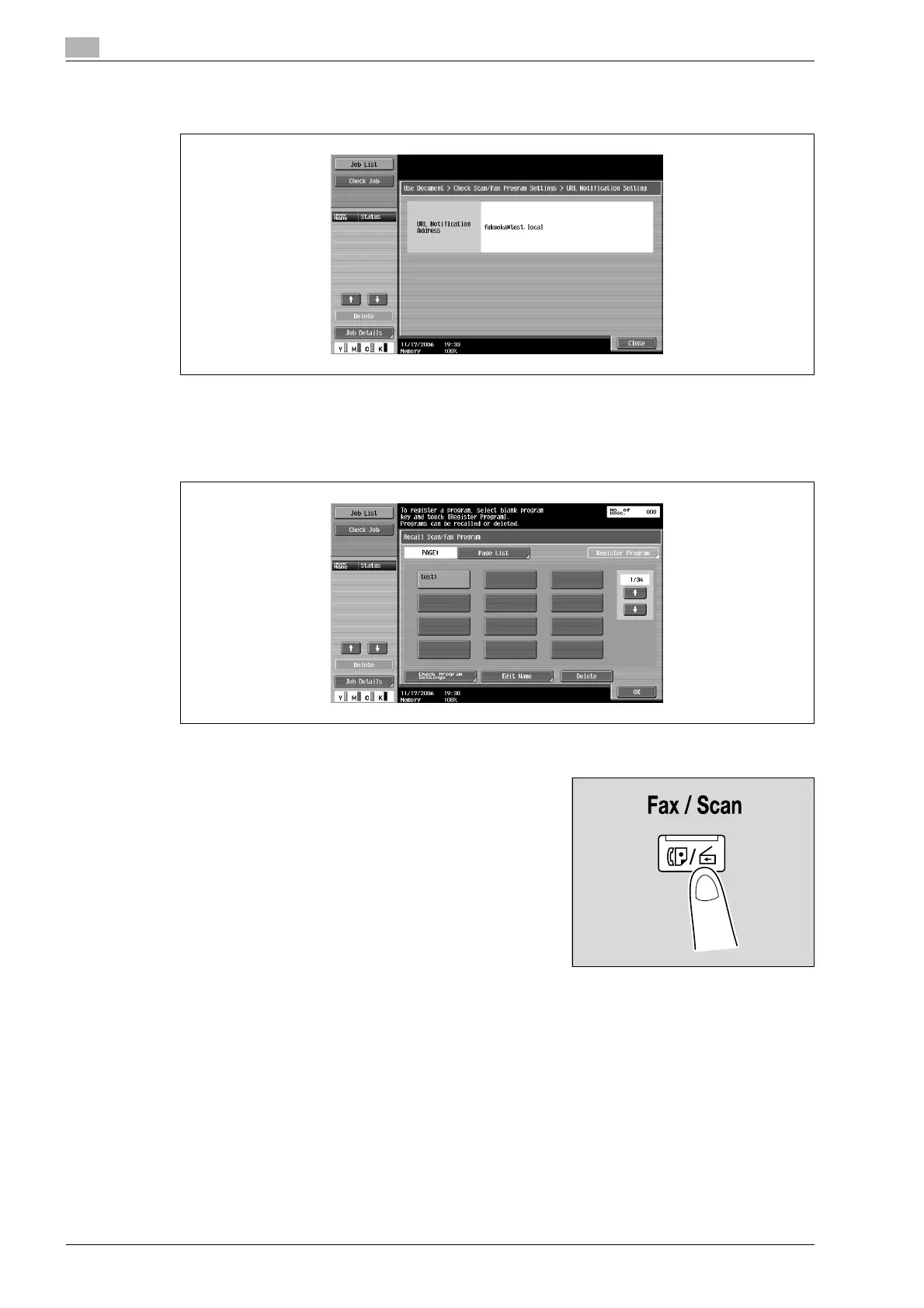
– To check the e-mail destination for notification of the completion of jobs, touch [Check URL Notif.
Destination].
6 After checking the settings, touch [Close].
The Recall Scan/Fax Program screen appears again.
7 Touch [OK].
Registering scan/fax programs
1 Press the [Fax/Scan] key in the control panel.
The Fax/Scan mode screen appears.
2 Touch [Scan Settings], [Original Settings] or [Communication Settings], and then specify the desired
scan settings.










 To Next Page