6
Web Connection Operations
6-22 ineo+ 650/550/451
Change settings of the relay user box
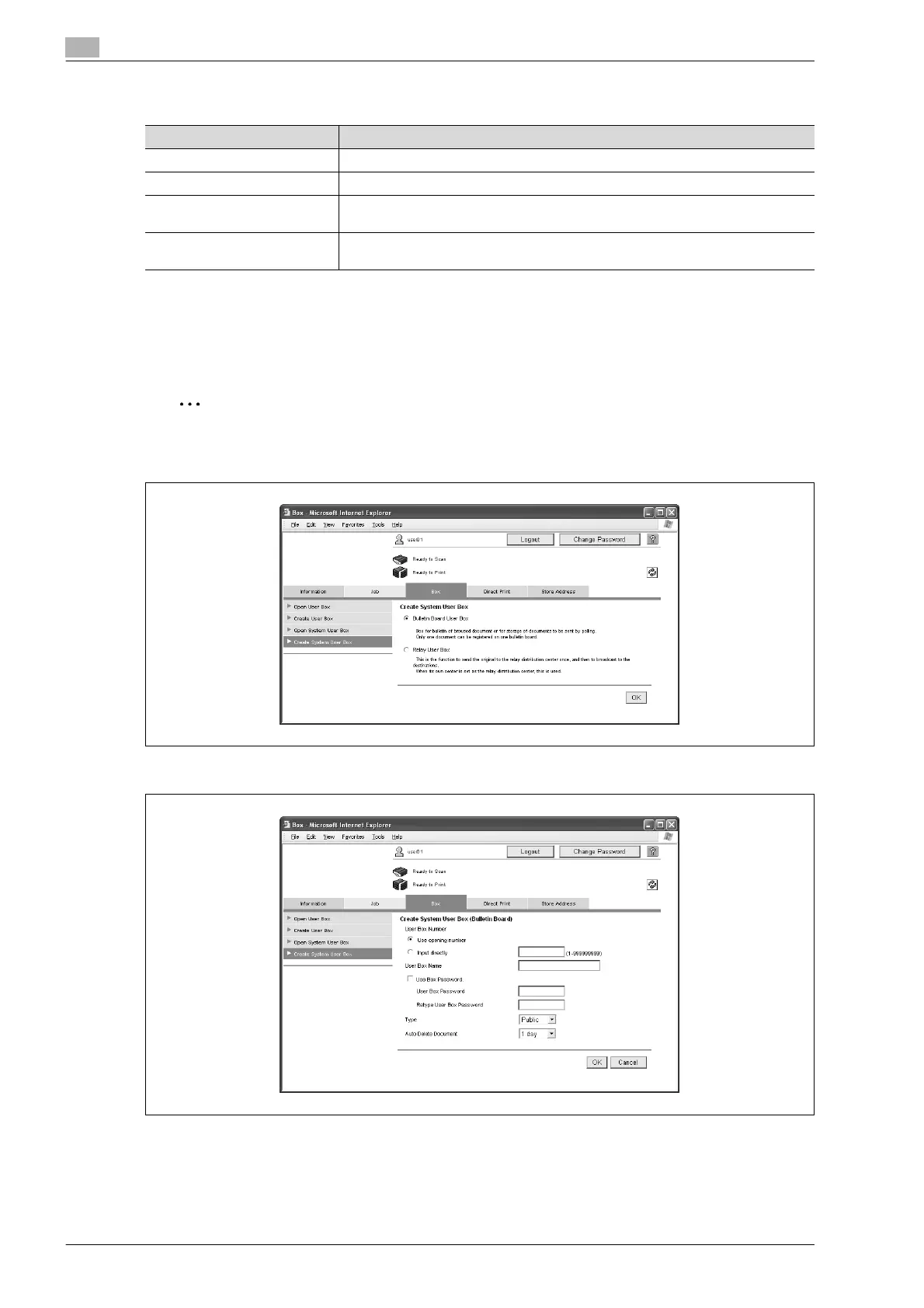
Create System User Box
"Create System User Box" appears when the optional fax kit is installed. New bulletin board user boxes and
relay user boxes can be created.
% Select the user box type, and then click the [OK] button.
2
Note
If an administrator is logged on, system user boxes are created in the same way as in Administrator
mode.
For a bulletin board user box
Item Description
User Box Number Displays the user box number. This cannot be changed.
User Box Name Type in a user box name (up to 20 characters).
Relay Address Specify the relay address. Click the [Search from List] button, and then select an
address from a list.
Relay TX Password is changed. To change the user box password, select the check box. Type in the current pass-
word and the new password (up to 8 characters, including only numerals, * and #).










 To Next Page