ineo+ 650/550/451 4-21
Box Operations
4
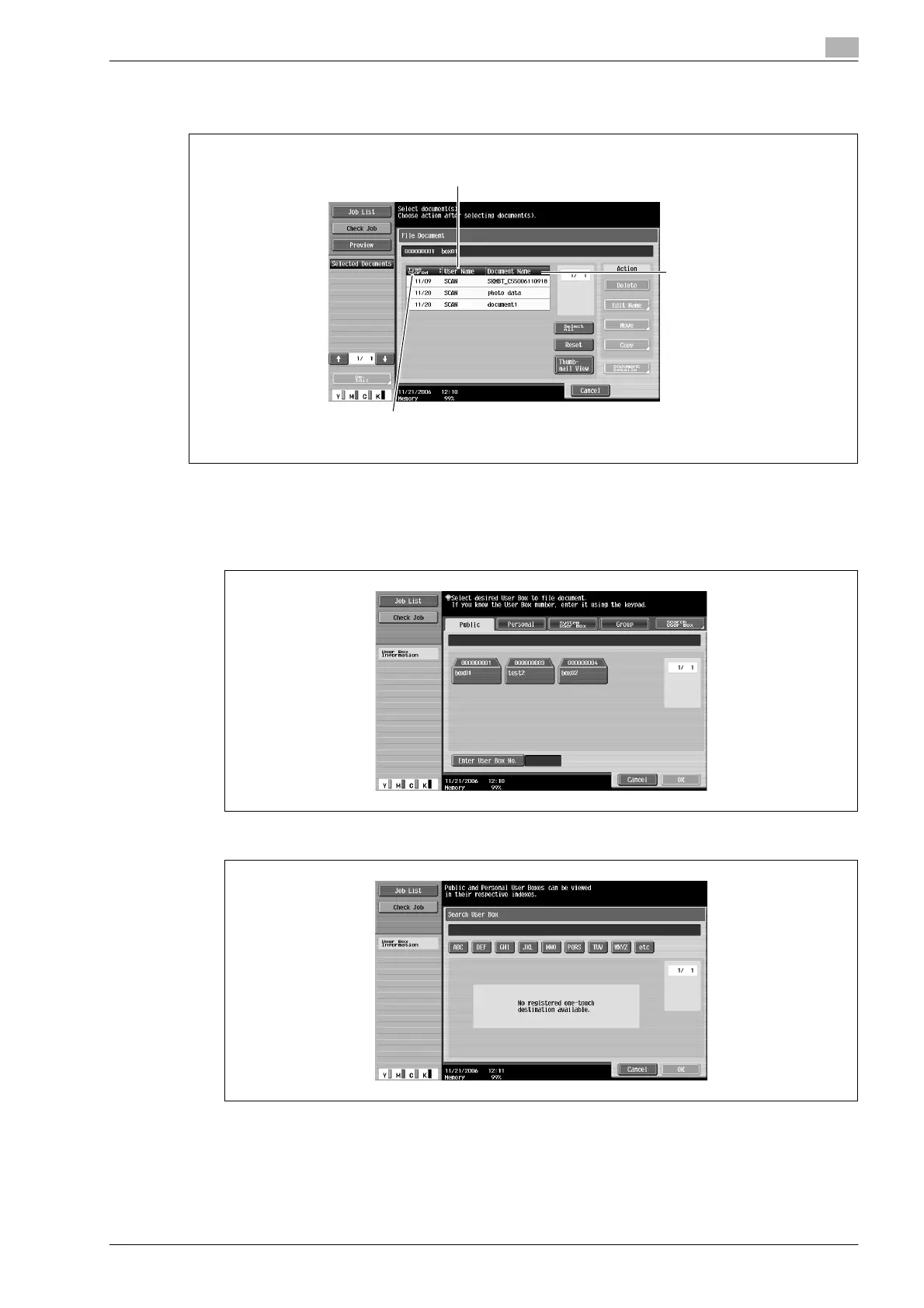
To check various information, such as the date/time when the document was stored and the document name,
touch [Detail View].
Searching for a user box name
The desired user box can be searched for by its name.
1 From the screen containing a list of the user boxes, touch [Search User Box].
2 The user boxes for each index character appear.
The name of the user who stored the document and
the mode when the document was registered are displayed.
The document name
is displayed.
The date/time when the document was stored is displayed.
Touch to switch between displaying the list in ascending or descending order.










 To Next Page