7
Fax Operations (Option)
7-28 ineo+ 650/550/451
7.11 Sending a fax after specifying a time (Timer TX)
Timer TX is a function that specifies a time for transmission.
It is economical to transmit at discounted calling times, such as late at night or early in the morning.
2
Note
The following functions cannot be used together with this function.
Total # of Pages setting, Polling TX, Bulletin Board and Quick Memory TX
!
Detail
Only the time can be specified. Dates cannot be specified.
Specify the time in hours and minutes.
Timer TX can be specified for 21 originals including normal transmission of 20 originals and Polling RX
of 1 original.
To conduct timer TX
1 Press [Fax/Scan] key, and make the Fax/Scan screen display.
2 Load the original to be faxed.
– Refer to "Loading the original" on page 7-6 for details on loading the original.
3 Touch [Communication Settings].
4 Touch [Communication Settings].
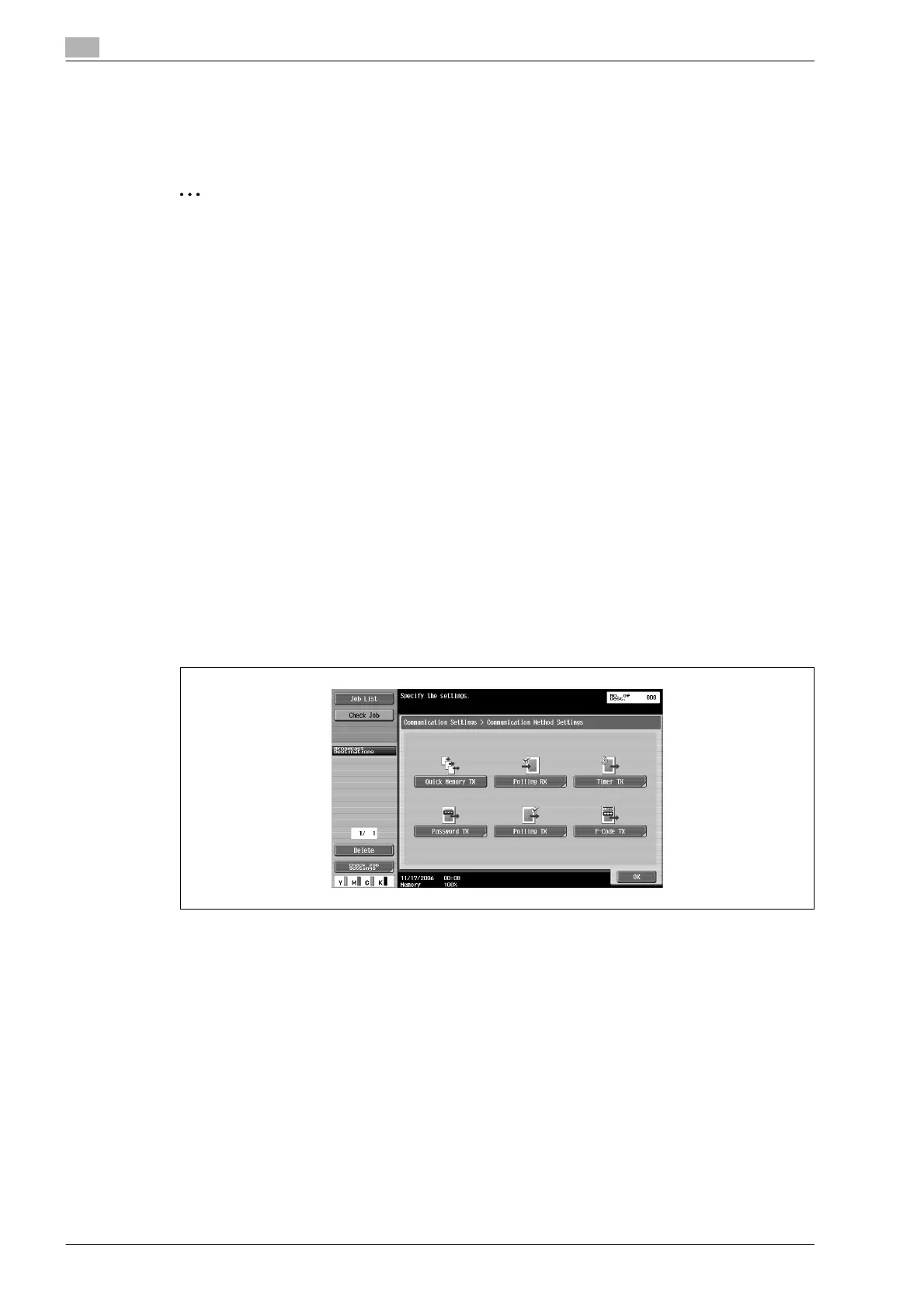
5 Touch [Timer TX].










 To Next Page