3
Print Operations
3-14 ineo+ 650/550/451
3.3 Specifying the layout tab settings (PCL driver for Windows)
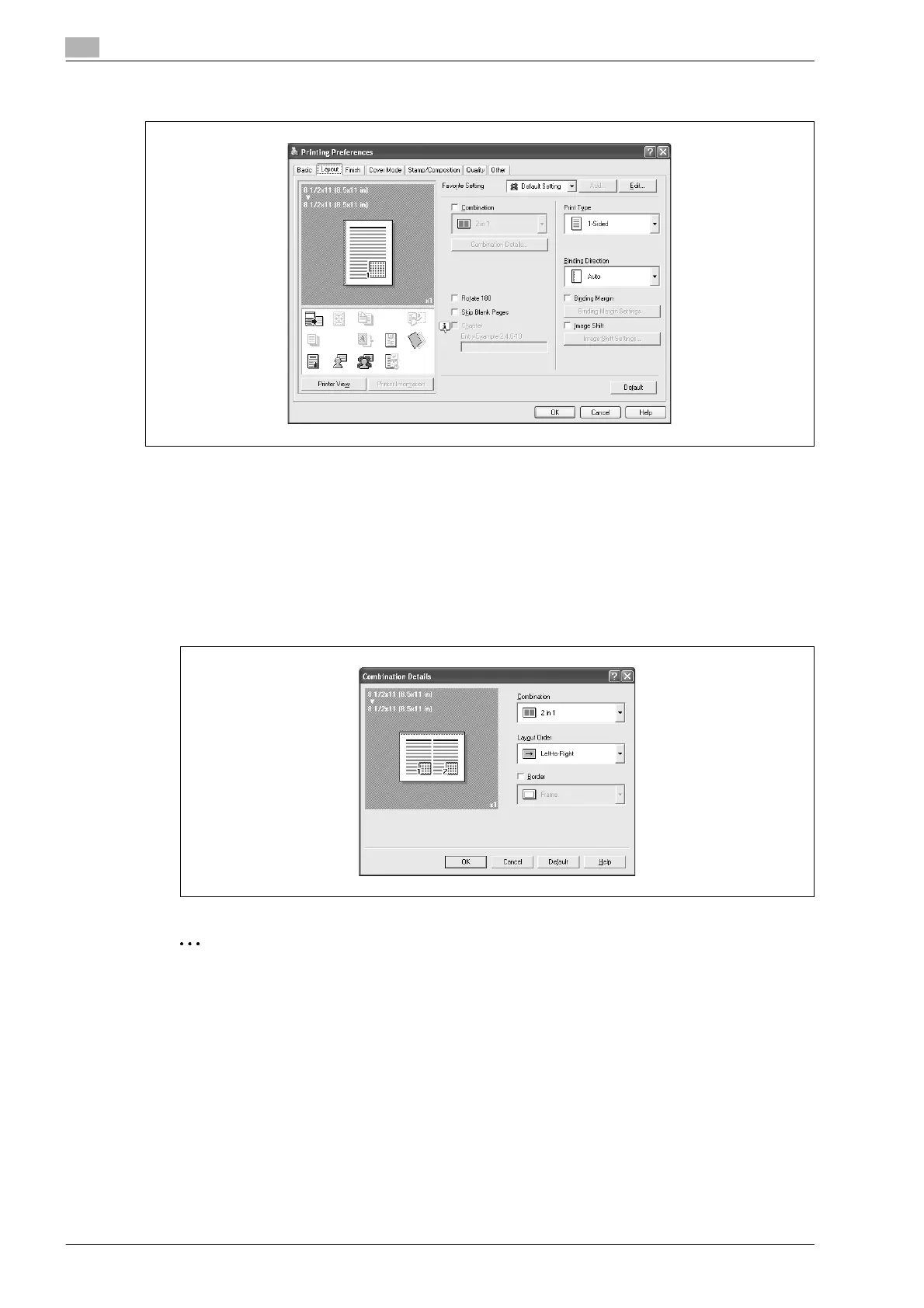
Printing multiple pages on one page (N in 1, Poster mode)
You can specify whether to print multiple pages of text on one page with N in 1 printing, or print one sheet
of an original document divided on multiple pages with Poster Mode printing.
1 Click the Layout tab.
2 Select the "Combination" check box, and then specify the setting from the drop-down list.
– To change the "Border" and "Overlap width line" settings, click the [Combination Details] button,
and then change the settings in the dialog box that appears.
2
Reminder
When printing a job that contains pages of different sizes and orientations, images may be missing or
overlapping when the document is printed.










 To Next Page