ineo+ 650/550/451 8-13
Network Fax Operations (Option)
8
2
Note
When [300 e 300dpi] is selected, it is converted to 400 e 400dpi and transmitted. However, if compact
PDF is selected at the time of IP Address Fax transmission, it is transmitted at 300 e 300dpi.
The communication time increases for more fine scanning and large amount of information to be
transmitted.
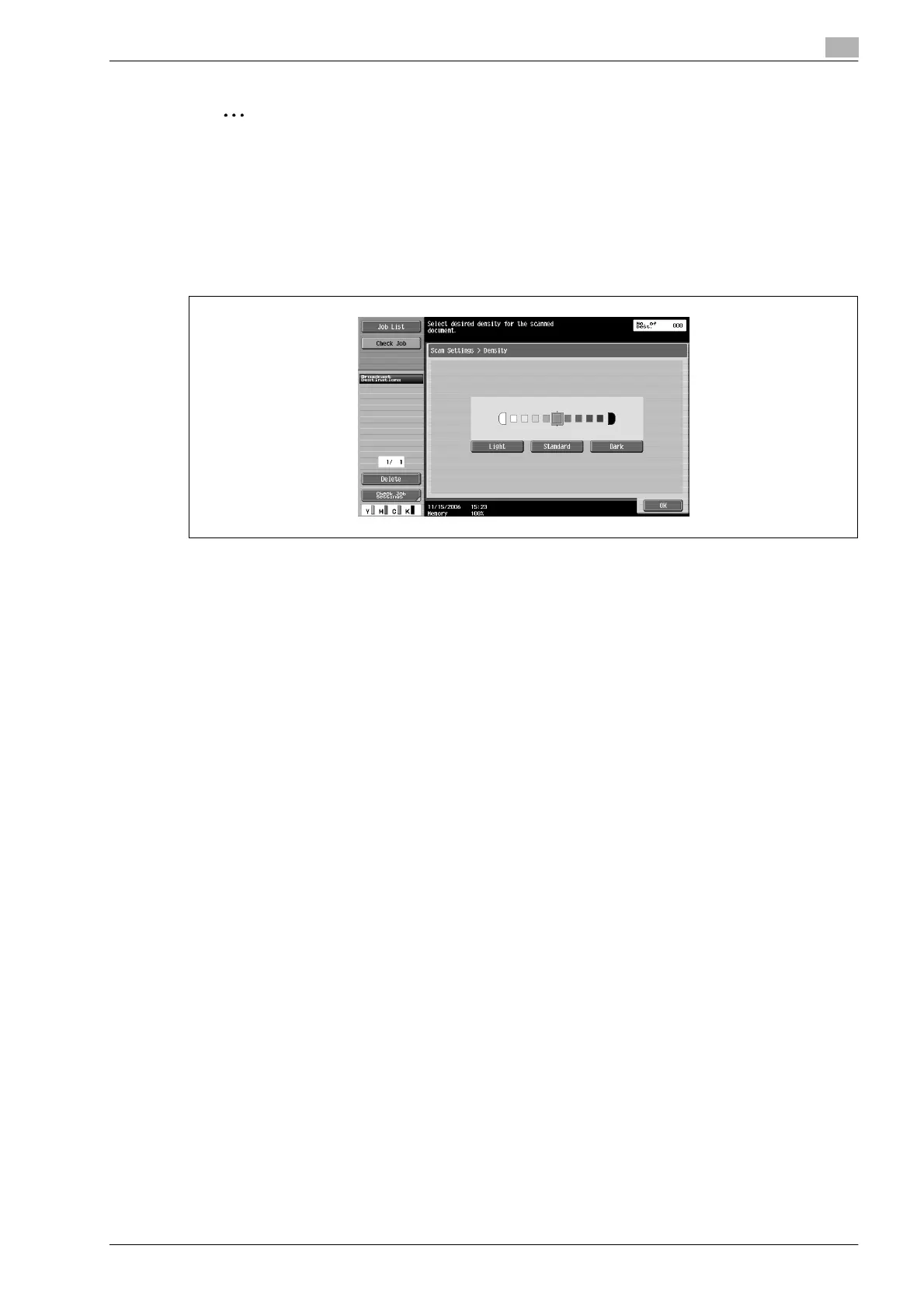
Density
Set the density as per the original contents.
Density can be set in 9 levels.
At the time of purchase, density is set to [Standard].
- [Light]:
Touch for light scanning.
- [Standard]:
Touch for normal scanning.
- [Dark]:
Touch for dark scanning.










 To Next Page