ineo+ 650/550/451 4-47
Box Operations
4
Checking documents saved in user boxes
The following procedure describes how to check the list of documents saved in a user box.
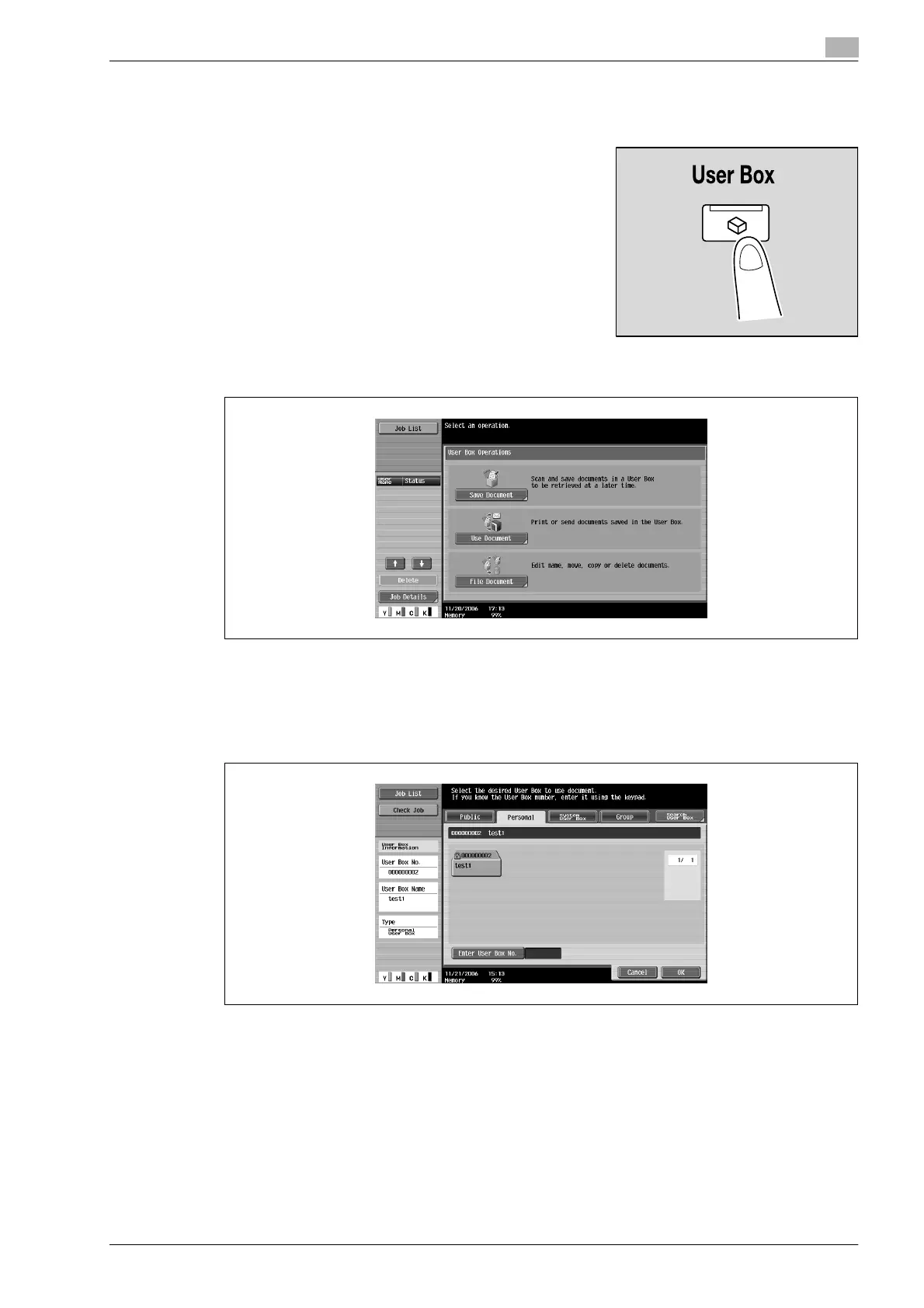
1 Press the [User Box] key in the control panel.
2 Touch [Use Document].
3 From the Public, Personal or Group tab, touch the button for the desired user box.
– The Personal tab displays only user boxes registered to the user that is logged on with user
authentication.
– The Group tab displays only user boxes for the account that the user belongs to when account track
settings are specified.
4 Touch [OK].










 To Next Page