ineo+ 650/550/451 6-7
Web Connection Operations
6
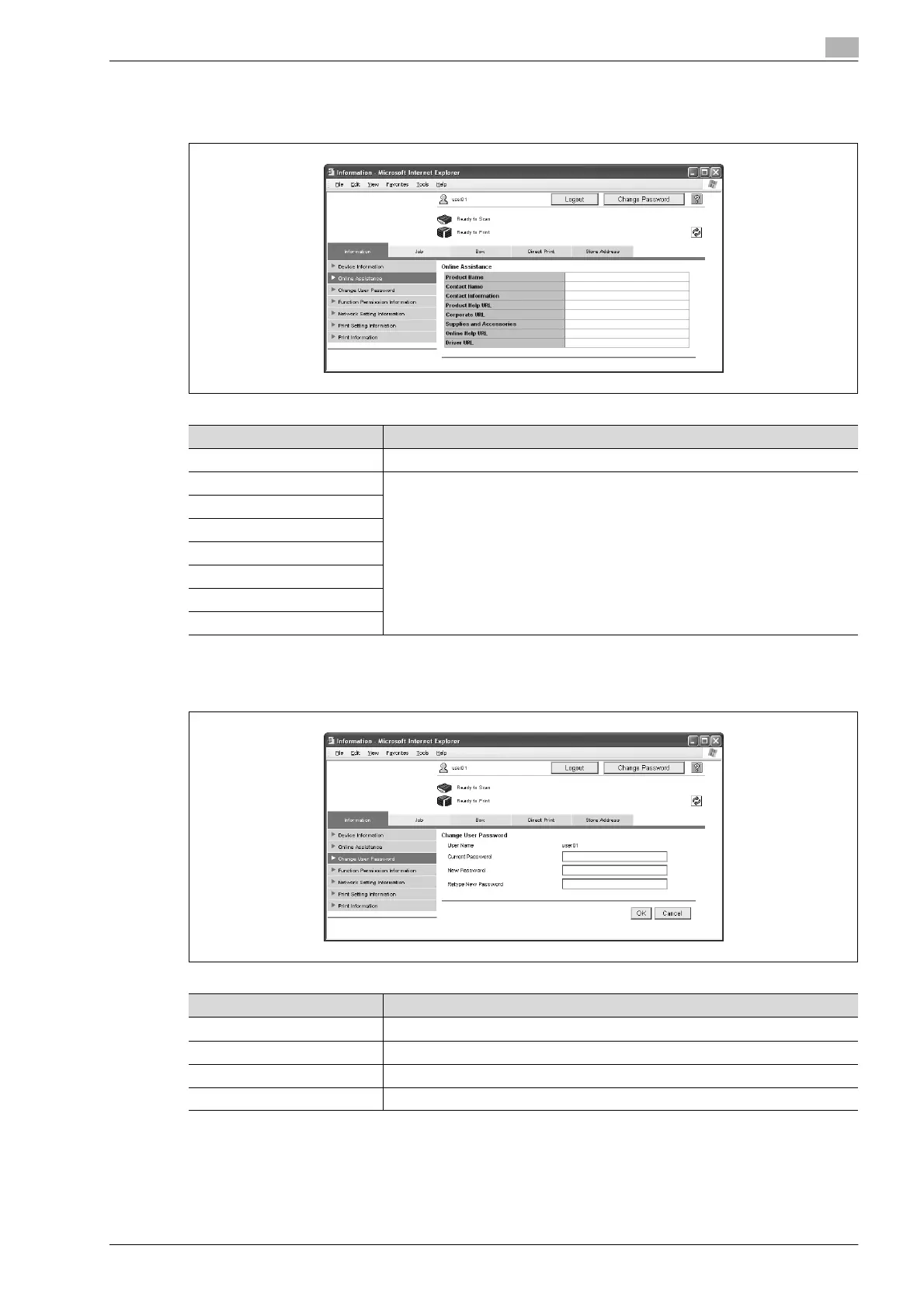
Online Assistance
Support information for the machine can be displayed.
Change User Password
The password for the user who is logged on can be changed.
Item Description
Product Name Displays the product name.
Contact Name Displays the information entered on the page that appeared after clicking "Online
Assistance" in the menu on the Maintenance tab in Administrator mode.
Contact Information
Product Help URL
Corporate URL
Supplies and Accessories
Online Help URL
Driver URL
Item Description
User Name Displays the name of user who is logged on.
Current Password Type in the current password.
New Password Type in the new password (up to 64 characters, excluding " and +).
Retype New Password Type in the new password again for confirmation.










 To Next Page