ineo+ 650/550/451 3-63
Print Operations
3
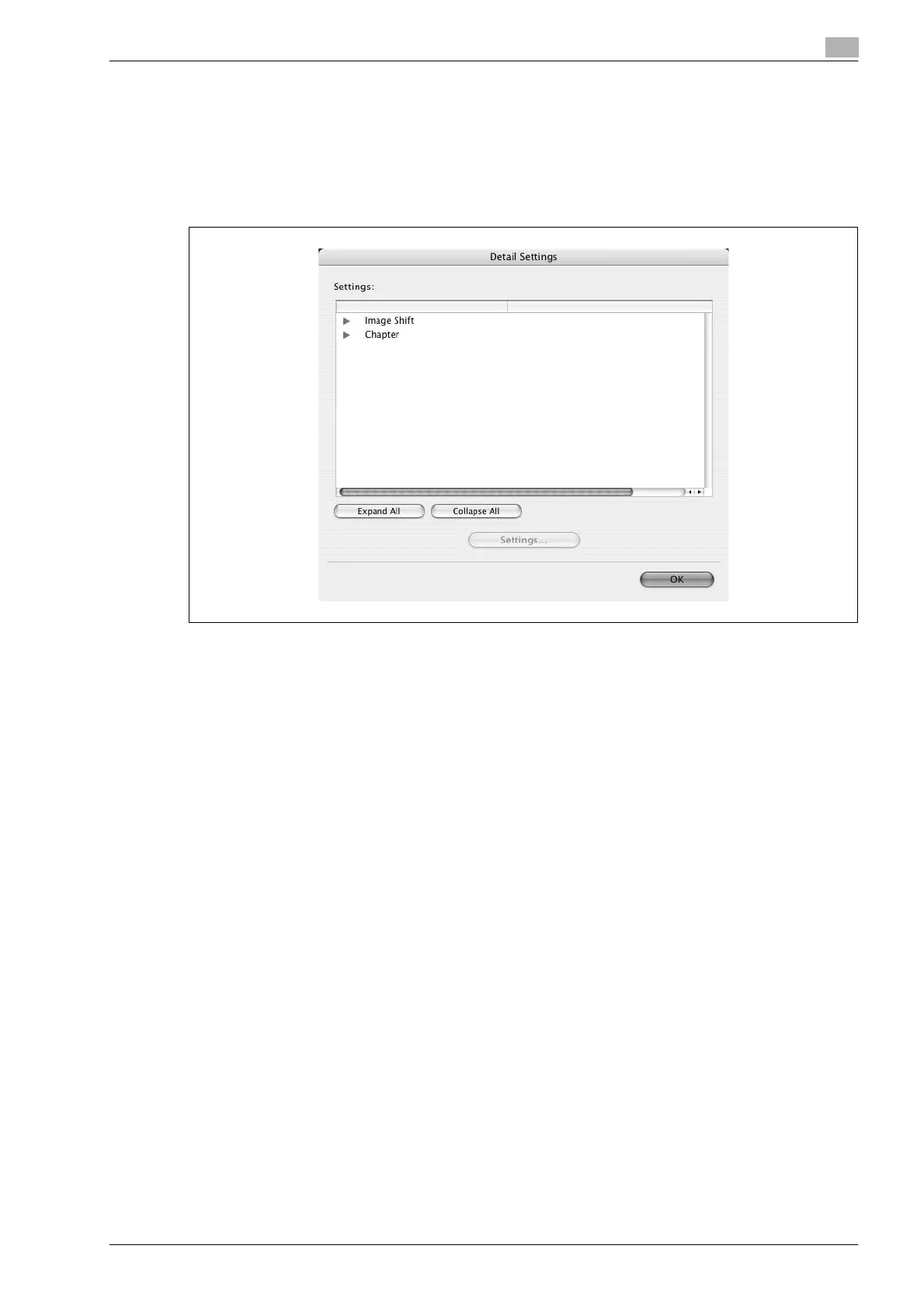
Checking the layout/finish setting details
By clicking the [Detail Settings] button, the "Layout/Finish" functions for which detailed settings have been
specified are shown.
The settings can be shown by clicking the [Expand All] button.
By selecting a function and clicking the [Settings] button, the dialog box for specifying the detailed settings
for the selected function appears.
Image Shift: Displays the Image Shift dialog box. This is the same dialog box that appears when the "Image
Shift" check box is selected.
Chapter: Displays the Chapter dialog box. This is the same dialog box that appears when the "Chapter"
check box is selected.










 To Next Page