7
Fax Operations (Option)
7-10 ineo+ 650/550/451
- [Dot Matrix Original]:
Touch when text has been written lightly on originals to be scanned, for example by pencil etc.
- [Copied Paper]:
Touch when scanning a copied image as the original.
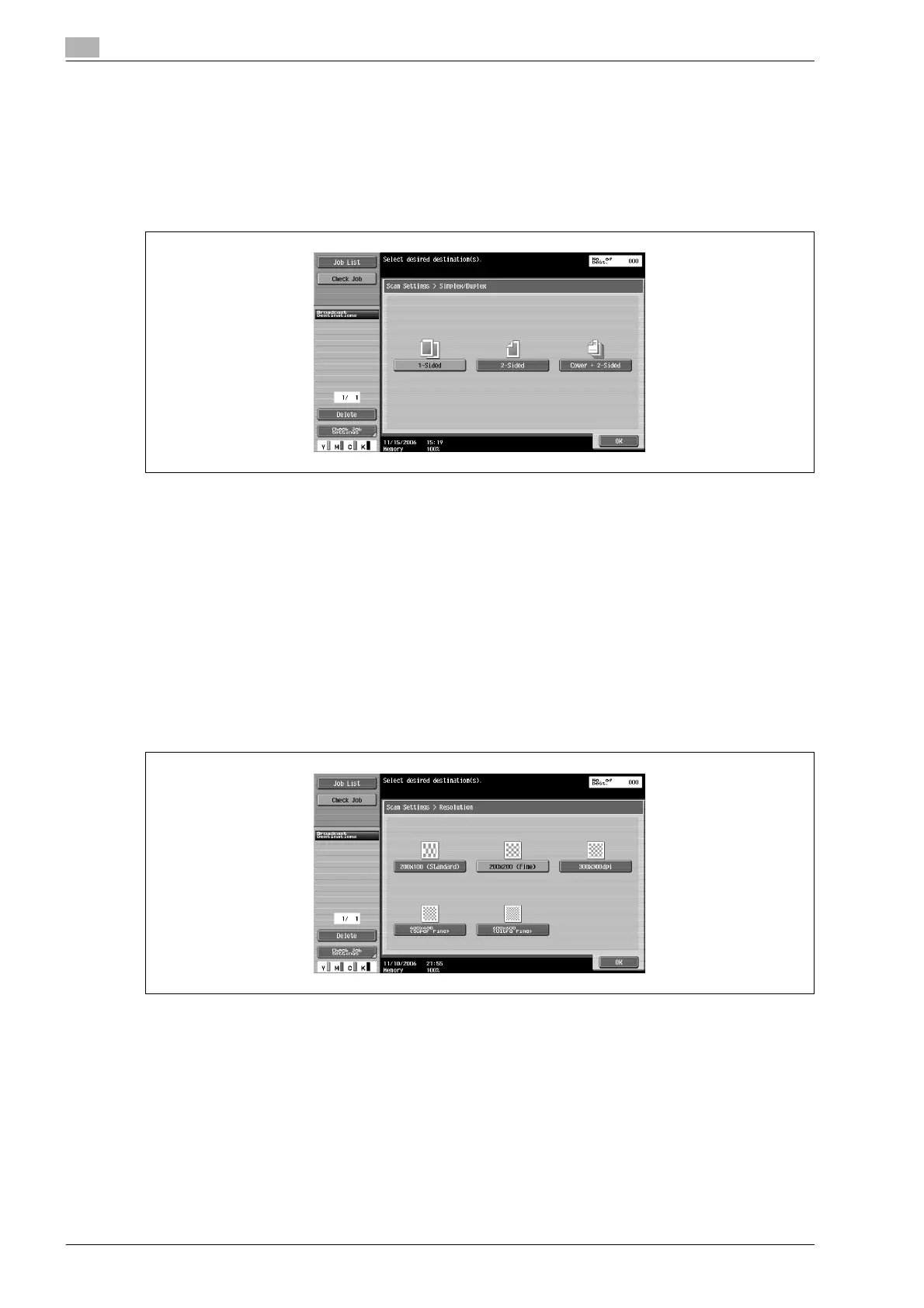
Simplex/Duplex
Set a scanning method for the ADF according to the state of the original.
There are 3 types of scanning settings.
At the time of purchase, the machine is set to [1-Sided].
- [1-Sided]:
Touch to scan 1-sided originals.
- [2-Sided]:
Touch to scan 2-sided originals.
- [Cover + 2-Sided]:
Touch to scan 2-sided originals with covers.
Scans the first page of the original as the cover page only on one side and scans the remaining pages
on both sides.
Resolution
Sets the scanning resolution for the original.










 To Next Page