ineo+ 650/550/451 2-27
Copy Operations
2
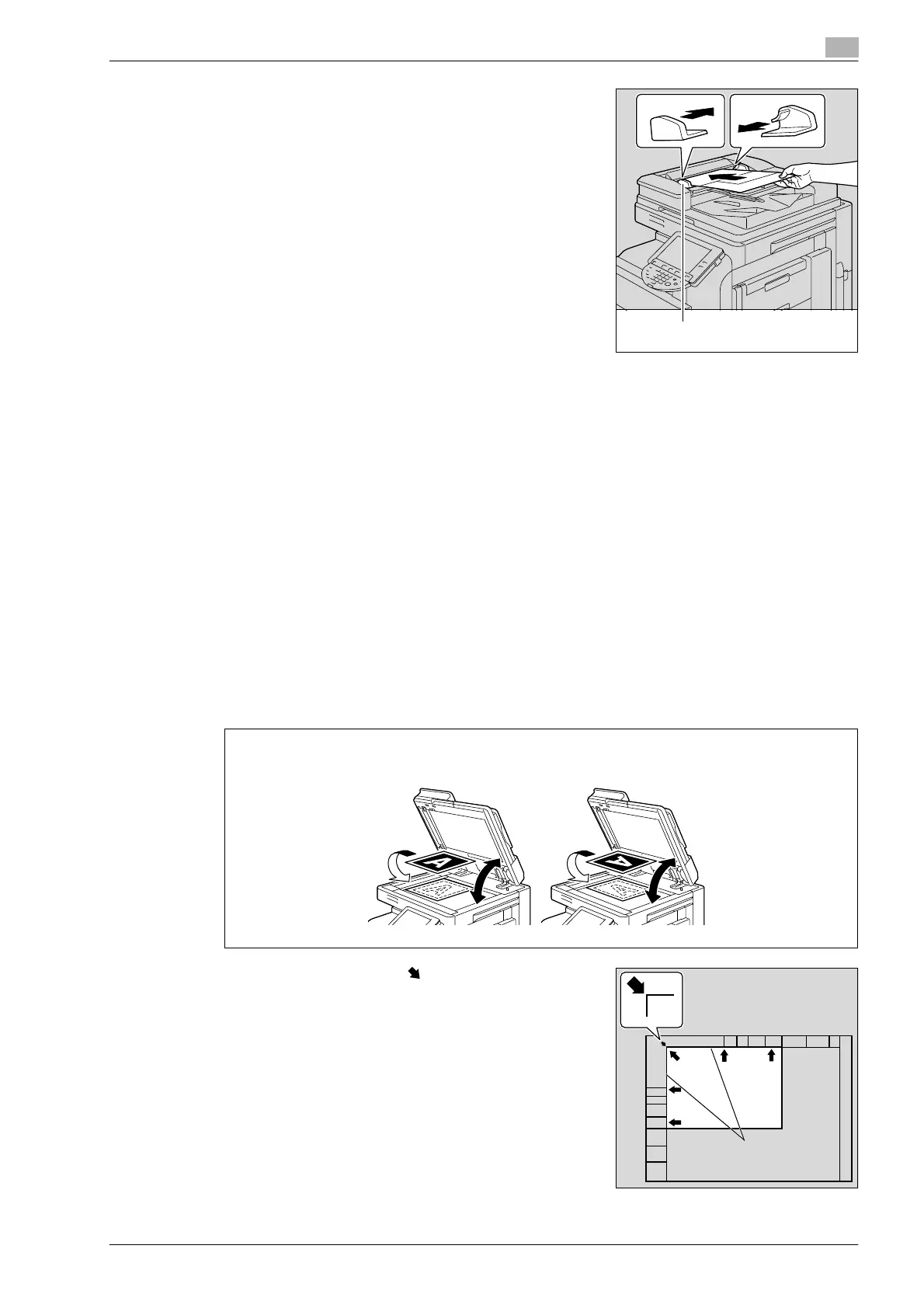
3 Adjust the lateral guides to the size of the document.
Placing the document on the original glass
0 For details on the types of documents that can be placed on the original glass, refer to "Original
documents" on page 2-95.
0 When placing the document on the original glass, be sure to lift open the ADF at least 20°.
If the document is placed on the original glass without the ADF being lifted at least 20°, the correct
document size may not be detected.
0 Do not place objects weighing more than 2 kg on the original glass. In addition, do not press down
extremely hard on a book spread on the original glass, otherwise the original glass may be damaged.
0 For thick books or large objects, make the copy without closing the ADF if it is installed. When a
document is being scanned with the ADF open, do not look directly at the light that may shine through
the original glass. Although the light that shines through the original glass is bright, it is not a laser beam
and, therefore, is not as dangerous.
1 Lift open the ADF if it is installed.
2 Place the document face down on the original glass.
– Load the document pages so that the top of the document is toward the back or the left side of the
machine.
3 Align the document with the mark in the back-left corner
of the document scales.
Lateral guides
When loaded in the v orientation
When loaded in the w orientation
20° 20°
Original scales










 To Next Page