6
Web Connection Operations
6-26 ineo+ 650/550/451
Registering a destination
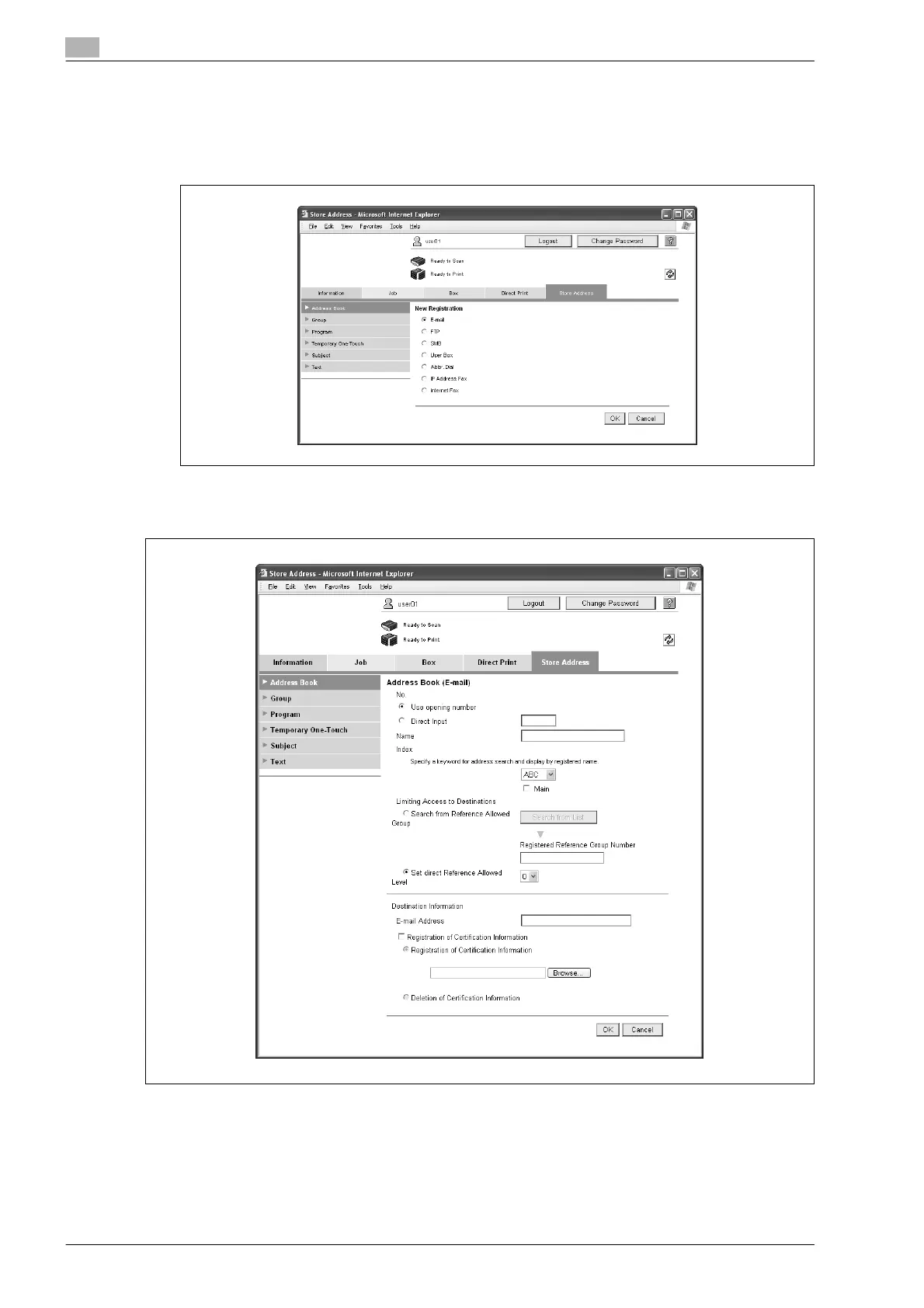
1 In the Address Book List page, click the [New Registration] button.
2 Select the transmission type, and then click the [OK] button.
A page for registering a destination appears.
For an e-mail address










 To Next Page