ineo+ 650/550/451 3-47
Print Operations
3
3.13 Setting up the PPD driver for Mac OS X
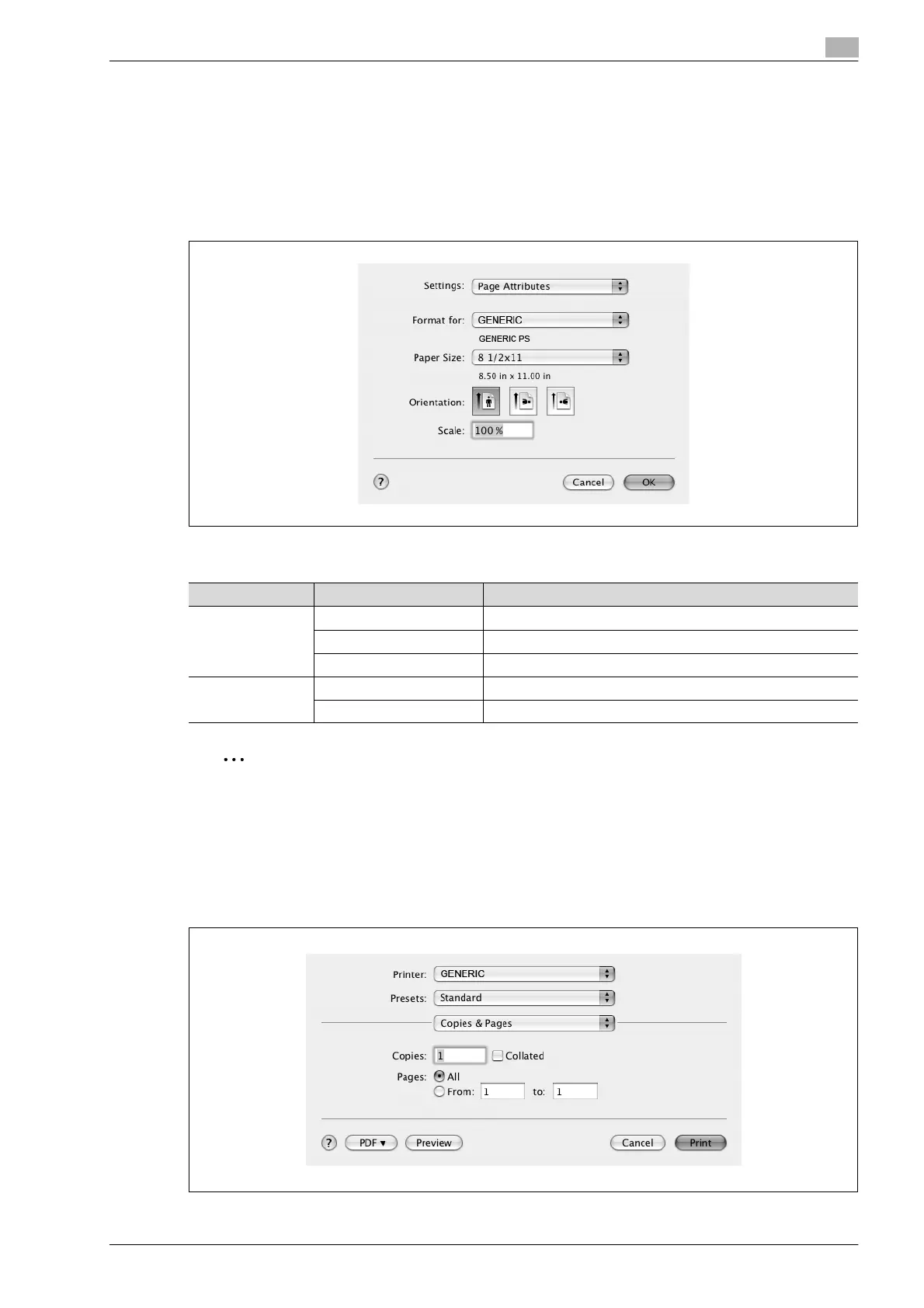
The functions of this machine can be specified on the Page Setup and Print dialog boxes recalled from the
application.
The settings can only be applied while using the application. When the application is quit, the settings return
to their default settings.
Page setup dialog box
Page setup items
2
Note
Depending on the application, "Page Setup" may be displayed as "Paper Setup". In addition, you may
have to select "Paper Setup" – "Options" from the "File" menu.
The dialog boxes differ depending on the application.
The items indicated by *2 are displayed only in Mac OS 10.2 and Mac OS 10.3.
Print dialog box
Menu Item Function
Page Attributes Paper Size Specifies the paper size.
Orientation Specifies the orientation.
Scale Specifies the enlargement and reduction ratio.
Custom Paper
Size
*2
Paper Size (Page size) Specifies any paper size.
Printer Margins Specifies the paper margins.










 To Next Page