5
Network Scanner Operations
5-22 ineo+ 650/550/451
4 Touch [Scan Settings], [Original Settings] or [Communication Settings], and then specify the desired
scan settings.
– For details on the scan settings, refer to "Specifying scan and transmission settings (Scan
settings/original settings/communication settings)" on page 5-28.
5 Load the document into the ADF or place it on the original glass.
6 Press the [Start] key in the control panel.
Scanning of the document begins, and the data is sent.
2
Note
Do not turn off the machine until the scan job is deleted from the Job List screen.
Entering addresses directly
Using the control panel to directly type in the destination address when scanning is called "direct input".
Settings can be specified for the following.
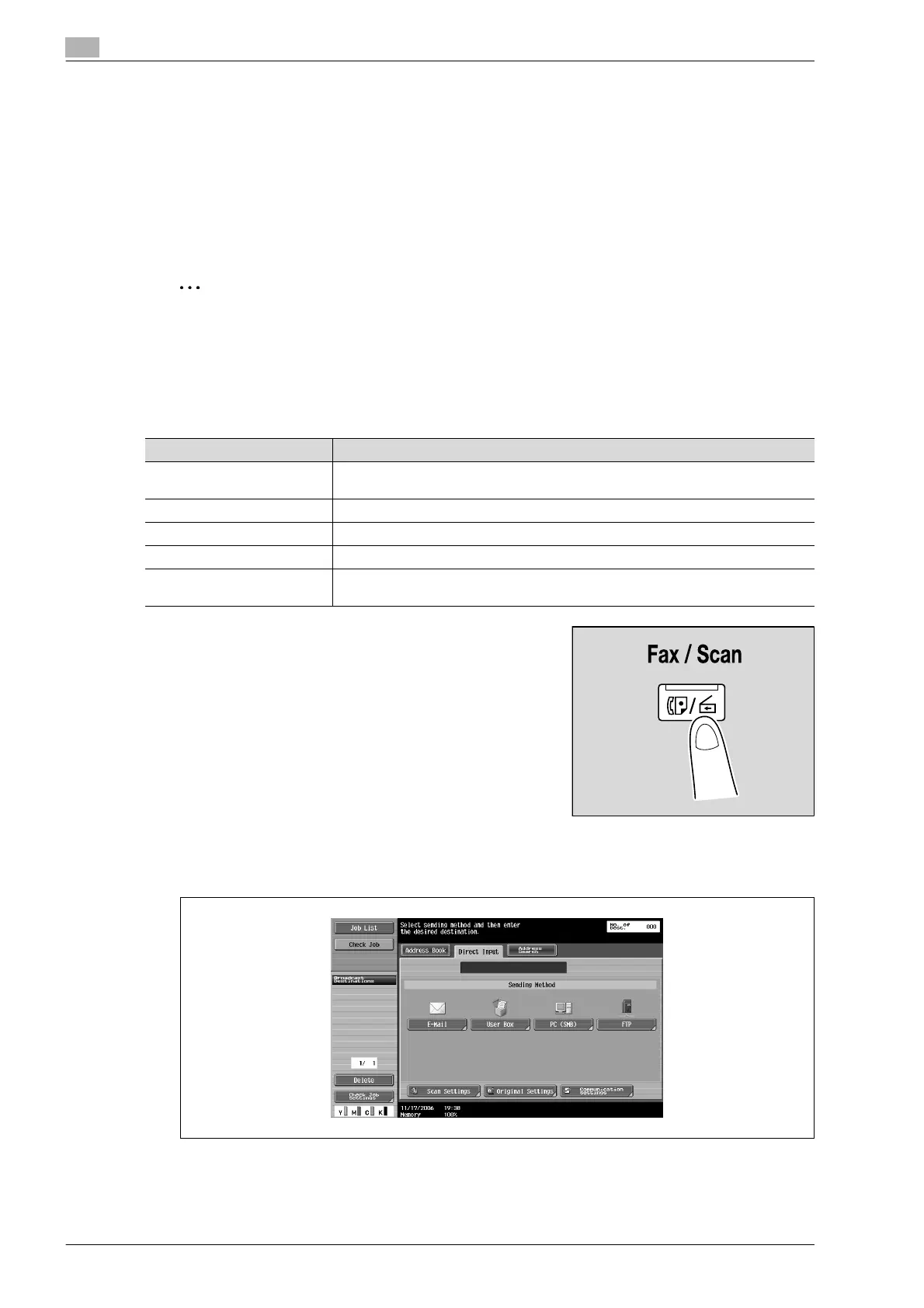
1 Press the [Fax/Scan] key in the control panel.
The Fax/Scan mode screen appears.
2 Touch [PC (SMB)] on the Direct Input screen.
A screen appears, allowing you to type in the host name for the destination and the file path.
?
Why is the Direct Input tab not displayed?
% If the "Manual Destination Input" (displayed by touching [Security Settings] on the Administrator
Settings screen, then [Security Details]) is set to "Restrict", the Direct Input tab does not appear.
Parameter Description
Host Name Specify the host name (in uppercase letters) or IP address for the destination. Type
using the keyboard that appears, and then touch [OK].
File Path Type the path to the destination folder in uppercase letters.
User Name Type in the user name used to log on, and then touch [OK].
Password Specify the password. Type using the keyboard that appears, and then touch [OK].
Reference Check the structure of the folders on the destination computer. This can be used to
directly specify the destination folder.










 To Next Page