3
Print Operations
3-50 ineo+ 650/550/451
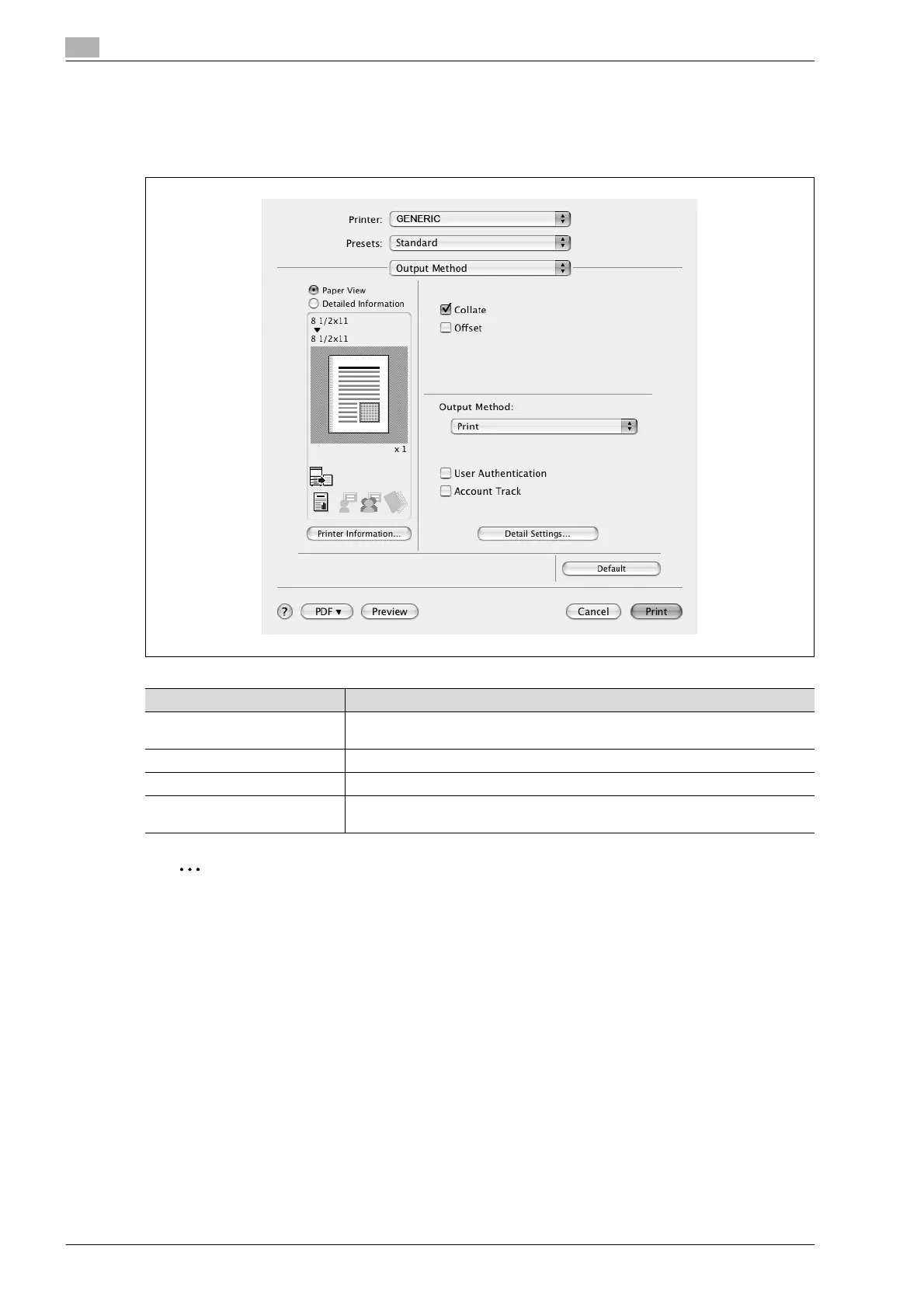
Common settings in the print dialog box
The following describes the common settings that are displayed by the specific operations (Output Method,
Layout/Finish, Paper Tray/Output Tray, Cover Mode/Transparency Interleave, and Per Page Setting) for this
machine.
2
Note
Click the [Acquire Device Information] button on the Printer Information dialog box to communicate with
this machine and read the status of the settings specified on this machine. You cannot use this function
if you are not connected to or able to communicate with this machine.
Item Function
Paper View A preview of the page layout as specified in the current settings is displayed and
a preview image of the print job can be checked.
Detailed Information Shows the current settings with text.
Printer Information Displays the status of the installed options.
Default Click this button to return the settings to their defaults, which were selected when
the driver was installed.










 To Next Page