7
Fax Operations (Option)
7-26 ineo+ 650/550/451
7.10 Aborting transmission
Operations for aborting transmissions differ according to whether the job is being executed (including
reserved jobs) or timer transmission has been reserved.
2
Note
Jobs to be transmitted that are stored in this machine are called reserved jobs.
Aborting a job during transmission
It is possible to abort the transmission of jobs being transmitted (including reserved jobs) by using the
following procedure.
1 Touch [Job List].
2 Touch [Job Details].
3 Touch [Send].
4 Check that the [Current Jobs] is selected.
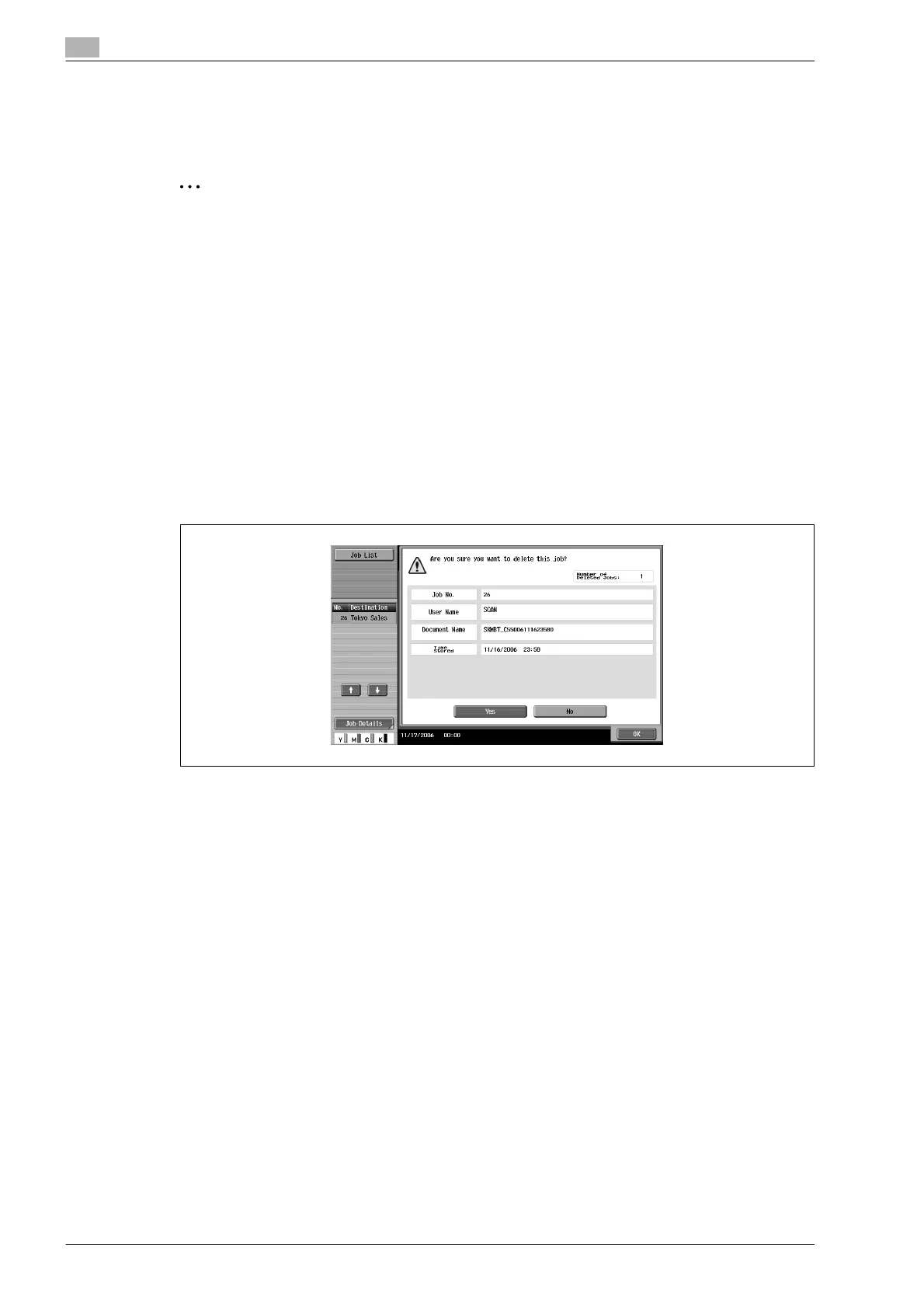
5 Select the job you wish to abort, and touch [Delete].
6 Touch [Yes] and then touch [OK].
The job is deleted.
7 Touch [Close].
The machine returns to the Fax/Scan screen.










 To Next Page