9
Appendix
9-4 ineo+ 650/550/451
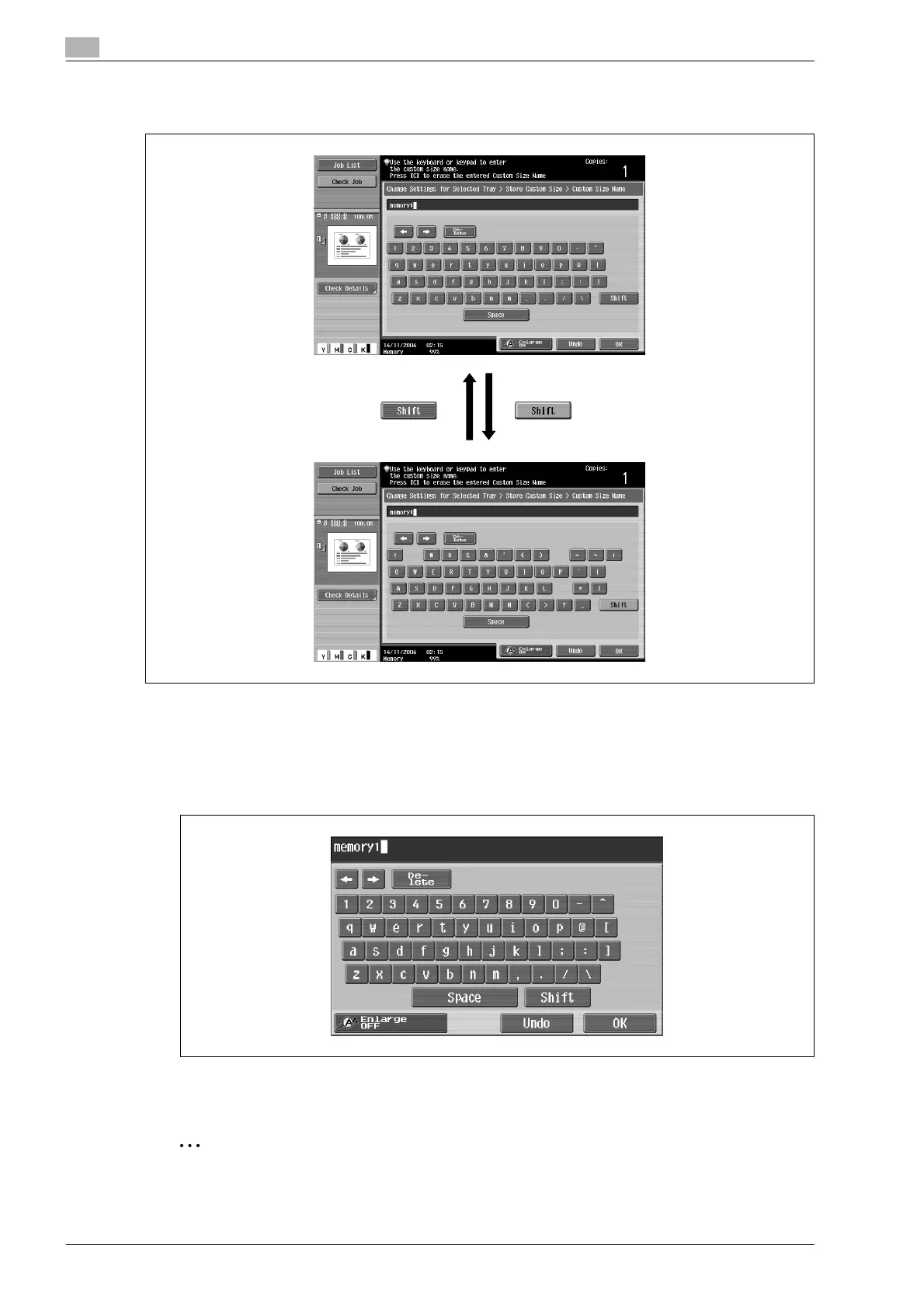
Touching [Shift] switches the keyboard display between lowercase letters (numbers) and uppercase letters
(symbols).
Enlarging the keyboard
The keyboard can be displayed larger so that it easier to read.
1 While the keyboard is displayed, touch [Enlarge ON].
The keyboard is displayed enlarged.
2 To cancel the enlarged display and return the keyboard to its normal size, touch [Enlarge OFF] while the
keyboard is displayed enlarged.
2
Note
The keyboard is used in the same way, even when it is displayed enlarged.










 To Next Page