6
Web Connection Operations
6-10 ineo+ 650/550/451
The following information can be selected from the submenu.
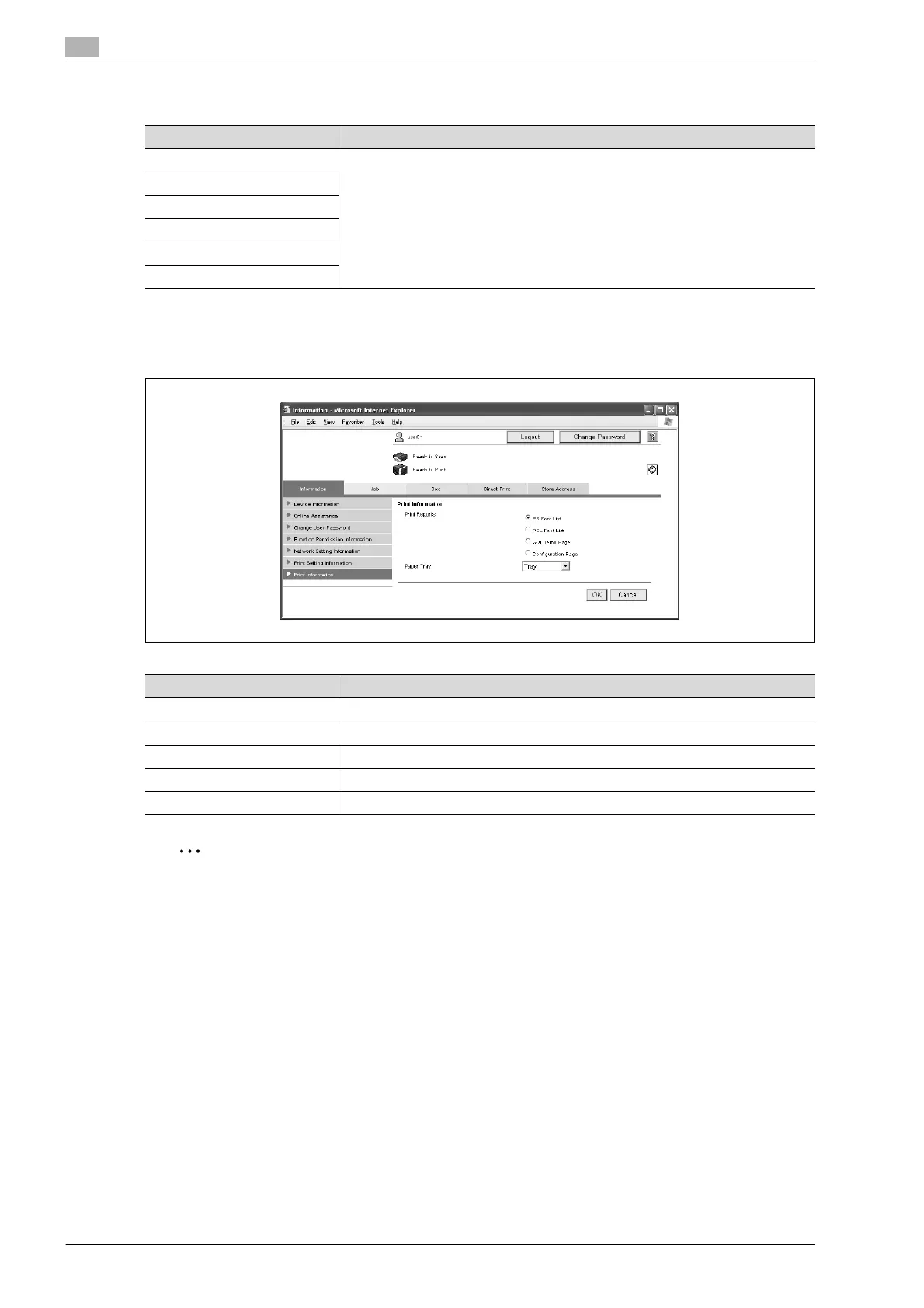
Print Information
% Font and settings information can be printed. Select the report to be printed, select a paper tray from
the "Paper Tray" list, and then click the [OK] button.
2
Note
It may not be possible to print reports while the machine is processing a job.
Item Description
Default Setting Displays information for each of the items.
Font Information
Macro List
ICC Profile List
PCL Setting
PS Setting
Item Description
PS Font List Prints the list of fonts that can be used with PostScript.
PCL Font List Prints the list of fonts that can be used with PCL.
GDI Demo Page Prints the GDI demo page.
Configuration Page Prints the list of print settings specified for the machine.
Paper Tray Select the paper tray loaded with the paper used for printing the reports.










 To Next Page