3
Print Operations
3-66 ineo+ 650/550/451
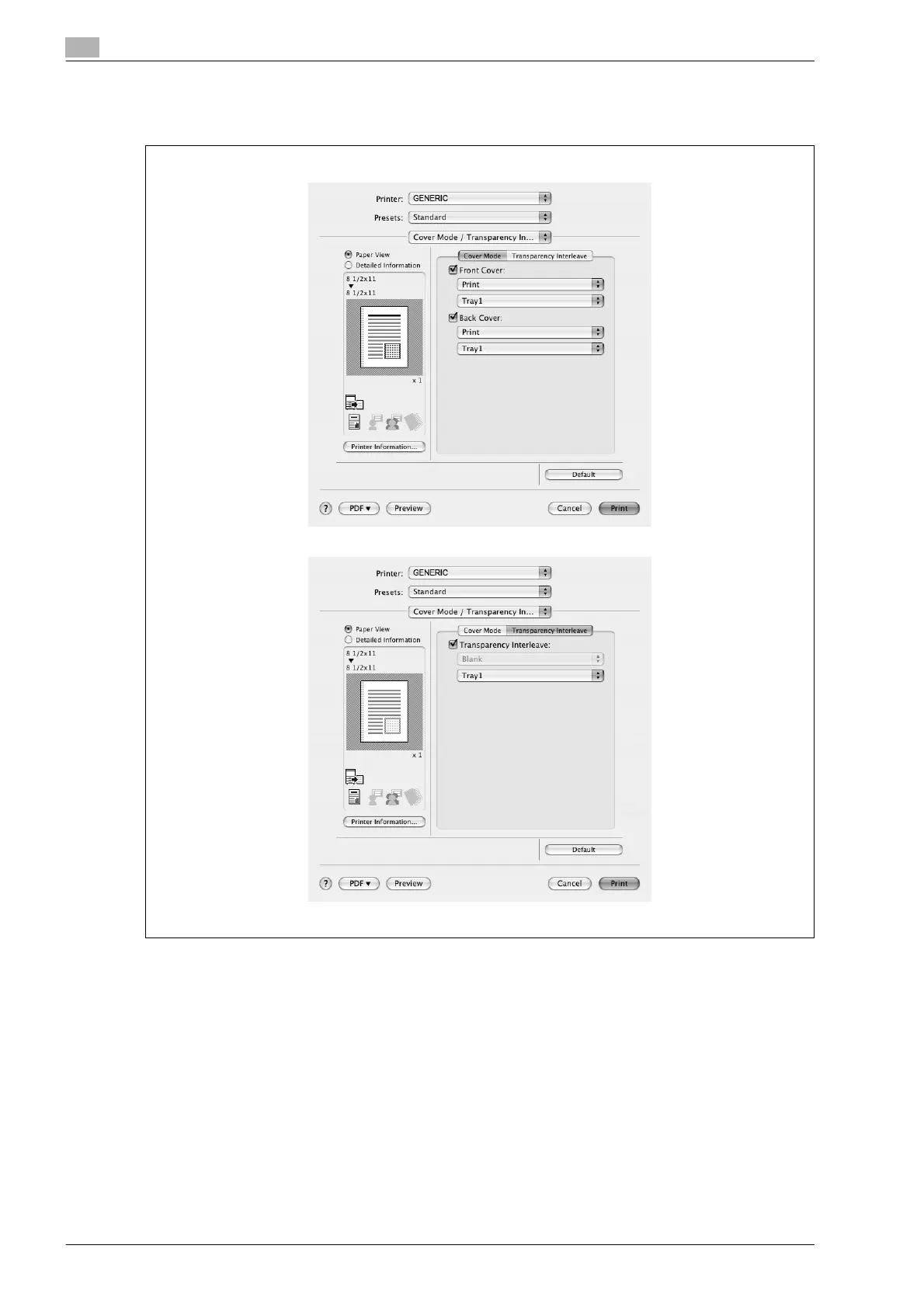
3.19 Cover mode/transparency interleave (PPD driver for Mac OS X)
You can switch between the Cover Mode dialog box and the Transparency Interleave dialog box.
Front Cover: Attaches a front cover page. Select this check box, and then select the print conditions from the
upper drop-down list, and the paper tray that contains the loaded paper to be used from the lower drop-down
list.
Back Cover: Attaches a back cover page. Select this check box, and then select the print conditions from the
upper drop-down list, and the paper tray that contains the loaded paper to be used from the lower drop-down
list.
PI Front Cover: Attaches a front cover from the post inserter. Select this check box, and then select the PI
tray that contains the loaded paper to be used from the drop-down list.
PI Back Cover: Attaches a back cover from the post inserter. Select this check box, and then select the PI
tray that contains the loaded paper to be used from the drop-down list.
Transparency Interleave: Outputs and inserts interleaves when printing overhead projector transparencies.
Select this check box, and then select the paper tray that contains the loaded paper to be used from the lower
drop-down list.










 To Next Page