5
Network Scanner Operations
5-30 ineo+ 650/550/451
Original type
From the following five image quality settings, select the appropriate setting according to the type of
document being scanned.
If "Text/Photo" or "Photo" is selected, the photo type can also be selected.
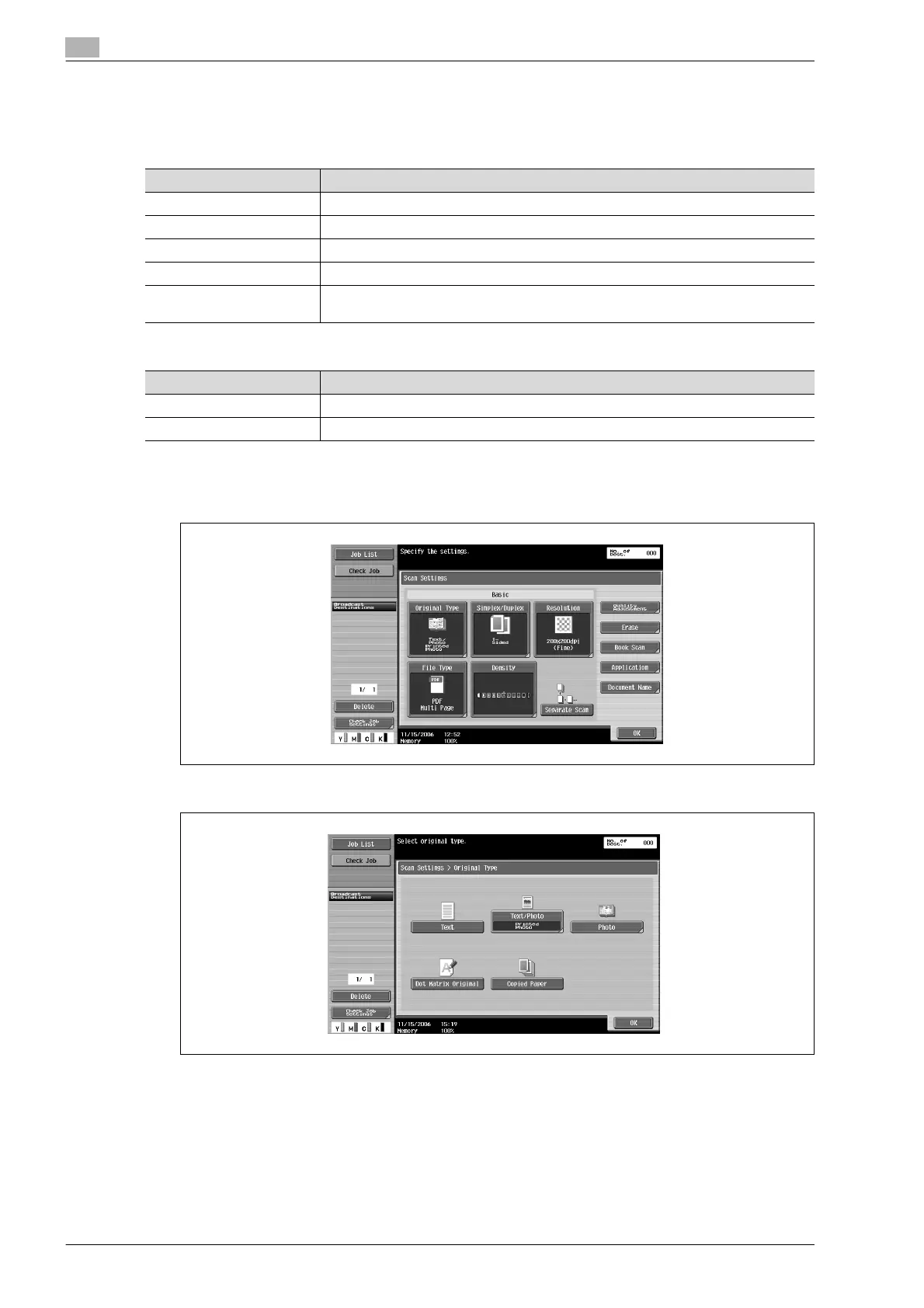
1 Touch [Scan Settings] in the Fax/Scan mode screen.
2 Touch [Original Type].
3 Touch the button for the image quality.
Setting Description
Text Select this setting for documents consisting only of text.
Text/Photo Select this setting for documents consisting of both text and photos (halftones).
Photo Select this setting for documents consisting of only photos (halftones).
Dot Matrix Original Select this setting for documents consisting of text that generally appears faint.
Copied Paper Select this setting for documents with an even density produced using a copier or
printer.
Setting Description
Photo Paper Select this setting for photos printed on photo paper.
Printed Photo Select this setting for printed photos, such as in books or magazines.










 To Next Page