ineo+ 650/550/451 5-29
Network Scanner Operations
5
Original Settings
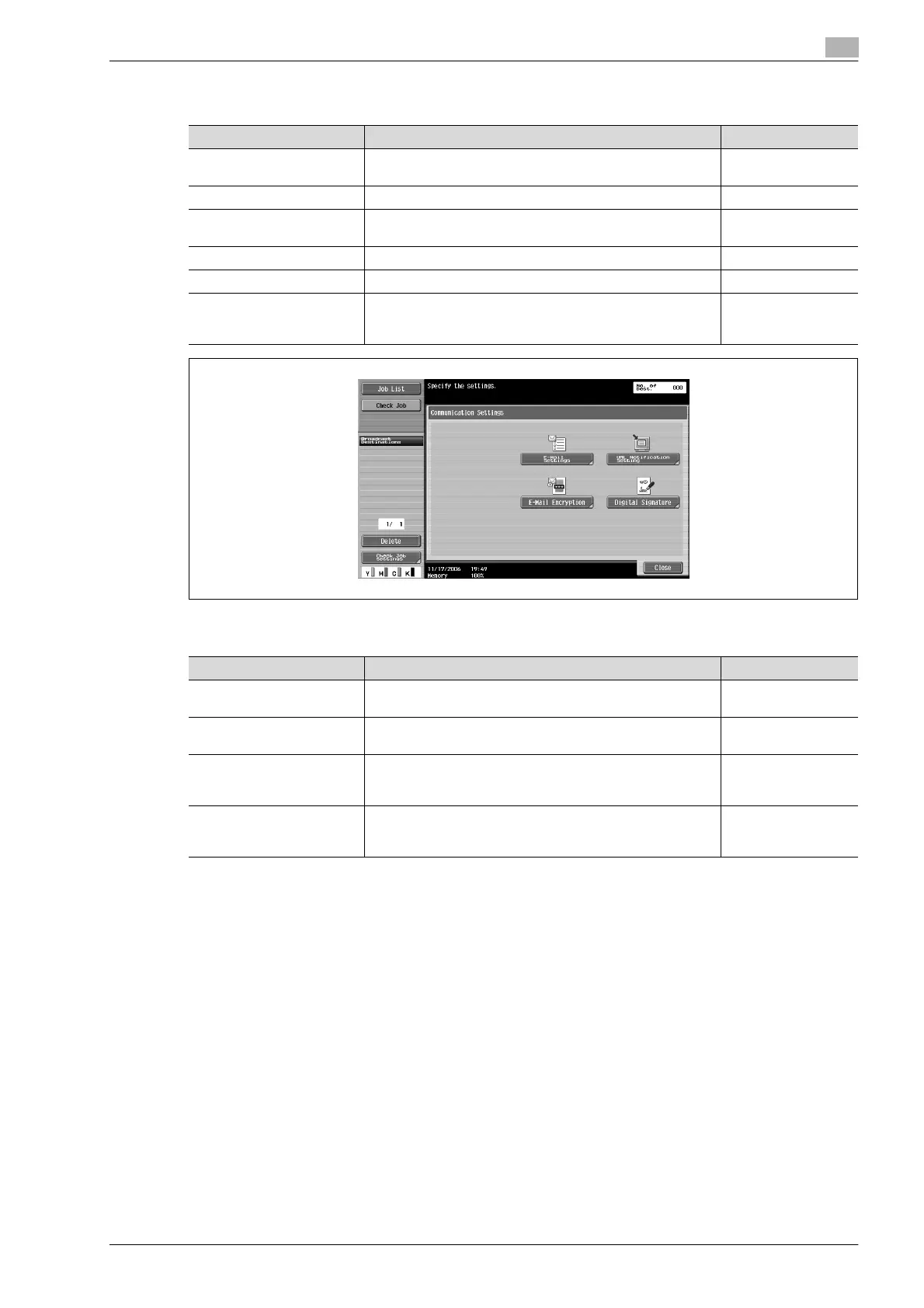
Communication Settings
!
Detail
The "Digital Signature" parameter may not be available or may be set to normally sign, depending on
the specified S/MIME communication settings.
Parameter Description Page reference
Mixed Original Select this setting when loading a document containing dif-
ferent page sizes.
p. 5-62
Z-Folded Original Select this setting when loading a zigzag-folded document. p. 5-62
Long Original Select this setting for documents that are longer than the
standard size.
p. 5-62
Original Direction Select the orientation of the loaded document. p. 5-62
Binding Position Select the binding position for the document. p. 5-62
Despeckle Select this setting to reduce the effect that dust on the left
partition glass has on images when the document is loaded
into the ADF.
p. 5-62
Parameter Description Page reference
E-Mail Setting Specify the document name, subject, From address and
message body for sending e-mail messages.
p. 5-64
URL Notification Setting Specify the e-mail address where notifications of completion
of the job are to be sent.
p. 5-65
E-Mail Encryption This parameter appears when "S/MIME Communication Set-
tings" is set to "ON". Select whether or not to encrypt e-mail
messages that are sent.
p. 5-66
Digital Signature This parameter appears when "S/MIME Communication Set-
tings" is set to "ON". Select whether or not to add a digital
signature to e-mail messages that are sent.
p. 5-66










 To Next Page