ineo+ 650/550/451 4-53
Box Operations
4
To print a document (Mode 2)
Follow the procedure described below when "Prohibited Functions When Authentication Error" (displayed by
touching [Security Settings] on the Administrator Settings screen, then [Security Details]) is set to "Mode 2".
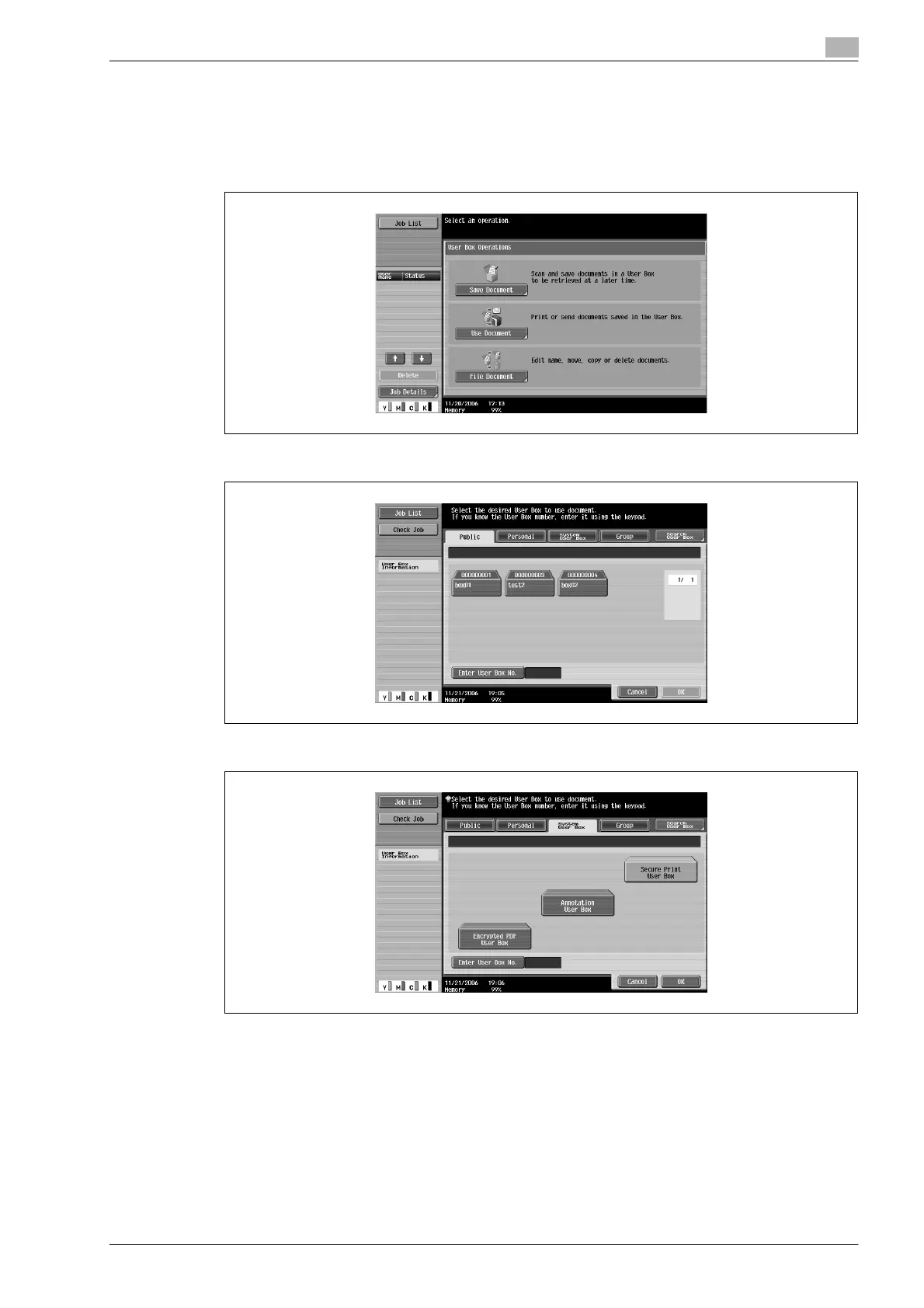
1 Touch [Use Document].
2 Touch [System User Box].
3 Touch [Secure Print User Box], and then touch [OK].










 To Next Page