ineo+ 650/550/451 3-37
Print Operations
3
3.9 Setting up the PPD driver for Mac OS 9.2
The functions of this machine can be specified on the Page Setup and Print dialog boxes displayed from an
application.
The settings can only be applied while using the application. When the application is exited, the settings
return to their defaults.
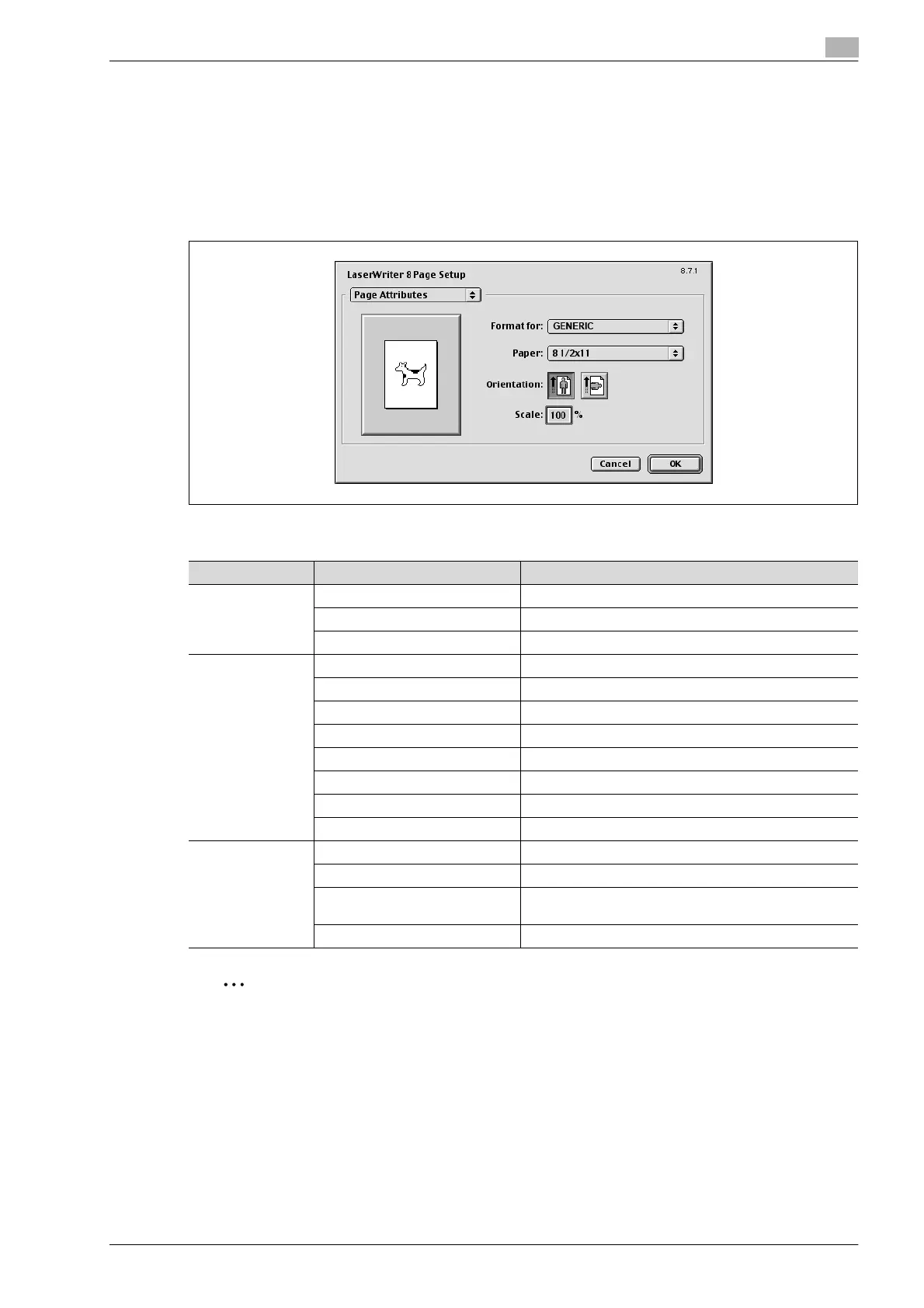
Page setup dialog box
Page Setup items
2
Note
Depending on the application, "Page Setup" may be displayed as "Paper Setup". In addition, you may
have to select "Paper Setup" – "Options" from the "File" menu.
The dialog boxes differ depending on the application.
Menu Item Function
Page Attributes Paper Specifies the paper size.
Orientation Specifies the orientation.
Scale Specifies the enlargement and reduction ratio.
PostScript
Options
Flip Horizontal Prints the image flipped horizontally.
Flip Vertical Prints the image flipped vertically.
Invert Image Prints a negative image.
Substitute Fonts Replaces some fonts with printer fonts.
Smooth Text Smooths text data.
Smooth Graphics Smooths graphic data.
Precision Bitmap Alignment Corrects jagged graphic images.
Unlimited Downloadable Fonts Does not limit downloading screen fonts.
Custom Page Siz-
es
Paper Size Specifies any paper size.
Margins Specifies the paper margins.
Custom Page Size Name Enters the registered name for the specified paper size
and margin after the [OK] button is clicked.
Units Selects the specified unit.










 To Next Page