5
Network Scanner Operations
5-12 ineo+ 650/550/451
5.2 Sending data in an e-mail message (Scan to e-mail)
Scan to e-mail
The Scan to E-Mail operation is used to send scan data to a specified e-mail address as a file attachment.
Recipients can be selected from destinations registered in the address book or they can be typed in directly.
The methods can be combined, for example, by selecting a recipient from a group destination, then adding
other destinations through direct input. Destinations can be selected using any of the following methods. For
details, refer to the corresponding section.
Selecting a destination from the address book
Follow the procedure described below to send data by selecting a recipient from the already registered
destinations.
For details on registering destinations, refer to "Registering an address book destination" on page 5-68.
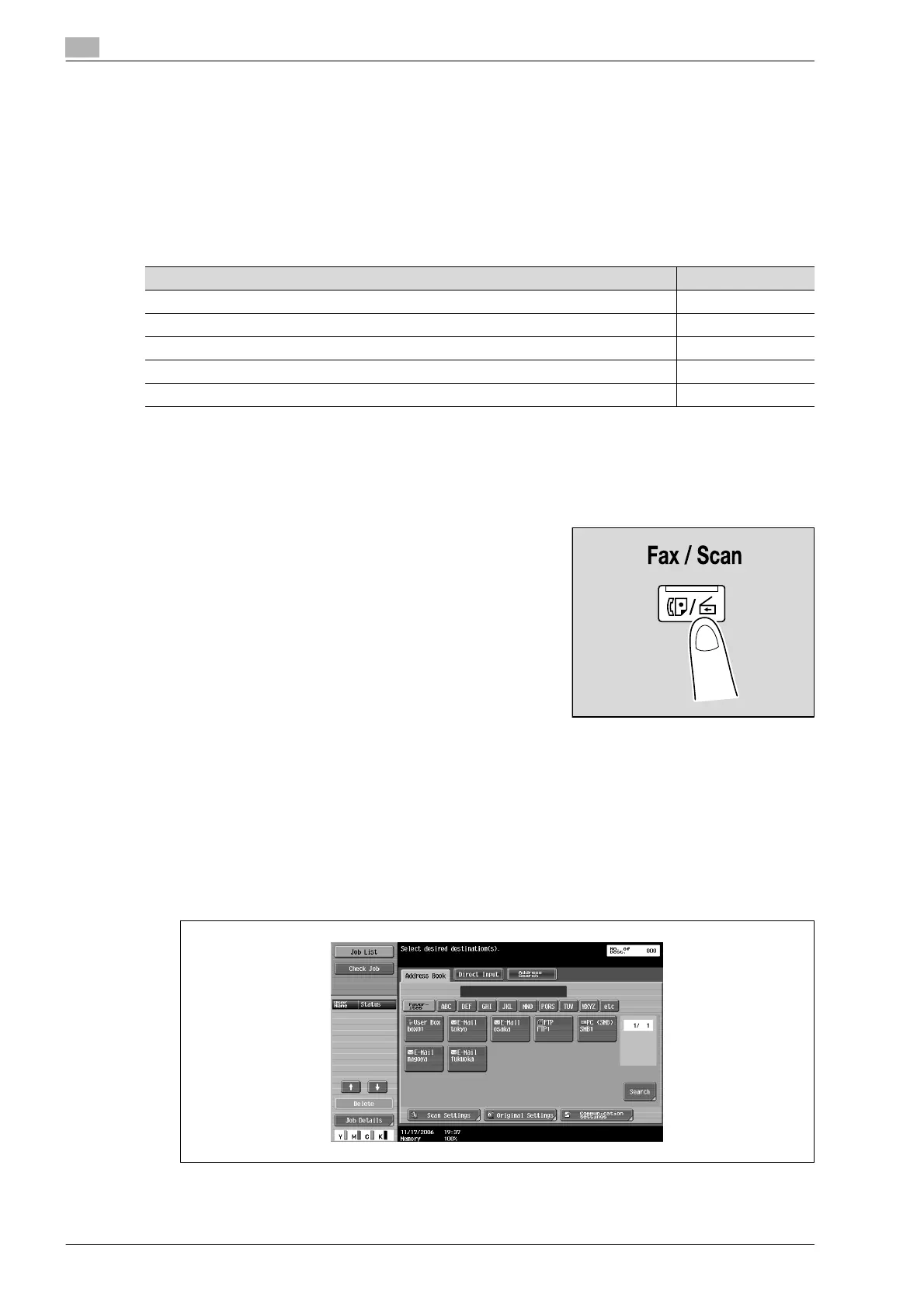
1 Press the [Fax/Scan] key in the control panel.
The Fax/Scan mode screen appears.
2 Touch [Address Book].
– The index appears if "Address Book Default" (displayed by touching [Custom Display Settings] on
the User Settings screen, then [Fax/Scan Settings]) is set to "Index". If "Address Type" is selected,
the index of destination types is displayed.
– The corresponding address appears as the name of the registered destination when an index button
is touched.
– The desired destination can be searched for. For details, refer to "Selecting a destination that was
searched for" on page 5-16.
A list of registered destinations appears.
Selection method Page reference
Selecting from the address book p. 5-12
Entering addresses directly p. 5-15
Selecting a group destination p. 5-13
Searching for a registered destination p. 5-16
Searching for an LDAP server address p. 5-18










 To Next Page