8
Network Fax Operations (Option)
8-24 ineo+ 650/550/451
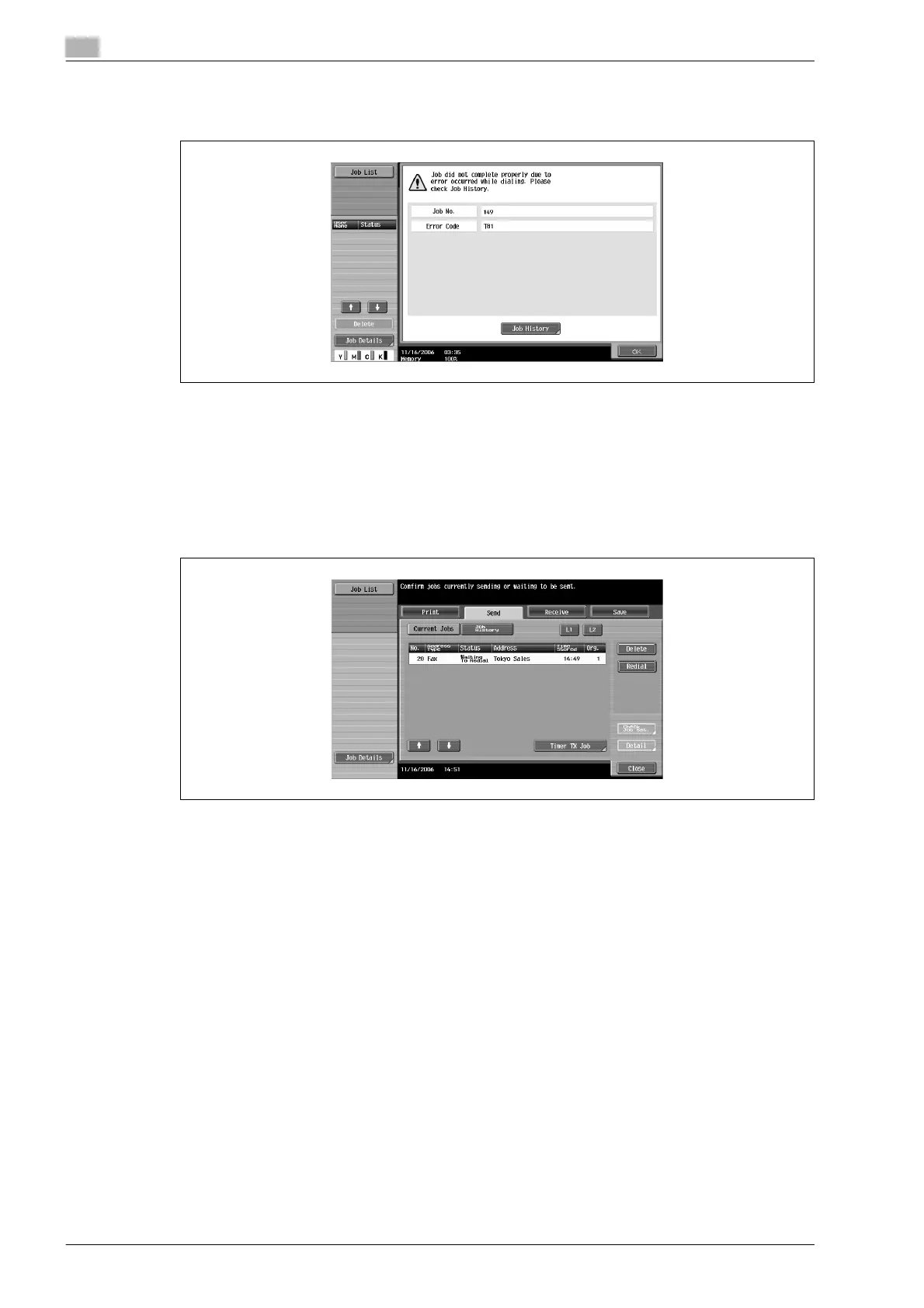
2 Touch [OK].
To check the result for jobs that have been sent, touch [Job History].
Manual redial (Current jobs list)
The job waited due to redial is manually redialed.
1 Touch [Job List] and then touch [Job Details] button.
2 Touch [Send].
3 Select the job condition [Waiting To Redial] and then select [Redial] button.
Redial screen is displayed.
4 Touch [OK].
The redialing of the selected job is performed.










 To Next Page