ineo+ 650/550/451 8-25
Network Fax Operations (Option)
8
8.9 Reserving the transmission
A function for queuing the next transmission while printing or during transmission.
This function is called reserved transmission.
1 Touch [Next Scan/Fax Job].
– Unless [TX Display] or [RX Display] is not set to "Yes", the [Next Scan/Fax Job] is not displayed.
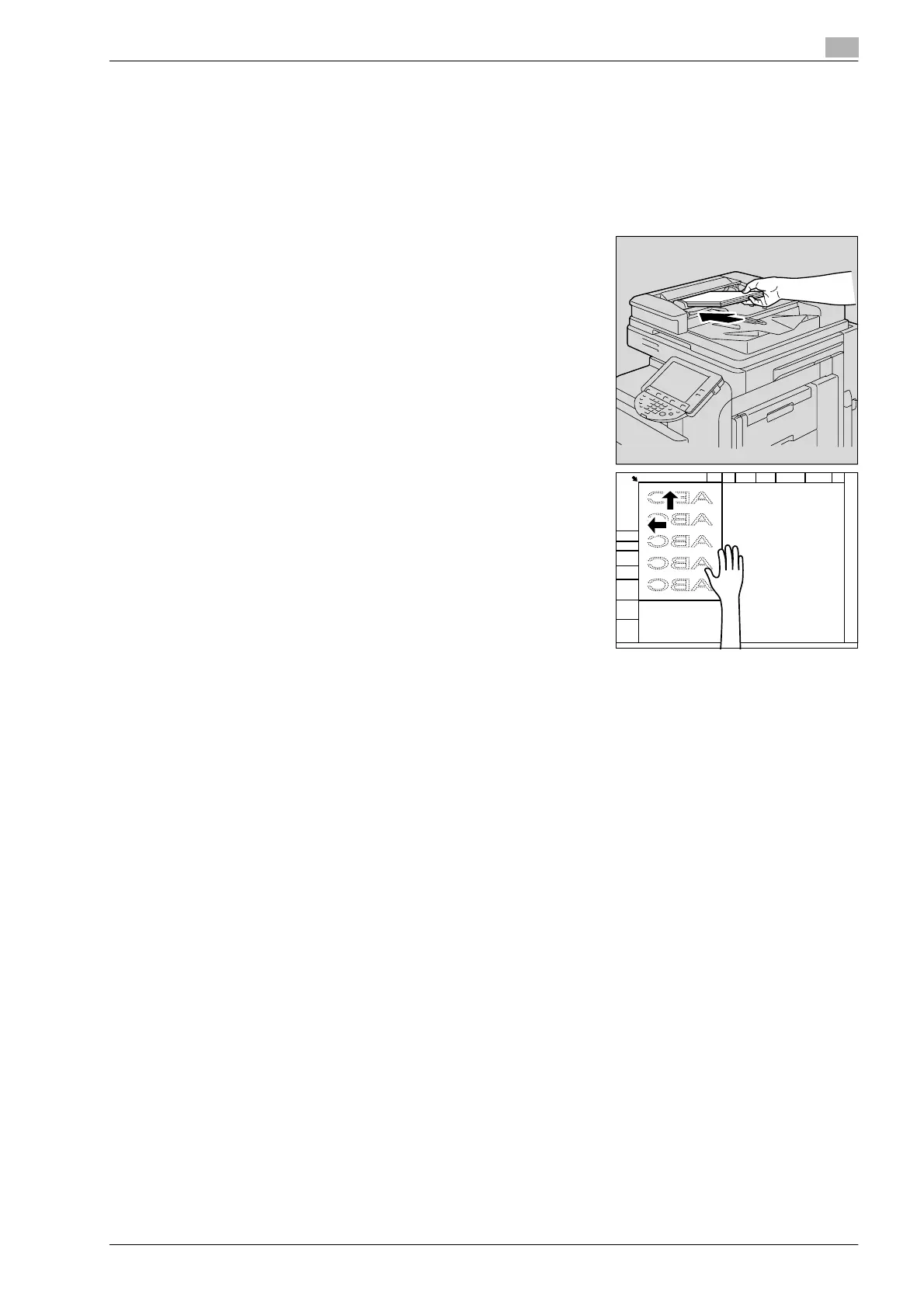
2 Load the original.
– Refer to "Feeding the document" on page 2-26 for details
on positioning the original.
– When the reserved transmission is to be cancelled, touch
[Job List] and then touch [Delete].
3 Specify the functions if required.
– For details on Scan Settings, refer to "Specifying the scan conditions" on page 8-11.
4 Specify the destination.
5 Press [Start] key.










 To Next Page