ineo+ 650/550/451 8-3
Network Fax Operations (Option)
8
8 Network Fax Operations (Option)
8.1 General fax operation (Internet fax)
This section contains information about general operations for sending a fax.
Sending an internet fax
!
Detail
The procedure for faxing a single-sided original using basic operations is explained here. Various
functions for sending a fax more conveniently are provided in this machine.
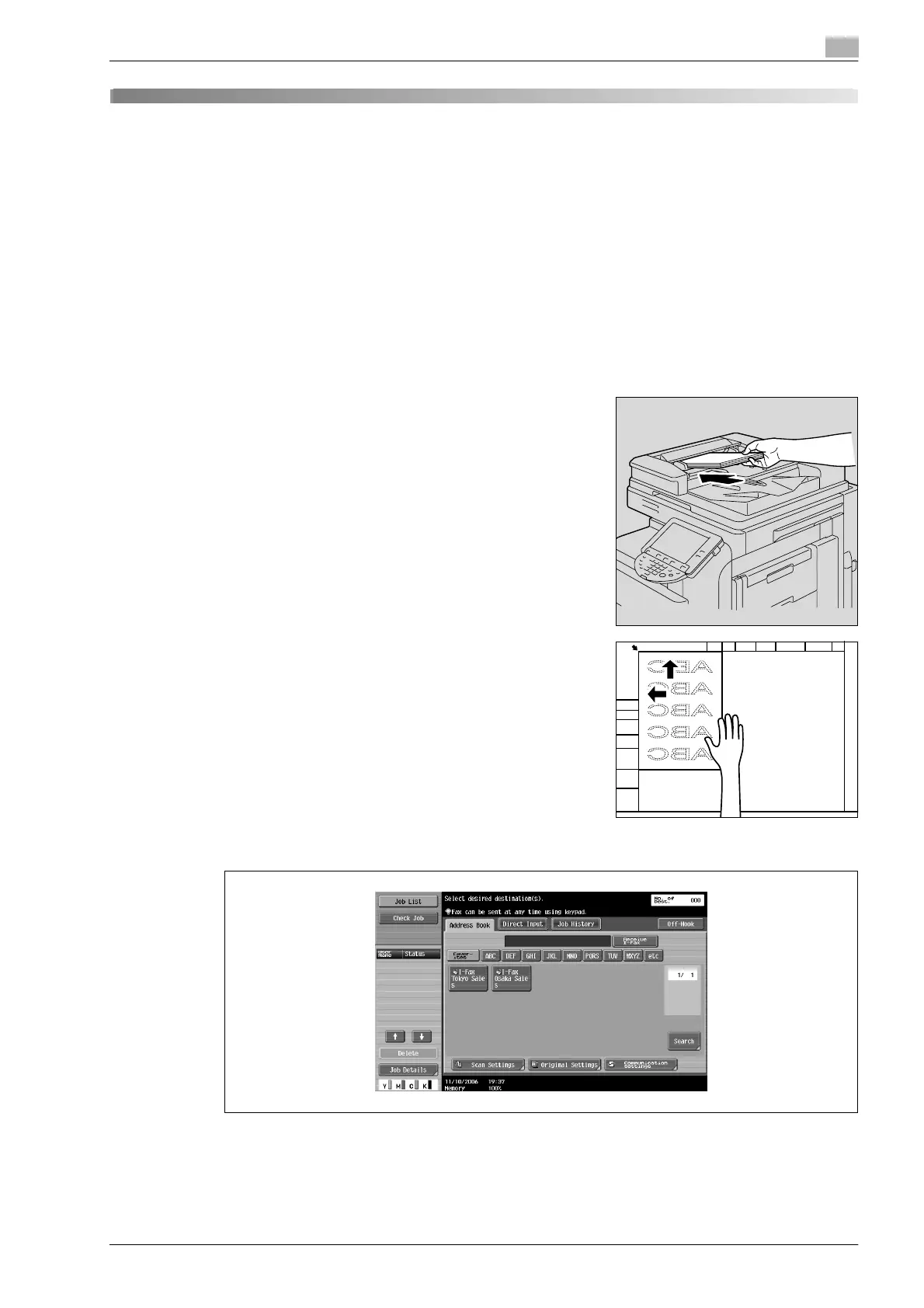
1 Press [Fax/Scan] key to display the Fax/Scan screen.
2 Load the original.
– For details on positioning the original, refer to "Feeding the
document" on page 2-26.
3 Touch [Scan Settings], specify the desired function and touch [OK].
– Scan Setting functions are specified as follows at the time of purchase.
[Original Type]: Text/Photo (Printed Photo)
[Simplex/Duplex]: 1-Sided
[Resolution]: 200e200dpi (Fine)
[Density]: Standard










 To Next Page