8
Network Fax Operations (Option)
8-4 ineo+ 650/550/451
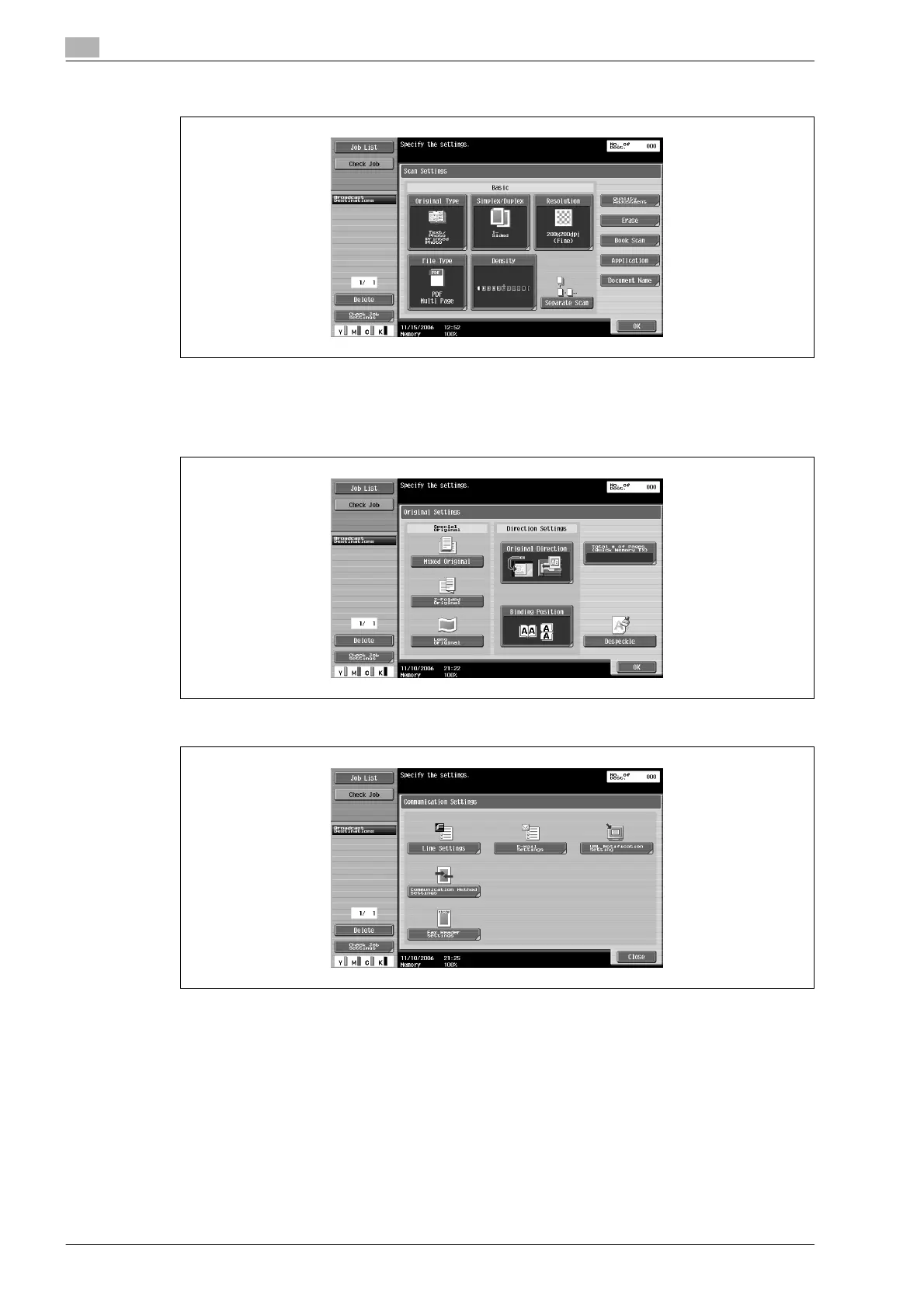
– [File Type] is not available in Internet Fax mode.
– For details on specifying Basic scan settings, refer to "Specifying the scan conditions" on
page 8-11.
4 Touch [Original Settings], specify the desired function and touch [OK].
5 Touch [Communication Settings], specify the desired function and touch [Close]
6 Specify the E-mail address of the recipient.
– Address Book
Direct Input
Group destination
Program destination
– Proceed to procedure 10 to specify a destination as an Address Book, a Group destination or a
Program destination.
– Proceed to procedure 7 to specify a destination by Direct Input.
– For details on procedures for specifying an E-mail address, refer to "Specifying only one
destination" on page 8-14 and "Specifying multiple destinations (Broadcast transmission)" on
page 8-19.










 To Next Page