ineo+ 650/550/451 2-17
Copy Operations
2
2.5 Loading paper into tray 1 and tray 2
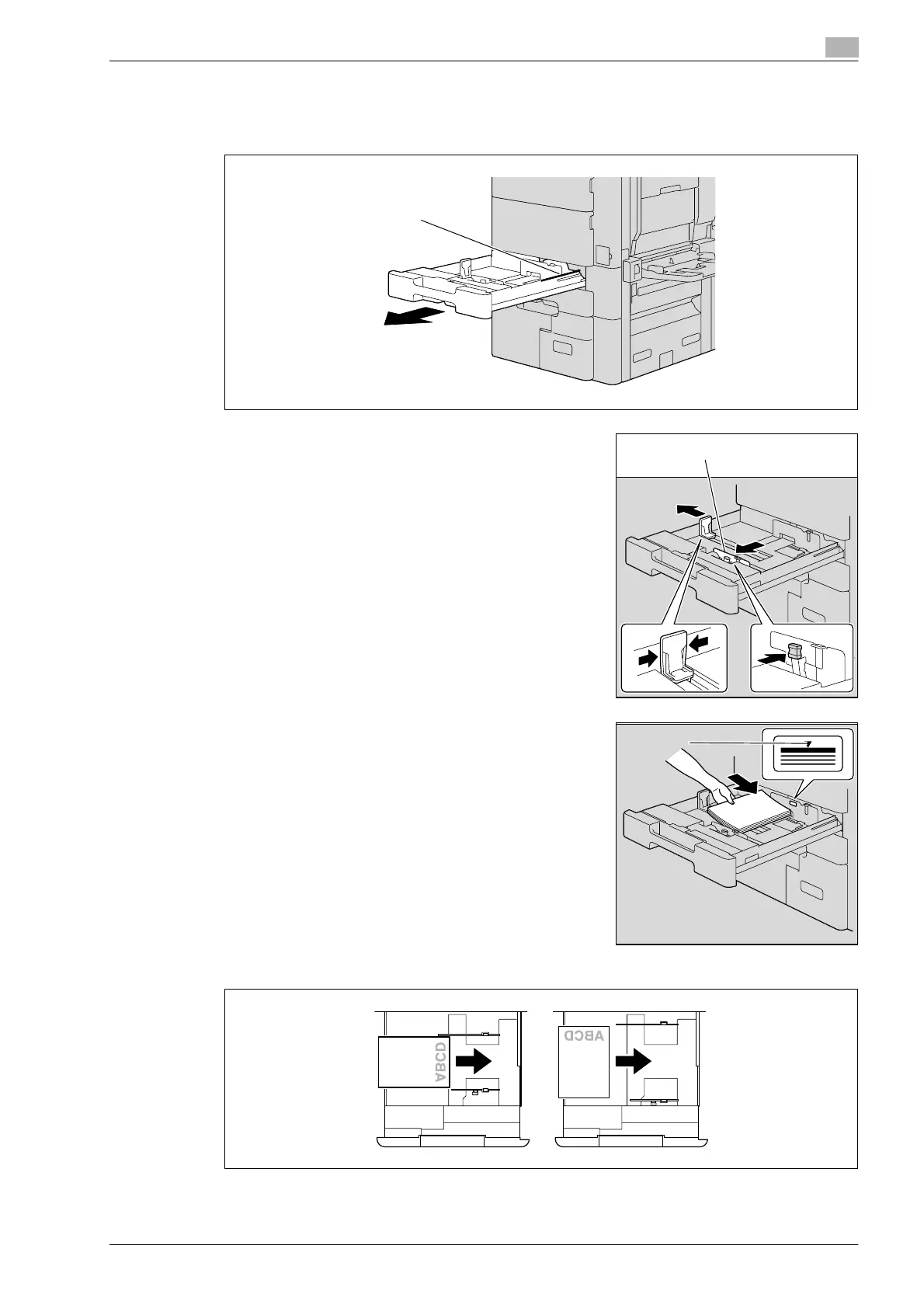
1 Pull out tray 1 or tray 2.
2 Slide the lateral guides to fit the size of paper to be loaded.
– If the lateral guides are not positioned correctly for the
loaded paper, the paper size will not be correctly detected.
Be sure to adjust the lateral guides to the size of the loaded
paper.
3 Load the paper into the tray so that the side of the paper to be
printed on (the side facing up when the package was
unwrapped) faces up.
– Load letterhead paper so that the side to be printed on faces down.
Film
Lateral guides
, mark










 To Next Page