ineo+ 650/550/451 2-137
Copy Operations
2
2.39 Saving the scanned document in a user box ("Save in User Box"
function)
A scanned document can be saved in a user box. Documents saved in user boxes can be printed when
necessary.
1 Position the document to be copied.
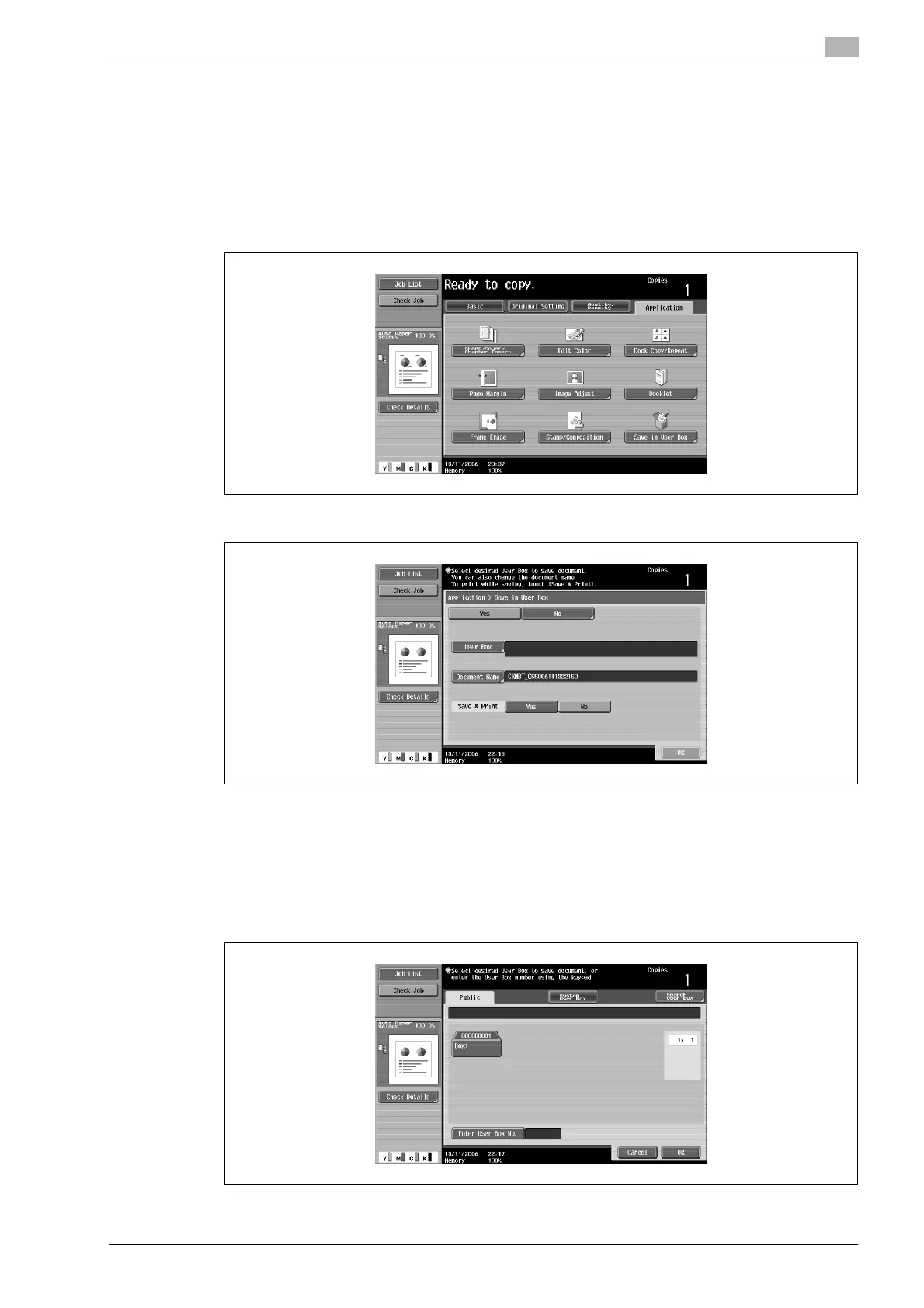
2 Touch [Application], and then touch [Save in User Box].
3 Touch [User Box].
A screen for selecting a user box appears.
4 Select the user box where the data is to be saved.
– Touch the tab containing the desired user box, and then button for the user box.
– To type in a user box number to specify the user box, touch [Enter User Box No.].
– It is not necessary to enter the password when saving data, even if a password has been specified
for the box.










 To Next Page