6
Web Connection Operations
6-24 ineo+ 650/550/451
6.4 Direct Print tab
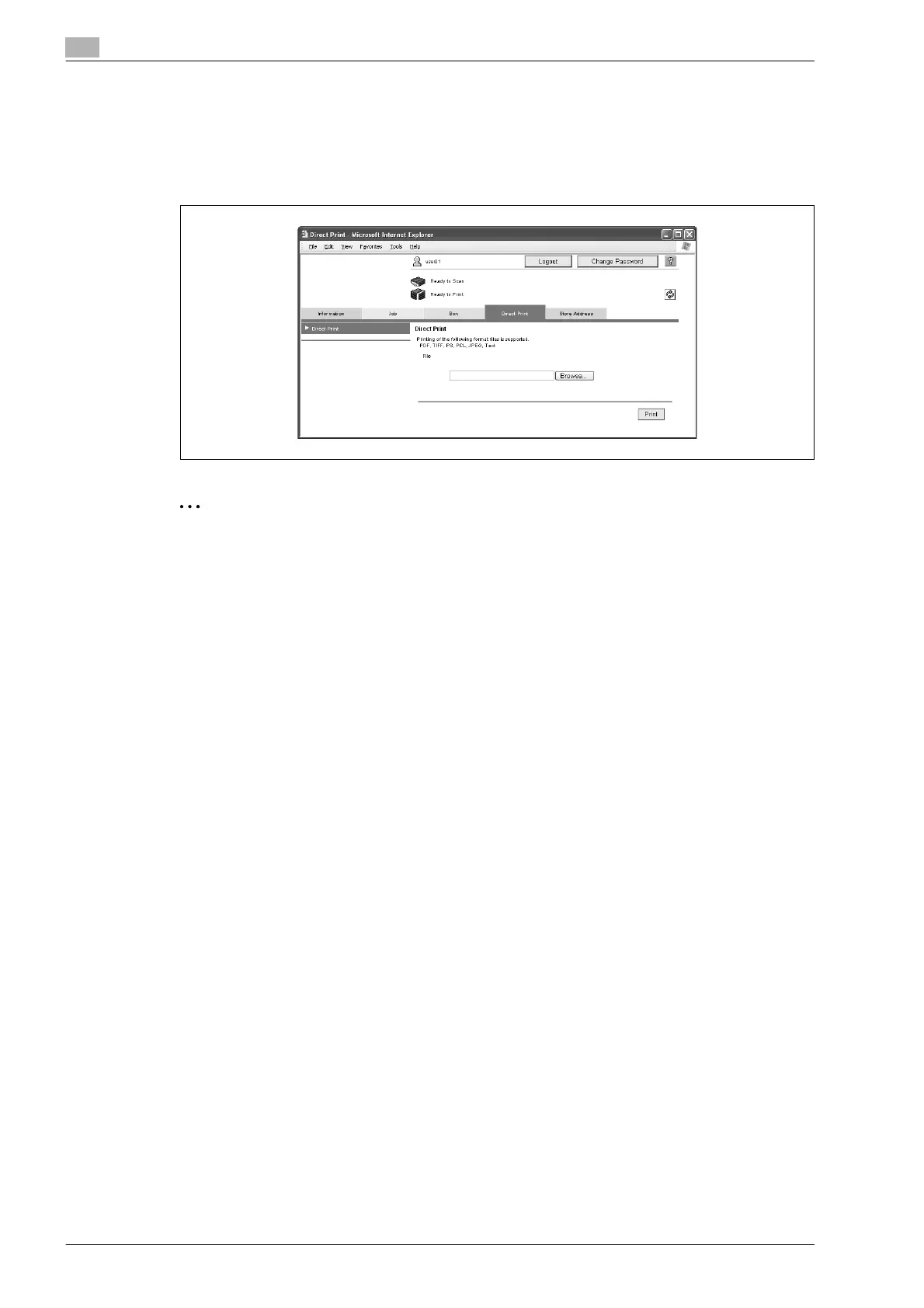
From the Direct Print tab, files can be specified and printed.
Direct Print
% Click the [Browse] button to select the file, and then click the [Print] button.
2
Note
If authentication settings have been specified and "Print without Authentication" is set to "Allow", direct
printing can be used. Specify the setting for "Print without Authentication" from the control panel.
Some files cannot be printed, depending on their file format. Files in the following file formats can be
printed:
PDF/TIFF/PS/PCL/JPEG/Text/XPS










 To Next Page