ineo+ 650/550/451 3-45
Print Operations
3
– Pure Black (Photo): Specifies whether to enable grayscale of photos in a document.
– Screen (Photo): Specifies screening of photos in a document.
– Smoothing (Photo): Specifies screening of photos in a document.
– Color Settings (Graphic): Adjusts the color quality of a chart and graph in a document to the text or
photo settings.
– Smoothing (Graphic): Adjusts the smoothing process of a chart and graph in a document to the text
or photo settings.
2
Reminder
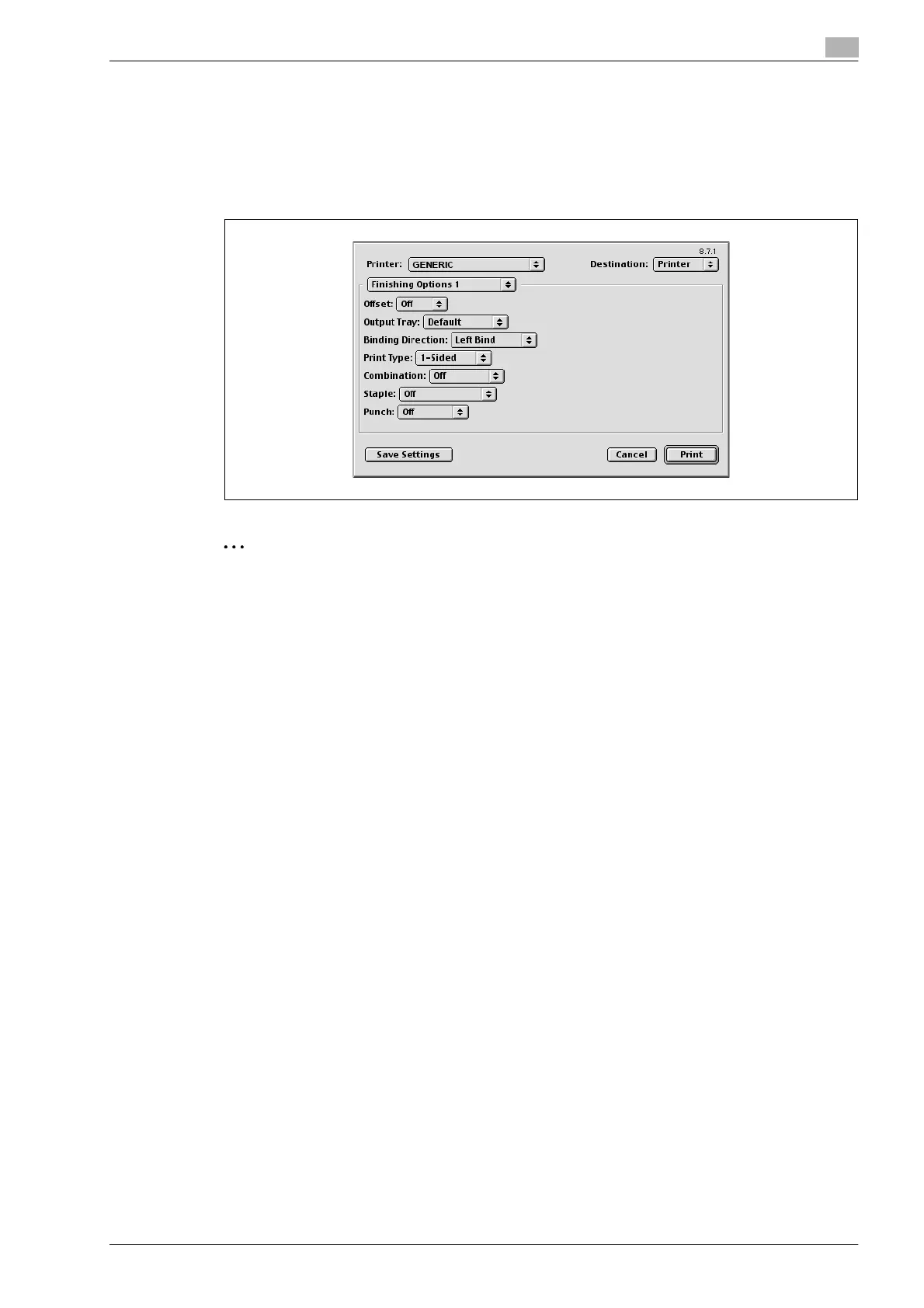
The staple function is available only when the optional finisher is installed.
The hole punch function is available only when the punch kit is installed on the optional finisher.
The folding function is available only when the optional finisher or saddle stitcher on the finisher is
installed.










 To Next Page