2
Copy Operations
2-74 ineo+ 650/550/451
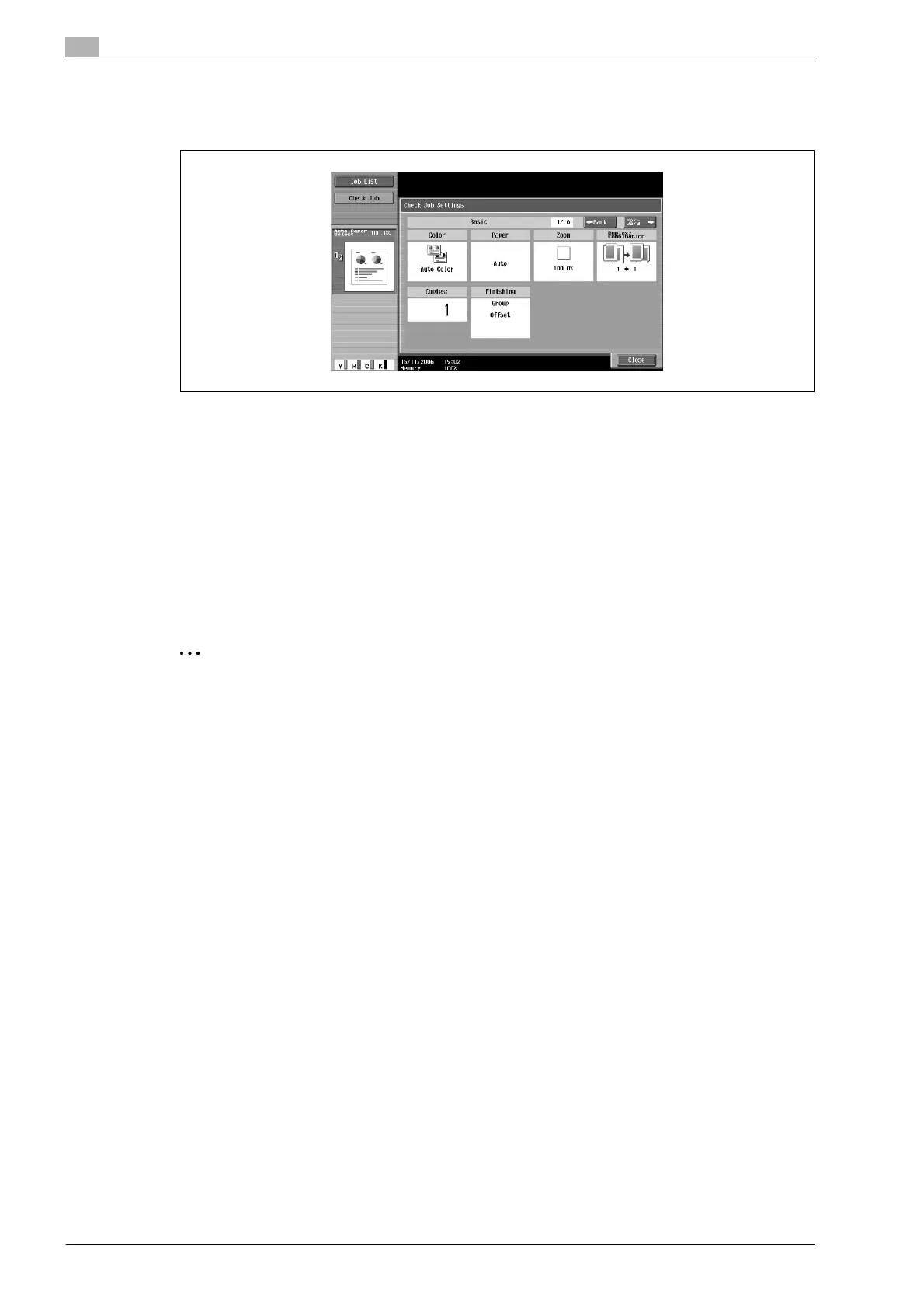
5 Check the copy settings registered with the selected copy program.
6 Touch [Close].
The Recall Copy Program screen appears again.
7 Again touch the button for the copy program registered with the copy settings to be recalled.
– If [OK] is touched with no copy program selected, the Basic screen appears again without a copy
program being recalled.
8 Touch [OK].
The programmed copy settings are recalled and the Basic screen appears again.
9 Press the [Start] key.
Copying begins with the recalled copy settings.
2
Note
To stop recalling a copy program, press the [Reset] key or the [Mode Memory] key or touch [Cancel].










 To Next Page