ineo+ 650/550/451 2-109
Copy Operations
2
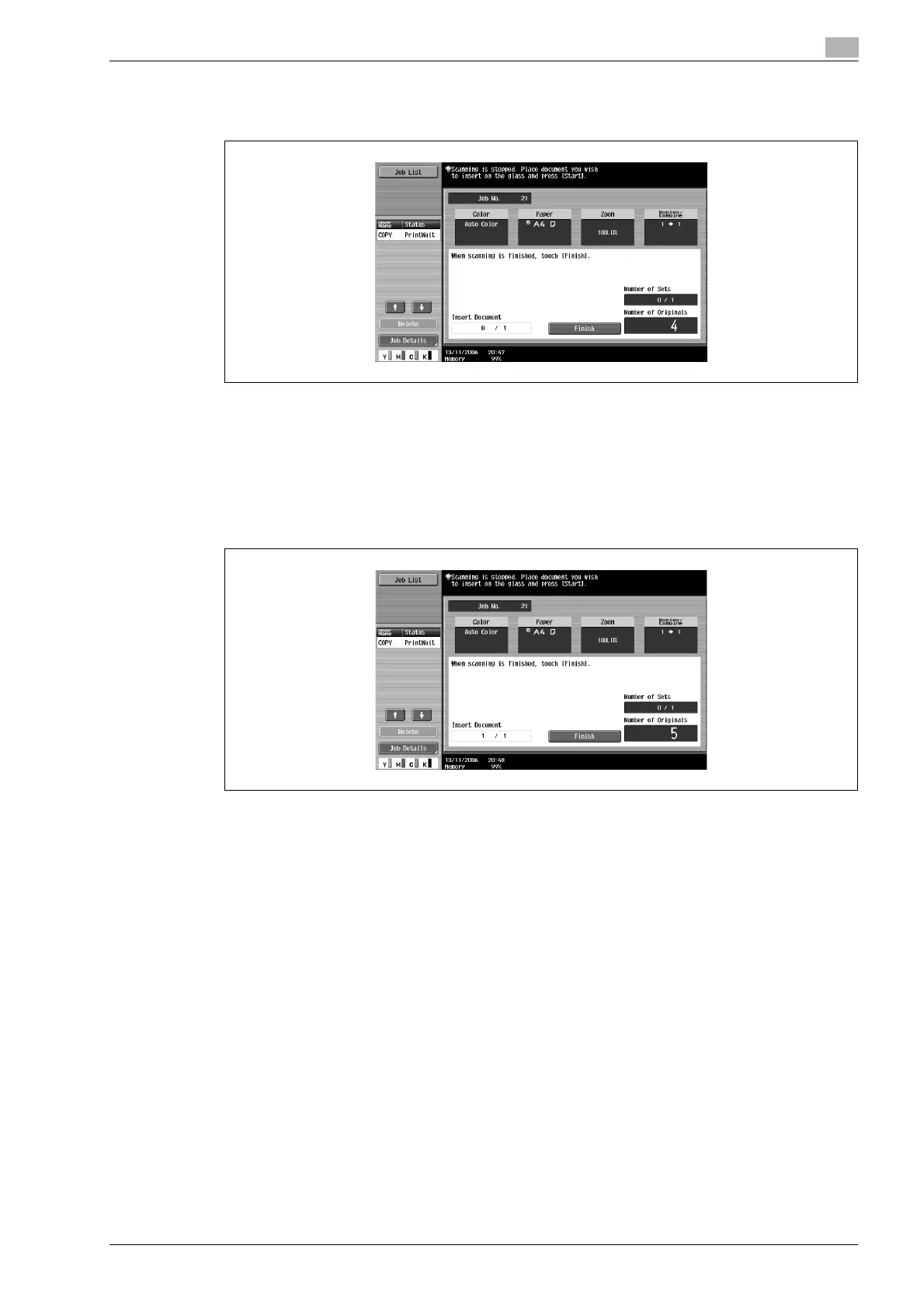
8 Press the [Start] key.
Scanning begins.
9 Place the document to be inserted on the original glass.
– For details on positioning the document, refer to "Feeding the document" on page 2-26.
10 Press the [Start] key.
Scanning begins.
11 Touch [Finish].
– To insert a multi-page document, repeat steps 9 and 10 until all pages of the insertion document
are scanned in the order that they are to be inserted.
12 Press the [Start] key.










 To Next Page