2
Copy Operations
2-116 ineo+ 650/550/451
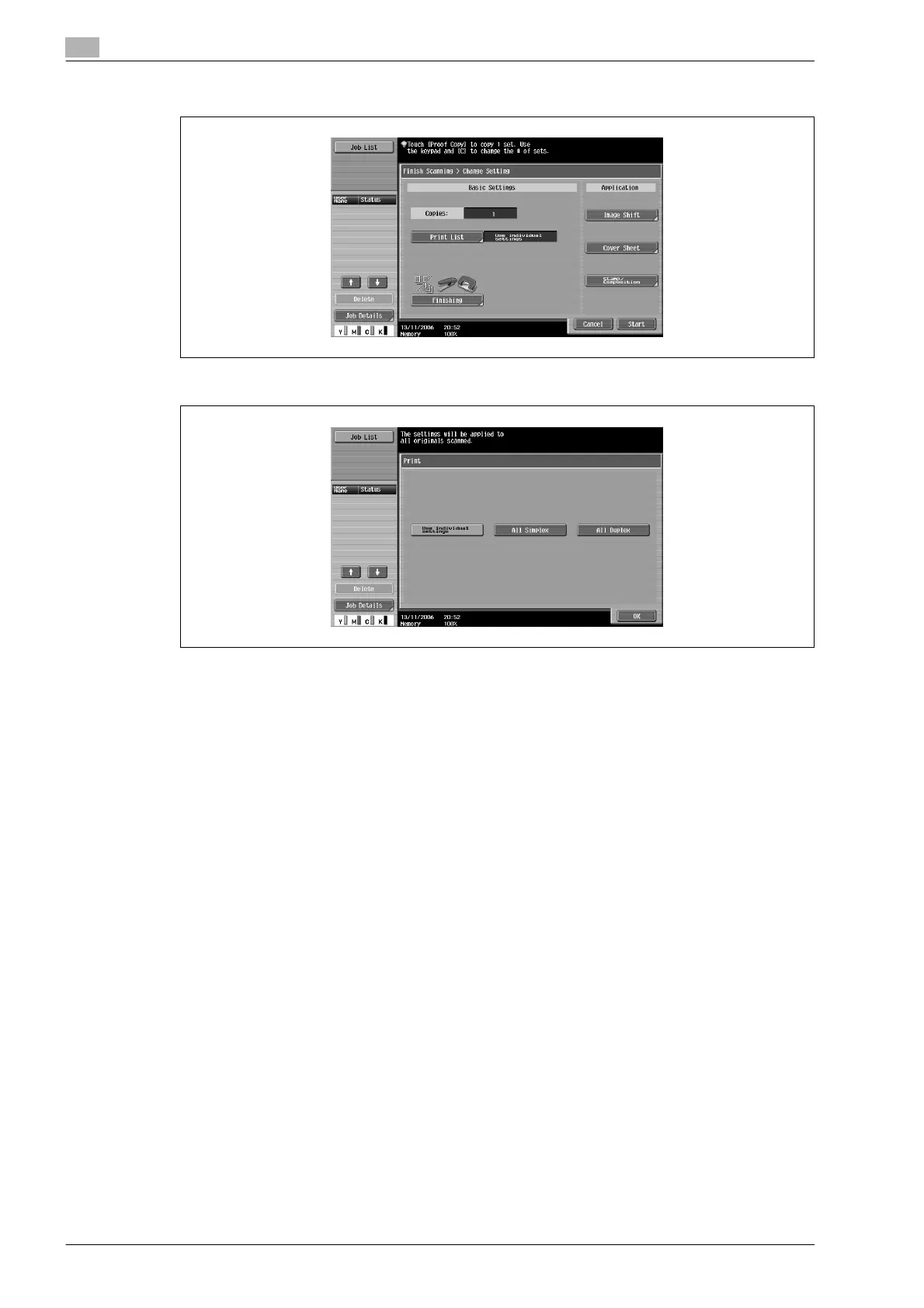
10 Specify any other desired copy settings.
– Touch [Print List], and then specify the printing method for the entire scanned document.
?
Is there more information about the settings?
% Refer to the appropriate section.
11 Using the keypad, type in the desired number of copies.
12 Touch [Start] or press the [Start] key.
– If [Cancel] is touched, a message appears, requesting confirmation to delete the data. To stop
printing, touch [Yes], and then touch [OK].










 To Next Page