5
Network Scanner Operations
5-4 ineo+ 650/550/451
– To stop recalling a program, press the [Reset] key or the [Mode Memory] key.
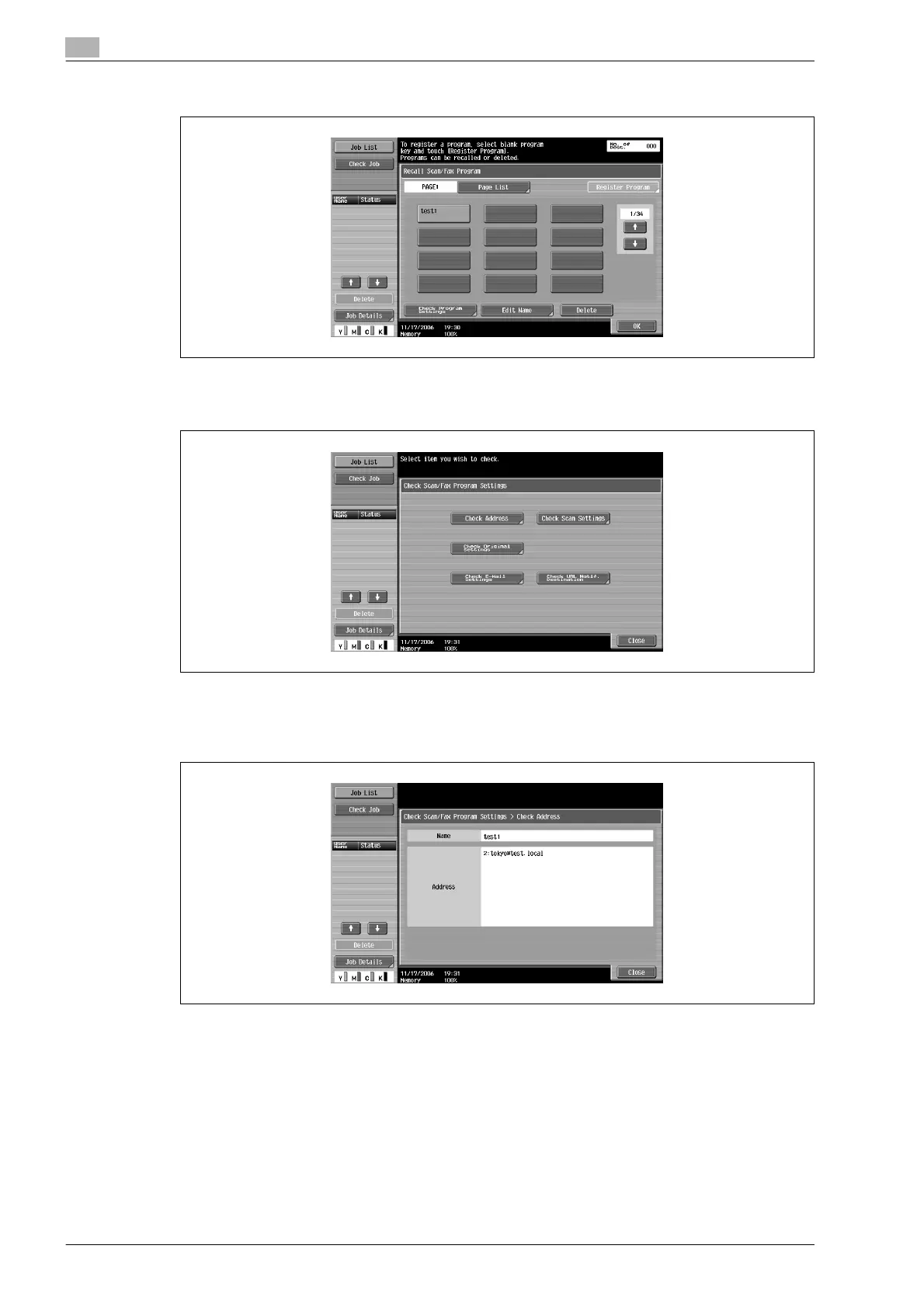
4 Touch [Check Program Settings].
The Check Scan/Fax Program Settings screen appears.
5 Touch the button for the setting to be checked.
– To check the list of specified destinations, touch [Check Address].
– The settings cannot be changed from the Check Scan/Fax Program Settings screen.
– To check the scan settings for the document, such as the document quality, background
adjustment and scanning area size, touch [Check Scan Settings].
– There are three Check Scan Settings screens. The number of the currently displayed screen
appears to the right of the screen title.










 To Next Page