5
Network Scanner Operations
5-50 ineo+ 650/550/451
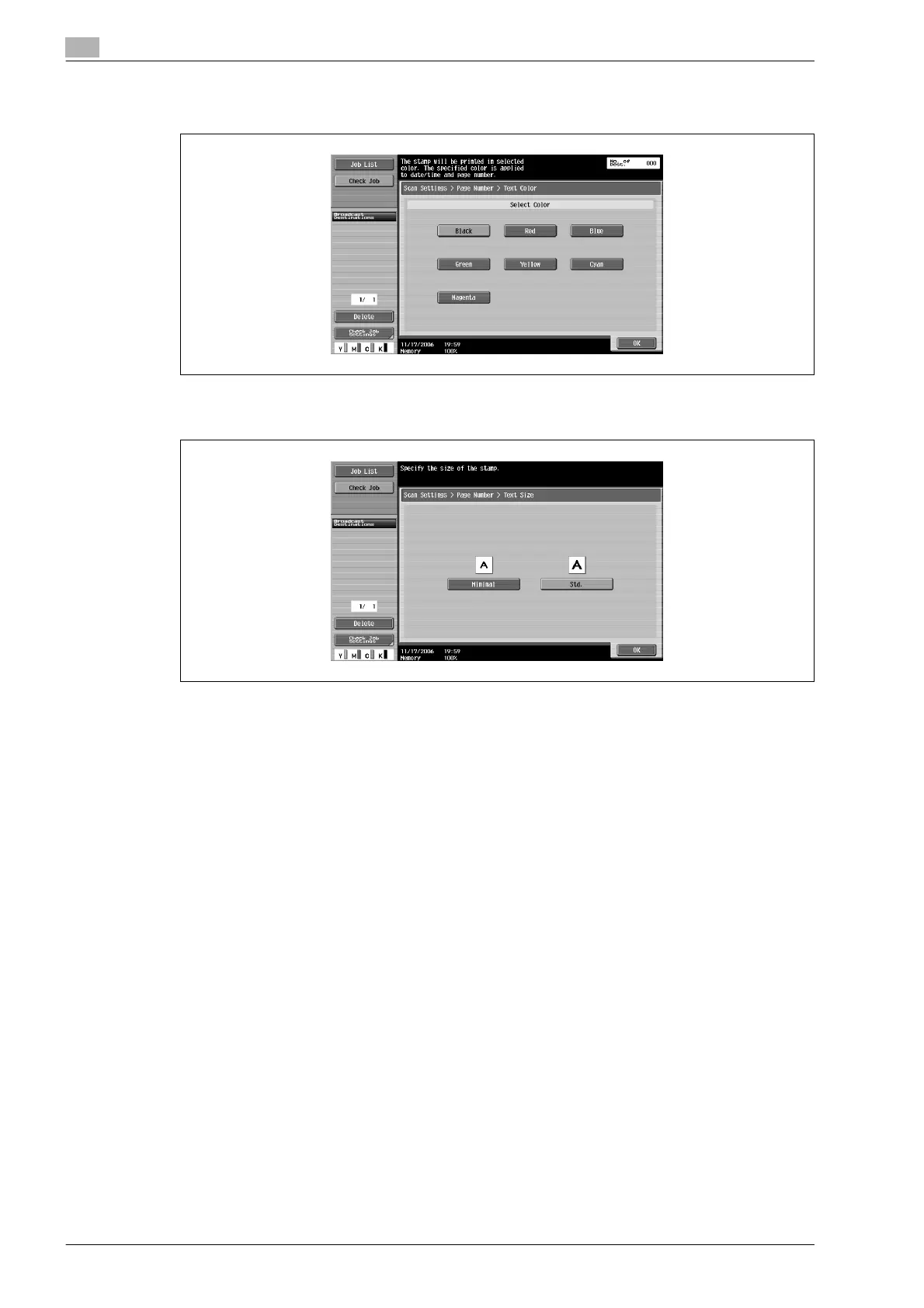
– Touching [Text Color] displays a screen for specifying the color. Touch the button for the desired
color, and then touch [OK].
– Touching [Text Size] displays a screen for specifying the text size. Touch the button for the desired
size, and then touch [OK].
– Touching [Print Position] displays a screen for specifying the printing position. Touch the button for
the desired printing position, and then make any fine adjustments, if necessary. After specifying the
settings, touch [OK].










 To Next Page