7
Fax Operations (Option)
7-18 ineo+ 650/550/451
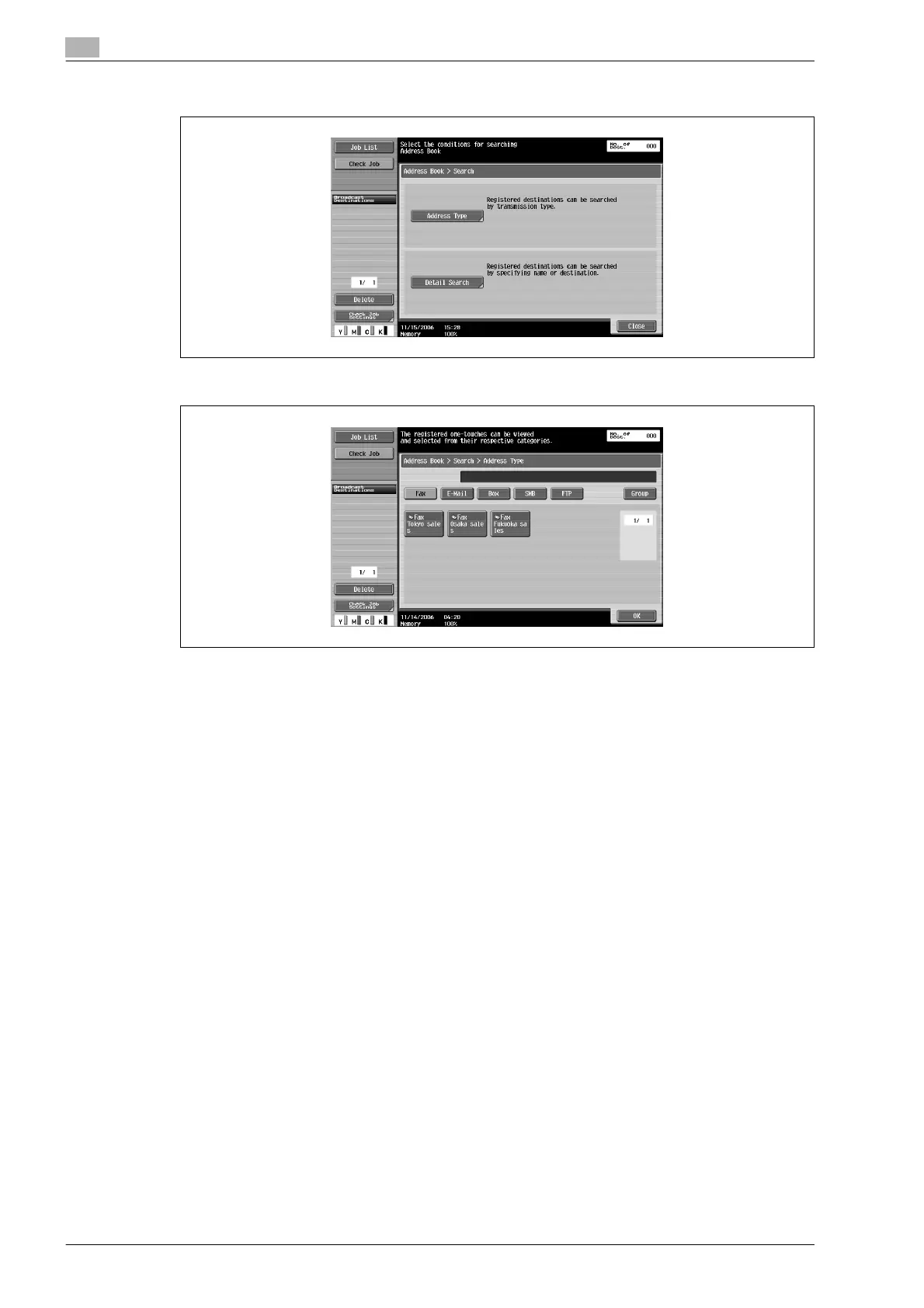
2 Touch [Address Type].
3 Touch [Group].
4 Touch the desired group button.
Multiple destinations are specified.
!
Detail
The default display settings of the [Address Book] tab can be changed to address type with the Default
Address Book setting.
A maximum of 605 destinations (500 address book destinations, 100 direct input destinations and 5
direct input e-mail addresses) can be specified.










 To Next Page