ineo+ 650/550/451 2-15
Copy Operations
2
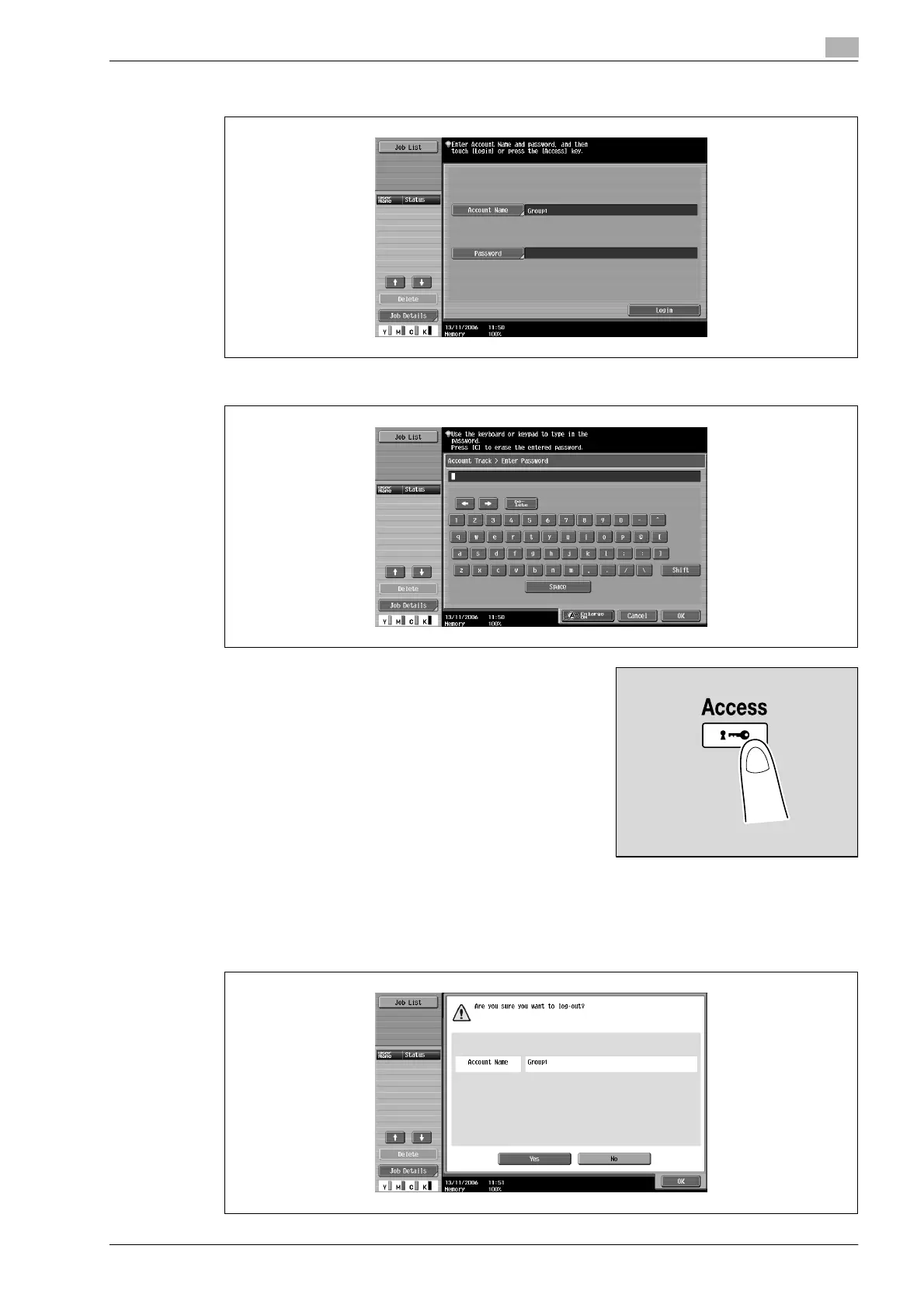
3 Touch [Password].
4 Type in the password, and then touch [OK].
5 Touch [Login] or press the [Access] key.
The Basic screen appears.
6 Make copies using the desired copy settings.
7 When you are finished printing, press the [Access] key.
A message appears, requesting confirmation to log off.










 To Next Page