ineo+ 650/550/451 2-23
Copy Operations
2
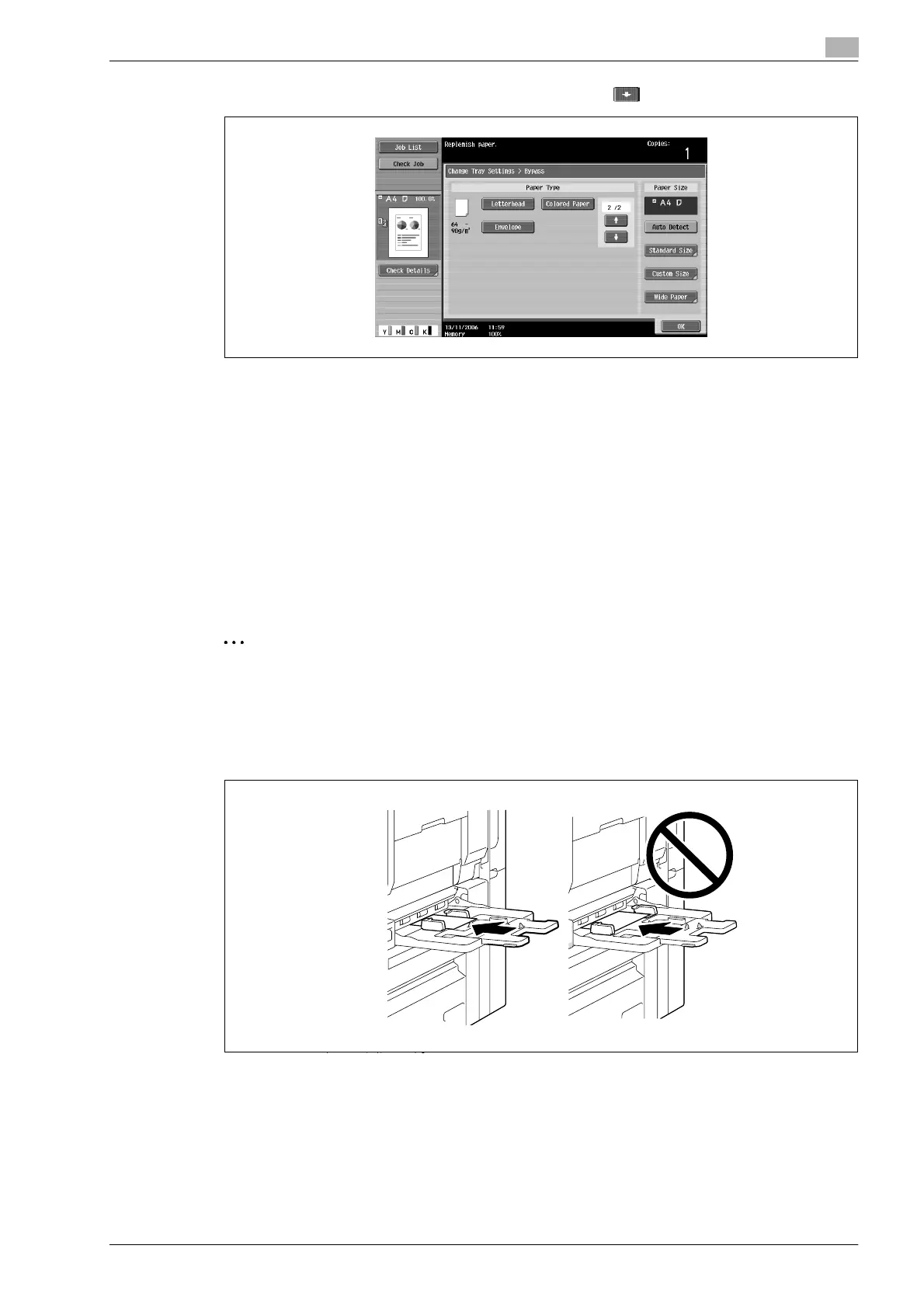
– To print on colored paper, envelopes or letterheads, touch , and then select the paper type.
–If "A6Card w" is selected, the paper type is automatically set to "Thick 3".
– If media other than postcards are inserted, select the appropriate paper type.
– If label sheets are loaded, select "Thick 1".
– Printing on OHP transparencies is possible only in black. When selecting OHP transparencies,
select the "Black" Color setting, and then select the paper type.
– For details on selecting a setting for non-standard-size paper, refer to "Specifying a non-standard
paper size ("Custom Size" settings)" on page 2-86.
– For details on selecting a setting for wide paper, refer to "Selecting a setting for oversized paper
("Wide Paper" settings)" on page 2-90.
– For details on special paper, refer to "Special paper" on page 2-81.
5 Touch [OK], and then touch [OK] in the next screen that appears.
The Basic screen appears again.
2
Reminder
Push the paper guides firmly up against the edges of the paper.
When loading postcards, load them in the w orientation, as shown in the illustration. Do not load
postcards in the v orientation.
A maximum of 50 postcards can be loaded into the bypass tray.










 To Next Page