2
Copy Operations
2-34 ineo+ 650/550/451
12 Press the [Start] key.
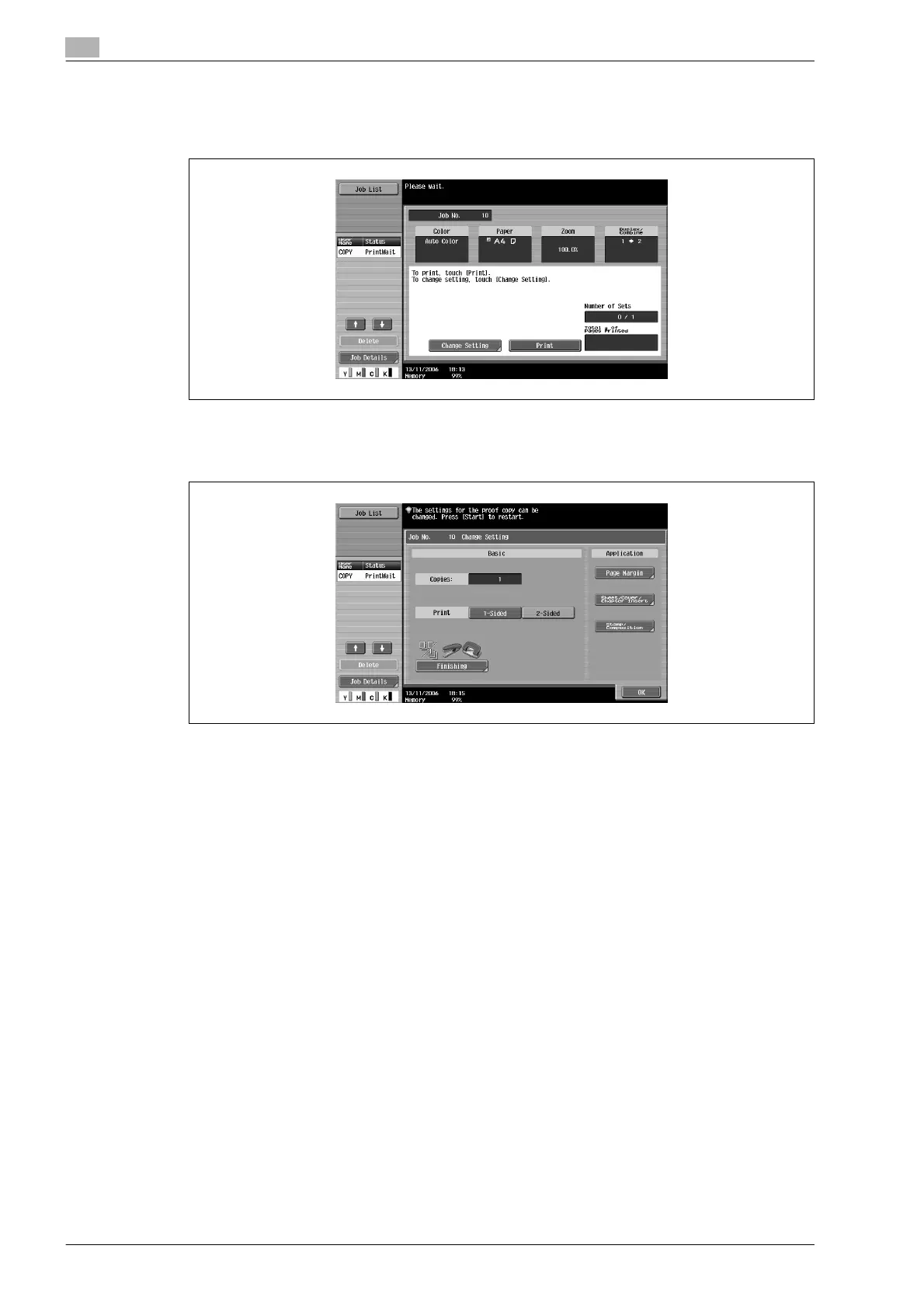
– If the "Separate Scan Output Method" parameter is set to "Batch Print", touch [Print] or press the
[Start] key.
– If the "Separate Scan Output Method" parameter is set to "Batch Print", the copy settings can be
changed. To change the copy settings, touch [Change Setting], and then touch [OK] after changing
the settings as desired.










 To Next Page