2
Copy Operations
2-58 ineo+ 650/550/451
When Finisher FS-519 is installed
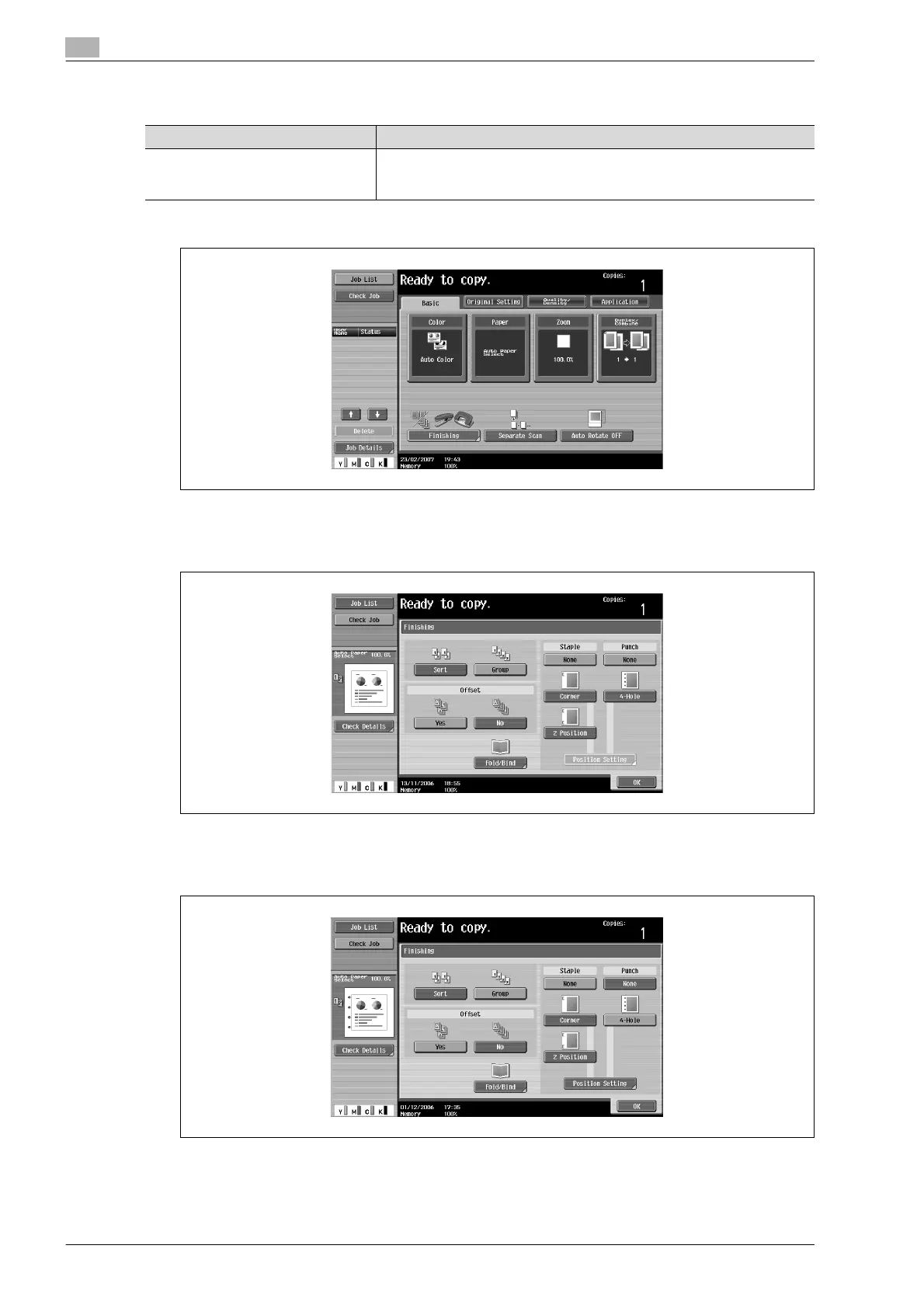
1 In the Basic screen, touch [Finishing].
The Finishing screen appears.
2 Under "Punch", touch [4-Hole].
– To cancel the Punch setting, touch [None].
3 Touch [Position Setting].
Paper weight Paper size
Plain Paper (64 g/m
2
to 90 g/m
2
)
Thick Paper 1/1+/2 (91 g/m
2
to
128 g/m
2
A3 w, A4 v, B5 w










 To Next Page