3.
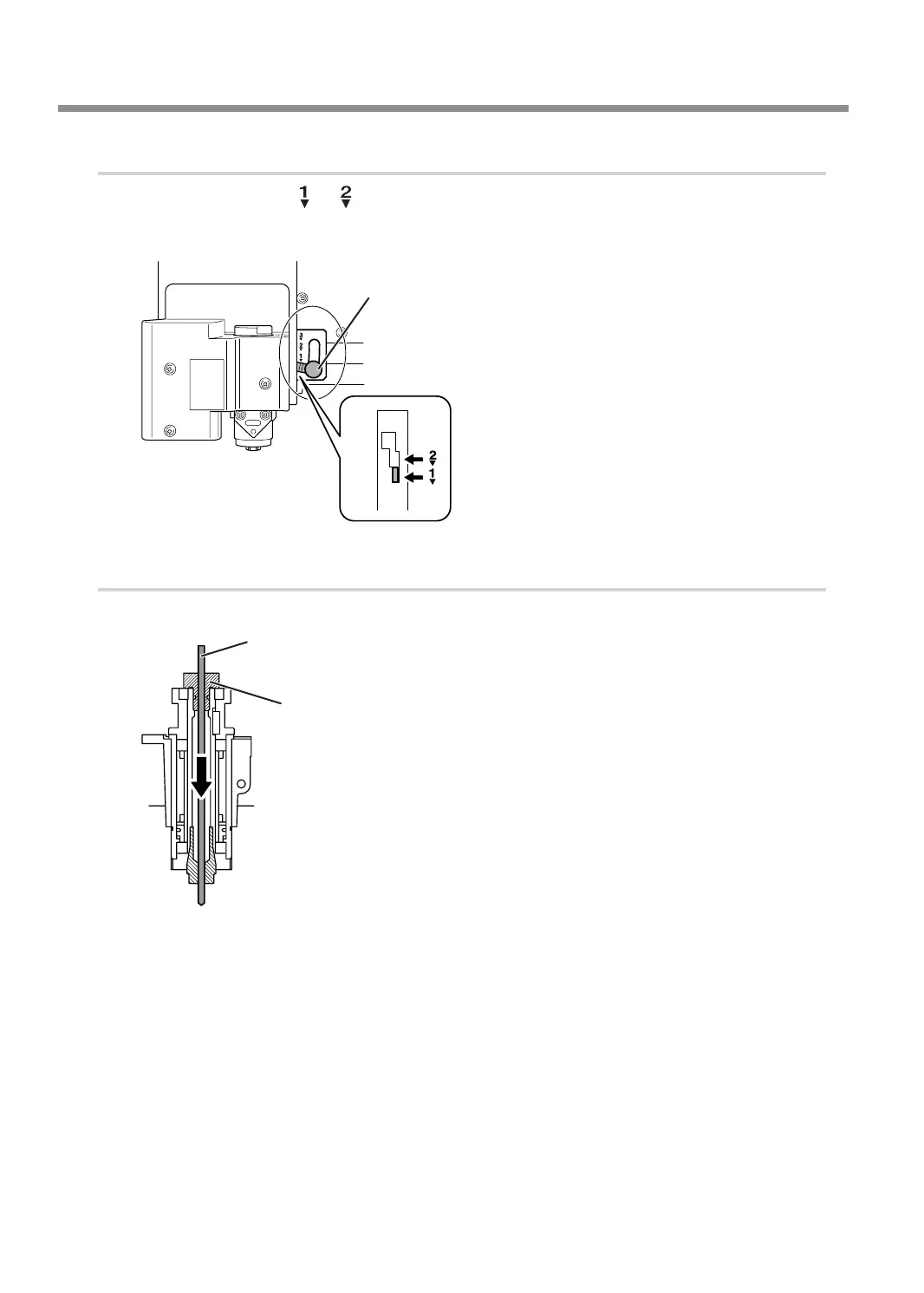
Set the lock lever.
Set the lock lever at or position.
For details on the setting position of the lock lever, see the following page.
" P. 62 "Setting the Lock Lever"
Lock lever
Press slightly, then lower it.
4.
Install the diamond scraper and determine the amount of extension.
A
Insert the diamond scraper into the cutter holder.
Cutter holder
Diamond scraper
Using Various Tools
92
Chapter 5 Various Engraving Methods



 To Next Page