MightyMo/MiniMo User’s Guide 2-29
Part # 400030-C
Resetting the Device Chapter 2: Hardware
will be displayed in the viewport and you should complete the rest
of this step. Otherwise, continue with step 7.
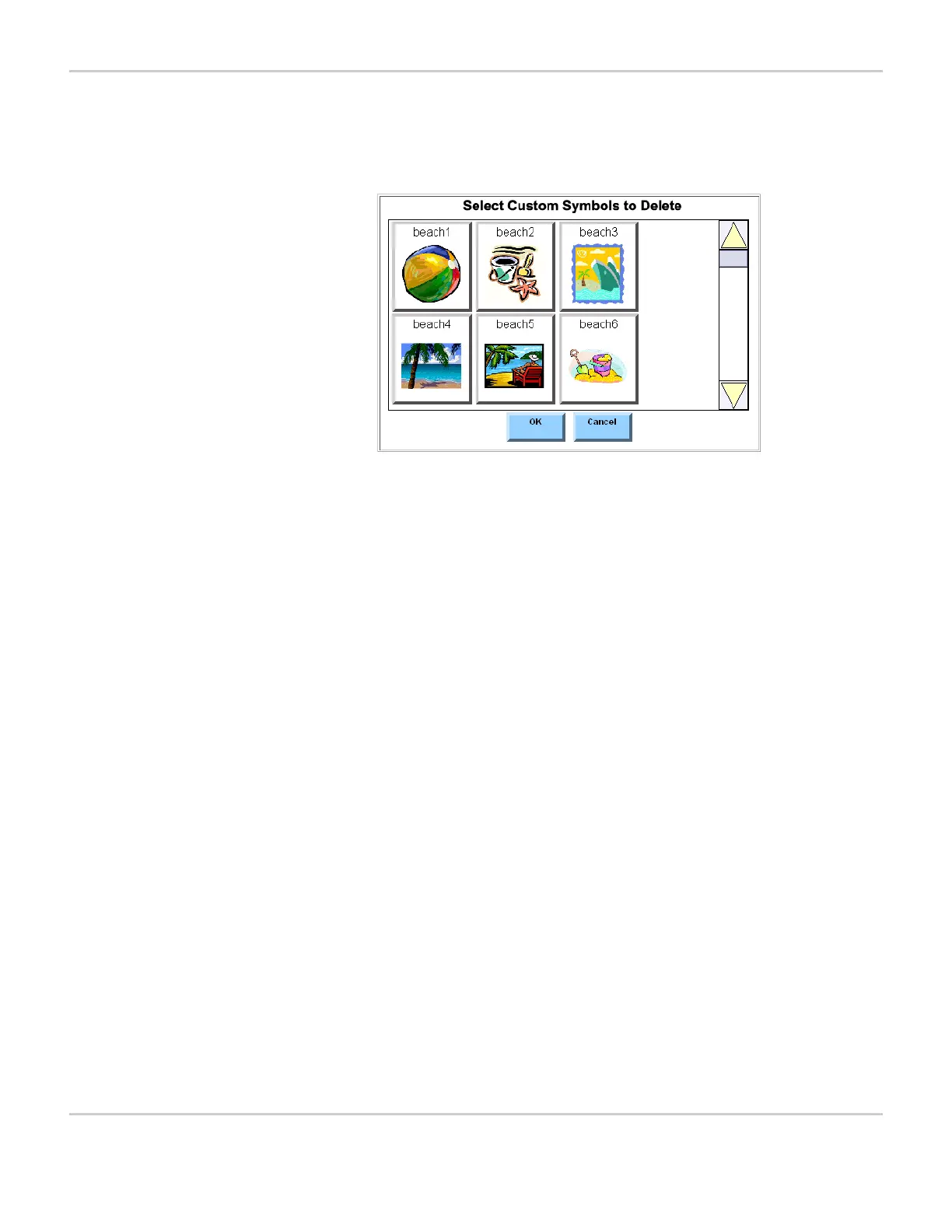
SELECT CUSTOM SYMBOLS TO DELETE MENU
a. Select each symbol that you want to delete. You may have to
use the scroll bar on the left to view all of the symbols in the
viewport.
b. Select the OK button to continue.
c. You will be asked to confirm that you want to delete the selected
sounds. Select Yes to continue. If you select the Cancel button,
system maintenance will continue, but no symbols will be
deleted.
7. The next window will ask if you want to restart the software to clean
up your memory. Select Yes to continue.
Restarting the software will take a few minutes. The touch screen
will go dark and then a splash screen will be presented as the
device restarts automatically. Do not select the power button or the
touch screen until the reset is complete. When the reset is
complete, you will be returned to the page that was open when you
started the system maintenance.


 To Next Page